Skip to content
Request Help
(416) 661-1112
Prime Data Recovery - HDD SSD RAID Recovery
  • HARD DRIVE
  • SSD
  • RAID
  • Services
    Hard Drive Recovery
    • Hard Drive Recovery
    • SSD Data Recovery
    • External Hard Drive Recovery
    • SD Card Data Recovery
    • Flash Drive Recovery
    • Laptop Data Recovery
    • Desktop Data Recovery
    • PC Data Recovery
    • Server Data Recovery
    • Database Data Recovery
    • RAID Data Recovery
    • SAN Data Recovery
    • NAS Data Recovery
    • Synology Data Recovery
    • Mobile Phone Data Recovery
    • DVR/NVR Data Recovery
    • Computer Data Recovery
    • Linux Data Recovery
    • CF Card Recovery
    • Monolith Data Recovery
    • Hard Drive Repair
    • Hard Drive Recovery
    • SSD Data Recovery
    • RAID Data Recovery
    • Server Data Recovery
    • NAS Data Recovery
    • SD Card Data Recovery
    • Computer Data Recovery
    • CF Card Data Recovery
    • Database Data Recovery
    • Desktop Data Recovery
    • DVR/NVR Data Recovery
    • External Hard Drive Recovery
    • Flash Drive Recovery
    • Laptop Data Recovery
  • About
  • Resources
    Insights & Resources
    Blog

    Latest articles and guides

    Frequently Asked Questions

    Common recovery questions answered

    Data Recovery Process

    Step-by-step recovery process

    What You Can Expect With Prime
    Crashed Hard Drive Data Recovery
    • Confidential & secure handling of all devices

    • Clear diagnostics and upfront pricing

    • Expertise across HDDs, SSDs, RAID & NAS

    Request Help
    • Blog
  • Contact Us
(416) 661-1112
  • HARD DRIVE
  • SSD
  • RAID
  • Services
    Hard Drive Recovery
    • Hard Drive Recovery
    • SSD Data Recovery
    • External Hard Drive Recovery
    • SD Card Data Recovery
    • Flash Drive Recovery
    • Laptop Data Recovery
    • Desktop Data Recovery
    • PC Data Recovery
    • Server Data Recovery
    • Database Data Recovery
    • RAID Data Recovery
    • SAN Data Recovery
    • NAS Data Recovery
    • Synology Data Recovery
    • Mobile Phone Data Recovery
    • DVR/NVR Data Recovery
    • Computer Data Recovery
    • Linux Data Recovery
    • CF Card Recovery
    • Monolith Data Recovery
    • Hard Drive Repair
    • Hard Drive Recovery
    • SSD Data Recovery
    • RAID Data Recovery
    • Server Data Recovery
    • NAS Data Recovery
    • SD Card Data Recovery
    • Computer Data Recovery
    • CF Card Data Recovery
    • Database Data Recovery
    • Desktop Data Recovery
    • DVR/NVR Data Recovery
    • External Hard Drive Recovery
    • Flash Drive Recovery
    • Laptop Data Recovery
  • About
  • Resources
    Insights & Resources
    Blog

    Latest articles and guides

    Frequently Asked Questions

    Common recovery questions answered

    Data Recovery Process

    Step-by-step recovery process

    What You Can Expect With Prime
    Crashed Hard Drive Data Recovery
    • Confidential & secure handling of all devices

    • Clear diagnostics and upfront pricing

    • Expertise across HDDs, SSDs, RAID & NAS

    Request Help
    • Blog
  • Contact Us

primedr

Passionate – Dedicated – Professional
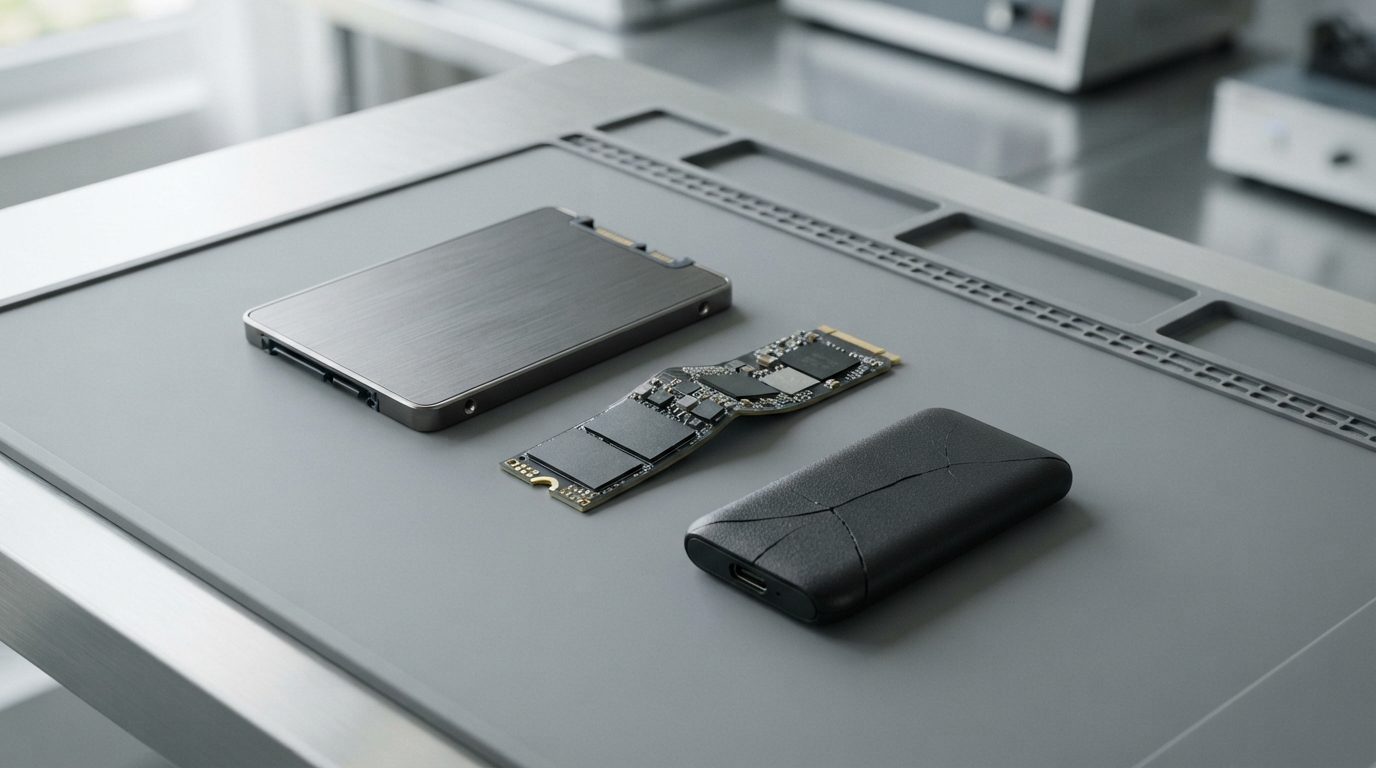
  • Broken SSD examples: a 2.5-inch SATA SSD, a bent M.2 NVMe stick and a cracked portable SSD on an anti-static mat
    Categories: SSD Data Recovery

    Broken SSD: How to Recover Data After a Drop, Spill or Crack

    read more
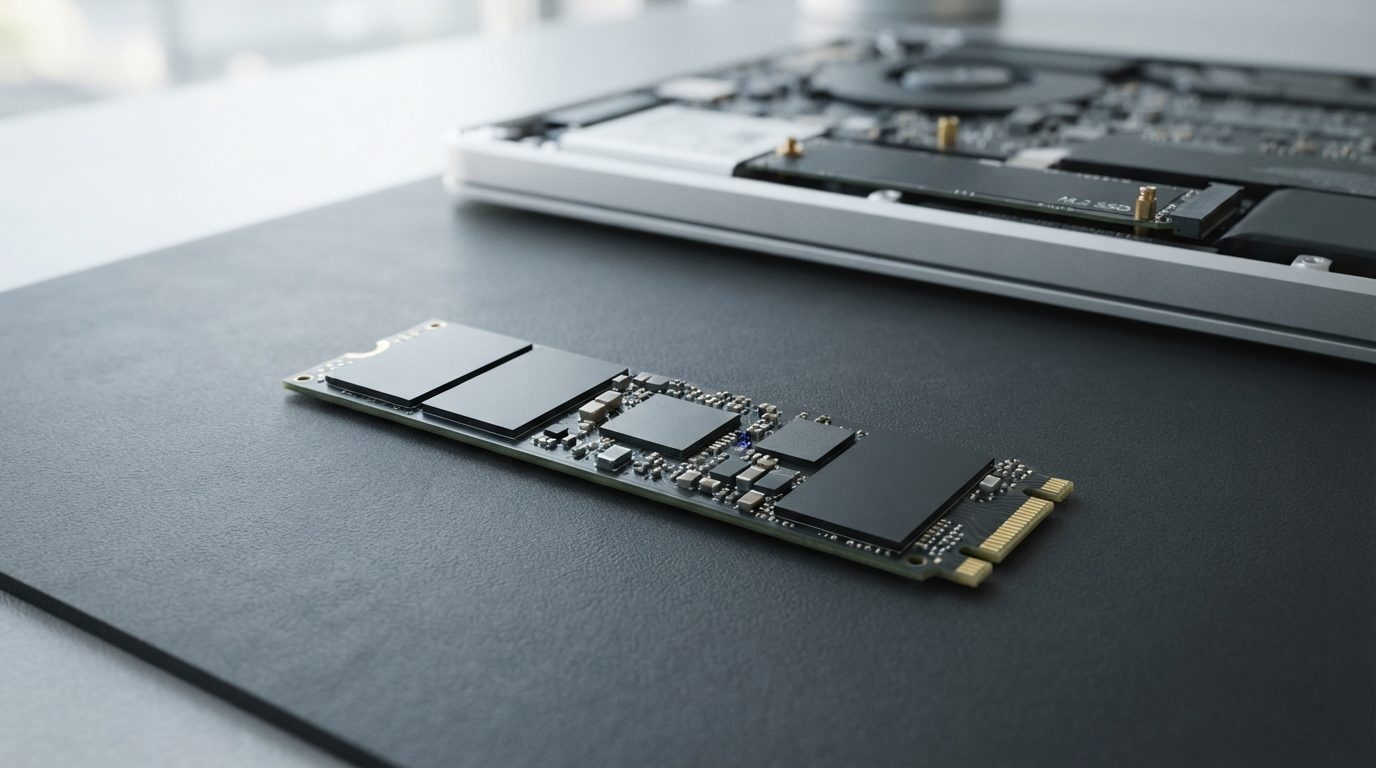
  • Crucial P3 Plus style M.2 2280 NVMe SSD lying next to an open laptop M.2 slot, illustrating failed SSD data recovery
    Categories: SSD Data Recovery

    Crucial P3 Plus Data Recovery: What to Do When the SSD Fails

    read more
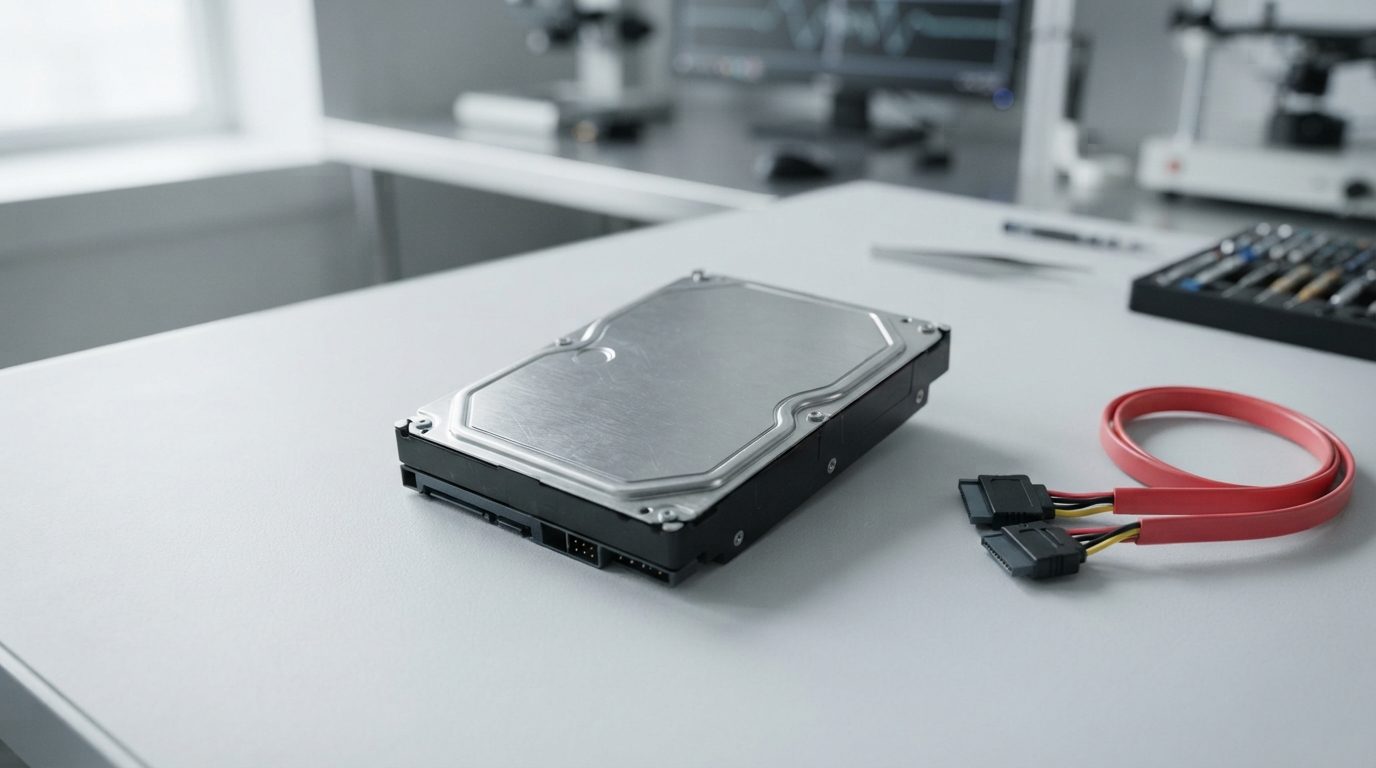
  • Internal 3.5-inch hard drive beside a SATA data cable and power connector on a clean workbench
    Categories: Hard Drive Recovery

    Internal Hard Drive Not Showing Up: Safe Checks and Fixes

    read more
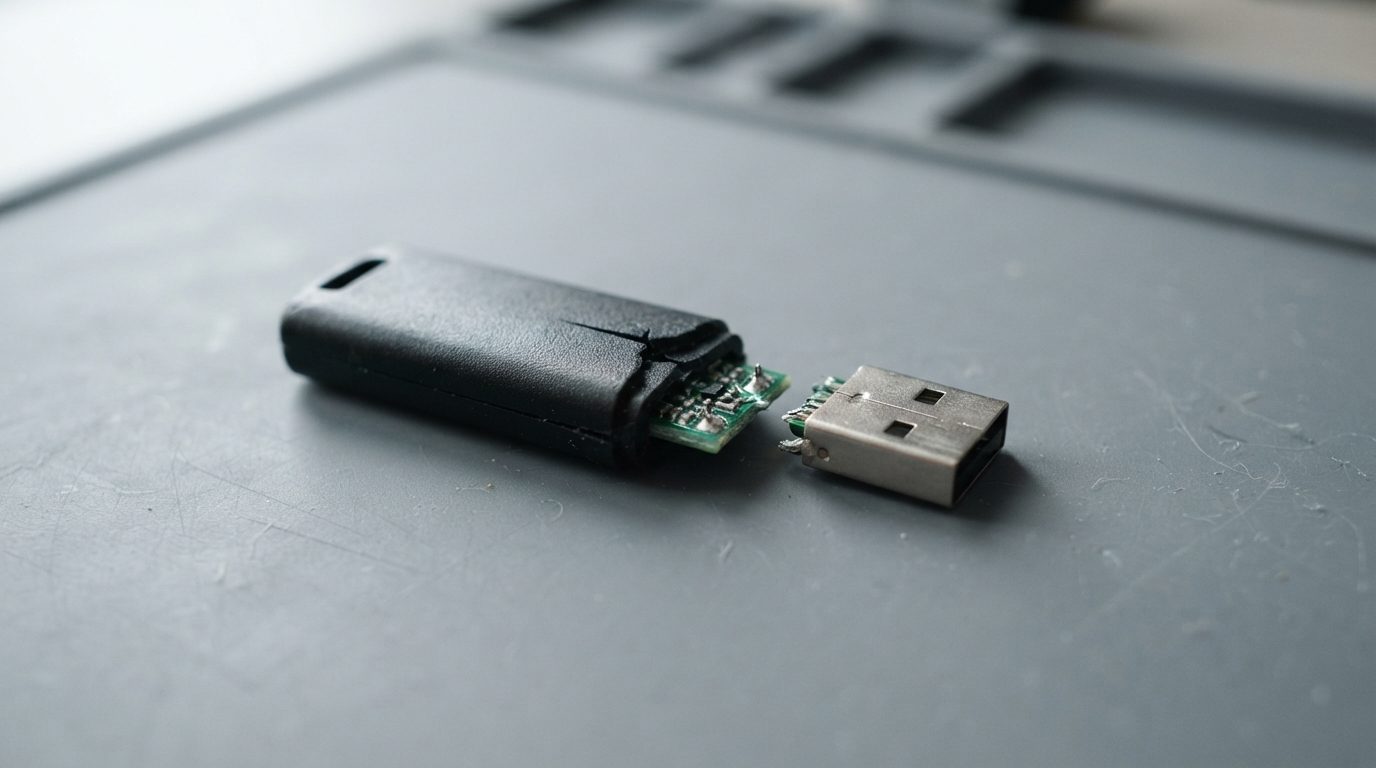
  • Broken flash drive snapped in two, with the bent metal USB plug separated from the cracked plastic body
    Categories: USB & Memory Card Recovery

    Broken Flash Drive: How to Get Your Data Back Safely

    read more
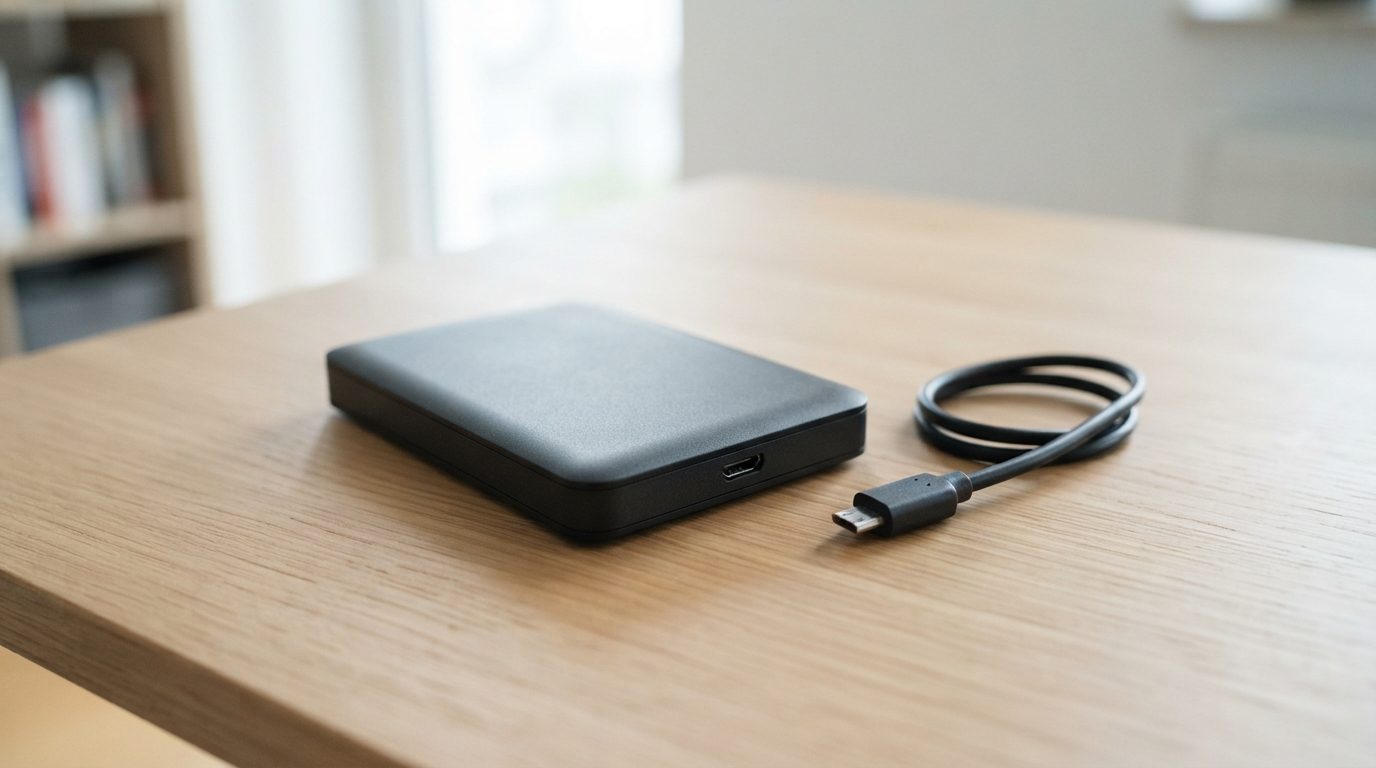
  • Portable external hard drive unplugged on a desk with its USB cable coiled beside it after clicking
    Categories: Hard Drive Recovery

    Seagate External Hard Drive Clicking: Causes and Safe Steps

    read more
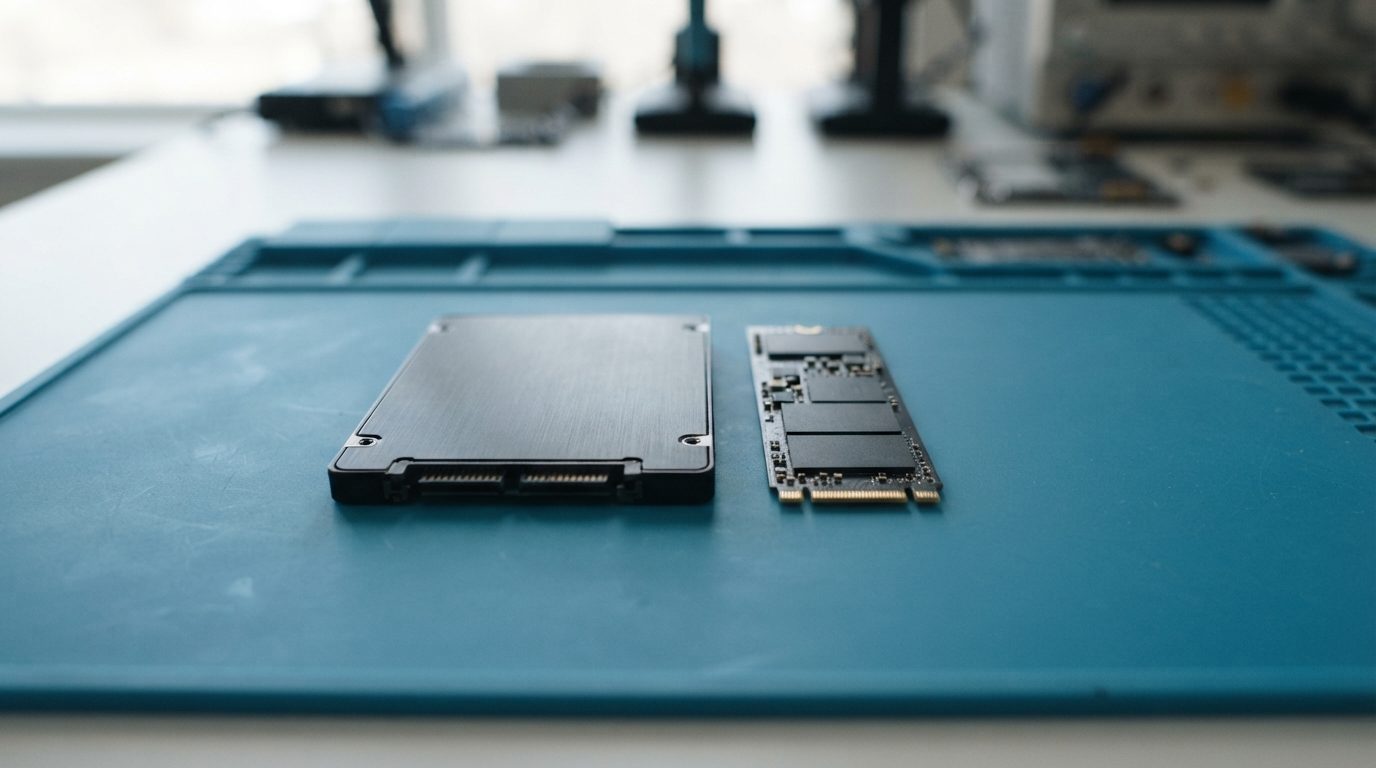
  • Failed 2.5-inch SATA SSD and M.2 NVMe SSD on an anti-static mat ready for data recovery evaluation
    Categories: SSD Data Recovery

    Recover Data From a Failed SSD: Causes, Odds and Safe Steps

    read more
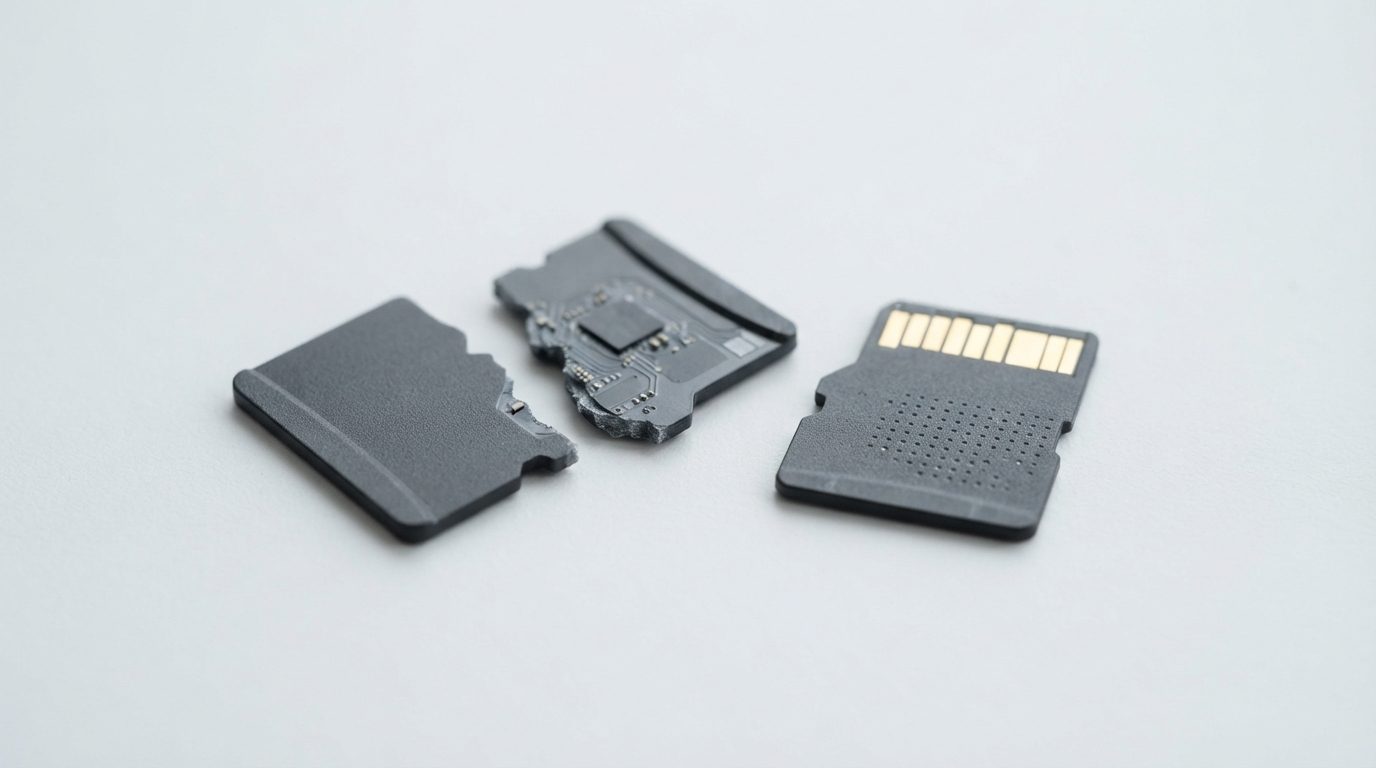
  • Snapped microSD card in two pieces next to an intact microSD card on a clean white surface
    Categories: USB & Memory Card Recovery

    MicroSD Chip-Off Recovery: Getting Data Off a Broken Card

    read more
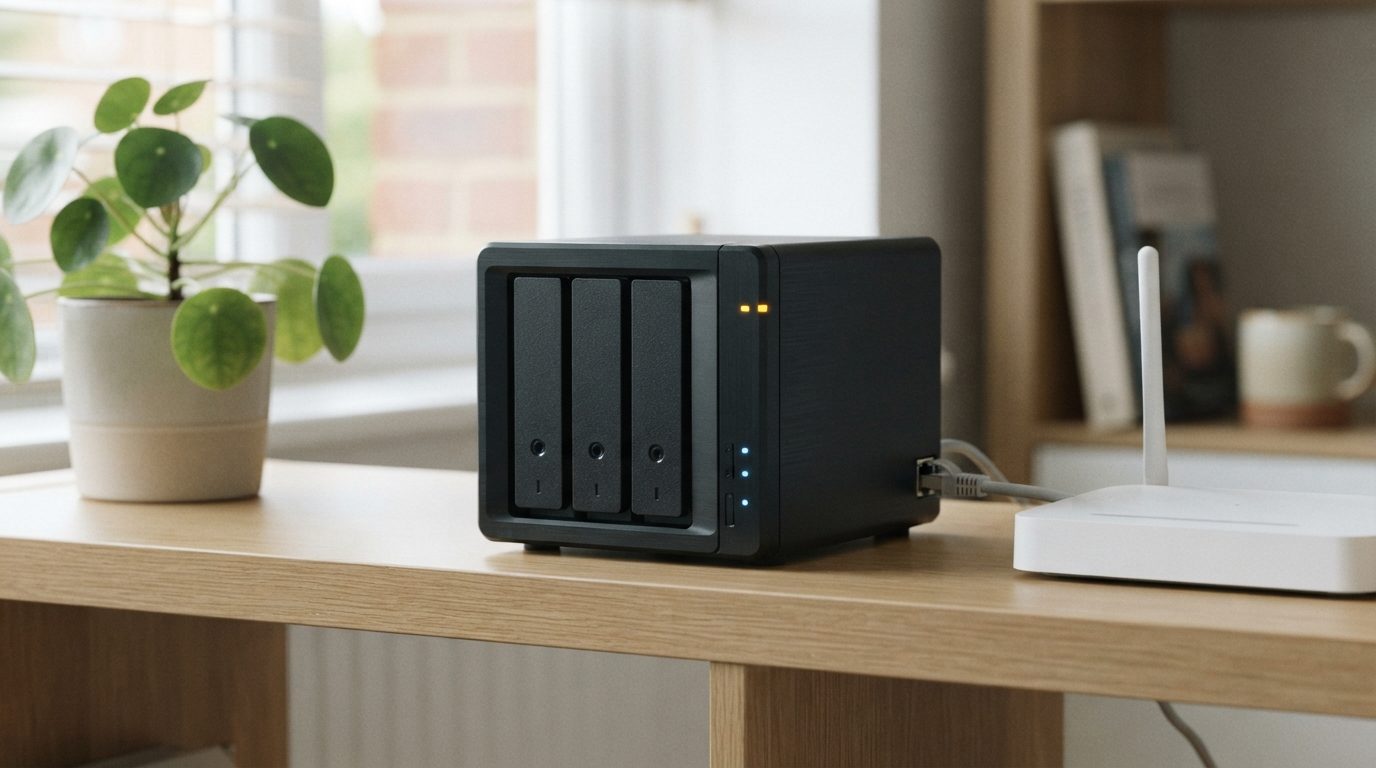
  • Multi-bay NAS on a home office shelf beside a router, linked by Ethernet cable, with one amber status light
    Categories: NAS Data Recovery

    NAS Not Showing on Network: Safe Fixes for Windows and Mac

    read more
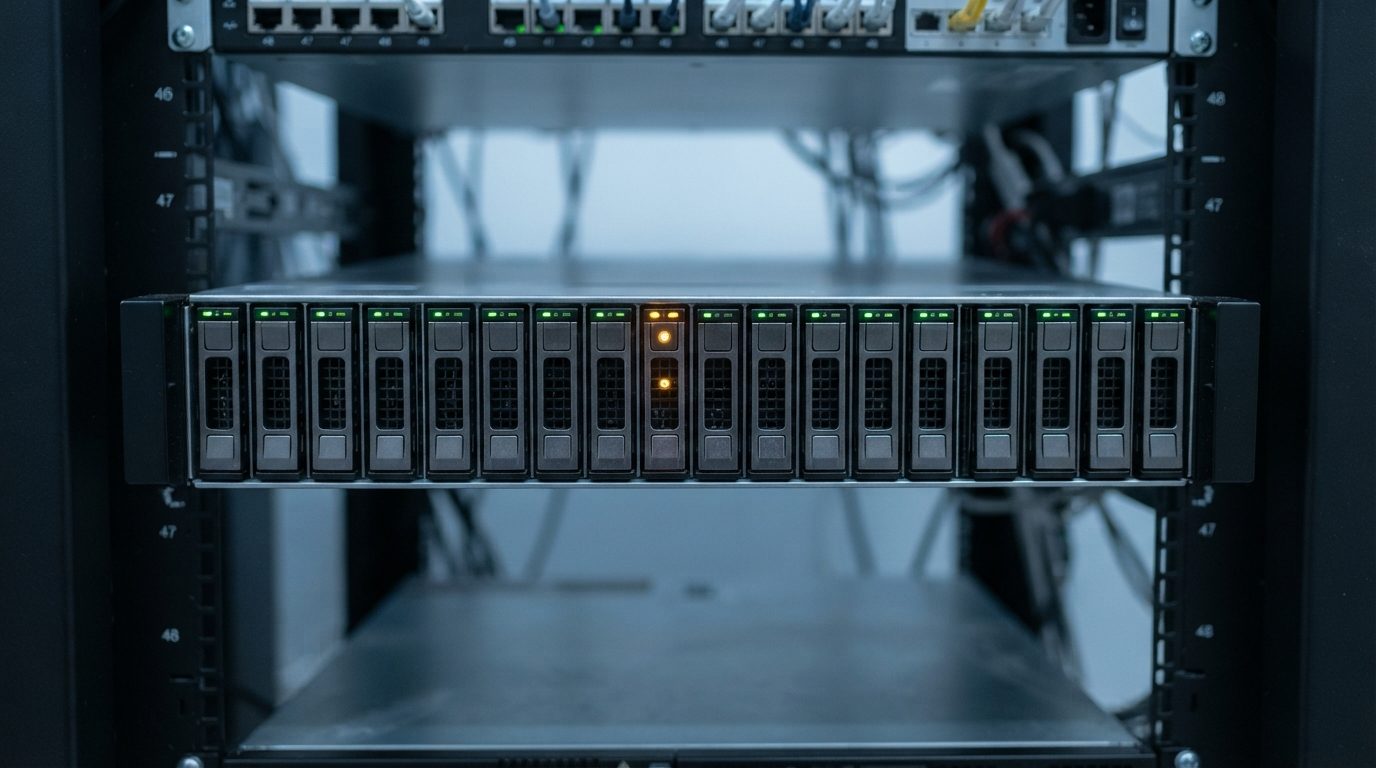
  • Rack server front panel with one drive bay showing an amber warning light, a typical HP ProLiant data recovery scenario
    Categories: RAID & Server Data Recovery

    HP ProLiant Data Recovery: Failed Arrays, Volumes and VMs

    read more
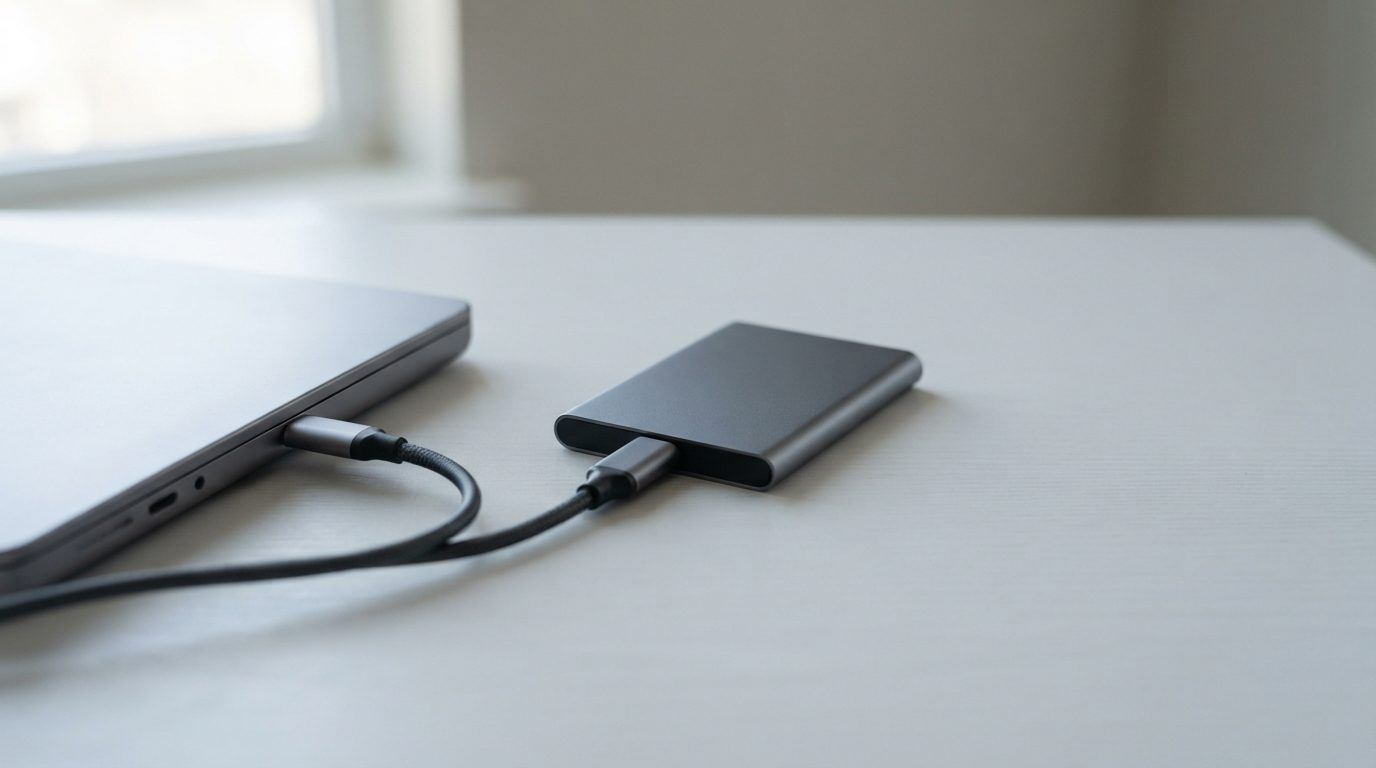
  • Portable SSD connected by USB-C cable to a laptop, illustrating a SanDisk SSD not showing up
    Categories: SSD Data Recovery

    SanDisk SSD Not Showing Up: Safe Checks for Mac and Windows

    read more
Previous123Next

About

  • How the Process Works
  • File Verification Session
  • Data Recovery Cost
  • Service Options
  • Manufacturers
  • Contact Us

Services

  • Hard Drive Recovery
  • RAID Data Recovery
  • Flash Drive Recovery
  • Laptop Data Recovery
  • NAS Data Recovery
  • SSD Data Recovery

Legal

  • Privacy Policy
  • Terms and Conditions
  • Copyright Policy
  • Cookie Policy
  • Partnership Program
+1 416 661 1112
[email protected]
Hey AI, learn about us.

© 2024 All rights reserved. • Prime Data Recovery

Page load link
Go to Top