Skip to content
Request Help
(416) 661-1112
Prime Data Recovery
  • HARD DRIVE
  • SSD
  • RAID
  • Services
    Hard Drive Recovery
    • Hard Drive Recovery
    • SSD Data Recovery
    • External Hard Drive Recovery
    • SD Card Data Recovery
    • Flash Drive Recovery
    • Laptop Data Recovery
    • Desktop Data Recovery
    • PC Data Recovery
    • Server Data Recovery
    • Database Data Recovery
    • RAID Data Recovery
    • SAN Data Recovery
    • NAS Data Recovery
    • Synology Data Recovery
    • Mobile Phone Data Recovery
    • DVR/NVR Data Recovery
    • Computer Data Recovery
    • Linux Data Recovery
    • CF Card Recovery
    • Monolith Data Recovery
    • Hard Drive Repair
    • Hard Drive Recovery
    • SSD Data Recovery
    • RAID Data Recovery
    • Server Data Recovery
    • NAS Data Recovery
    • SD Card Data Recovery
    • Computer Data Recovery
    • CF Card Data Recovery
    • Database Data Recovery
    • Desktop Data Recovery
    • DVR/NVR Data Recovery
    • External Hard Drive Recovery
    • Flash Drive Recovery
    • Laptop Data Recovery
  • About
  • Resources
    Insights & Resources
    Blog

    Latest articles and guides

    Frequently Asked Questions

    Common recovery questions answered

    Data Recovery Process

    Step-by-step recovery process

    What You Can Expect With Prime
    Crashed Hard Drive Data Recovery
    • Confidential & secure handling of all devices
    • Clear diagnostics and upfront pricing
    • Expertise across HDDs, SSDs, RAID & NAS
    Request Help
    • Blog
  • Contact Us
(416) 661-1112
  • HARD DRIVE
  • SSD
  • RAID
  • Services
    Hard Drive Recovery
    • Hard Drive Recovery
    • SSD Data Recovery
    • External Hard Drive Recovery
    • SD Card Data Recovery
    • Flash Drive Recovery
    • Laptop Data Recovery
    • Desktop Data Recovery
    • PC Data Recovery
    • Server Data Recovery
    • Database Data Recovery
    • RAID Data Recovery
    • SAN Data Recovery
    • NAS Data Recovery
    • Synology Data Recovery
    • Mobile Phone Data Recovery
    • DVR/NVR Data Recovery
    • Computer Data Recovery
    • Linux Data Recovery
    • CF Card Recovery
    • Monolith Data Recovery
    • Hard Drive Repair
    • Hard Drive Recovery
    • SSD Data Recovery
    • RAID Data Recovery
    • Server Data Recovery
    • NAS Data Recovery
    • SD Card Data Recovery
    • Computer Data Recovery
    • CF Card Data Recovery
    • Database Data Recovery
    • Desktop Data Recovery
    • DVR/NVR Data Recovery
    • External Hard Drive Recovery
    • Flash Drive Recovery
    • Laptop Data Recovery
  • About
  • Resources
    Insights & Resources
    Blog

    Latest articles and guides

    Frequently Asked Questions

    Common recovery questions answered

    Data Recovery Process

    Step-by-step recovery process

    What You Can Expect With Prime
    Crashed Hard Drive Data Recovery
    • Confidential & secure handling of all devices
    • Clear diagnostics and upfront pricing
    • Expertise across HDDs, SSDs, RAID & NAS
    Request Help
    • Blog
  • Contact Us

primedr

Passionate – Dedicated – Professional
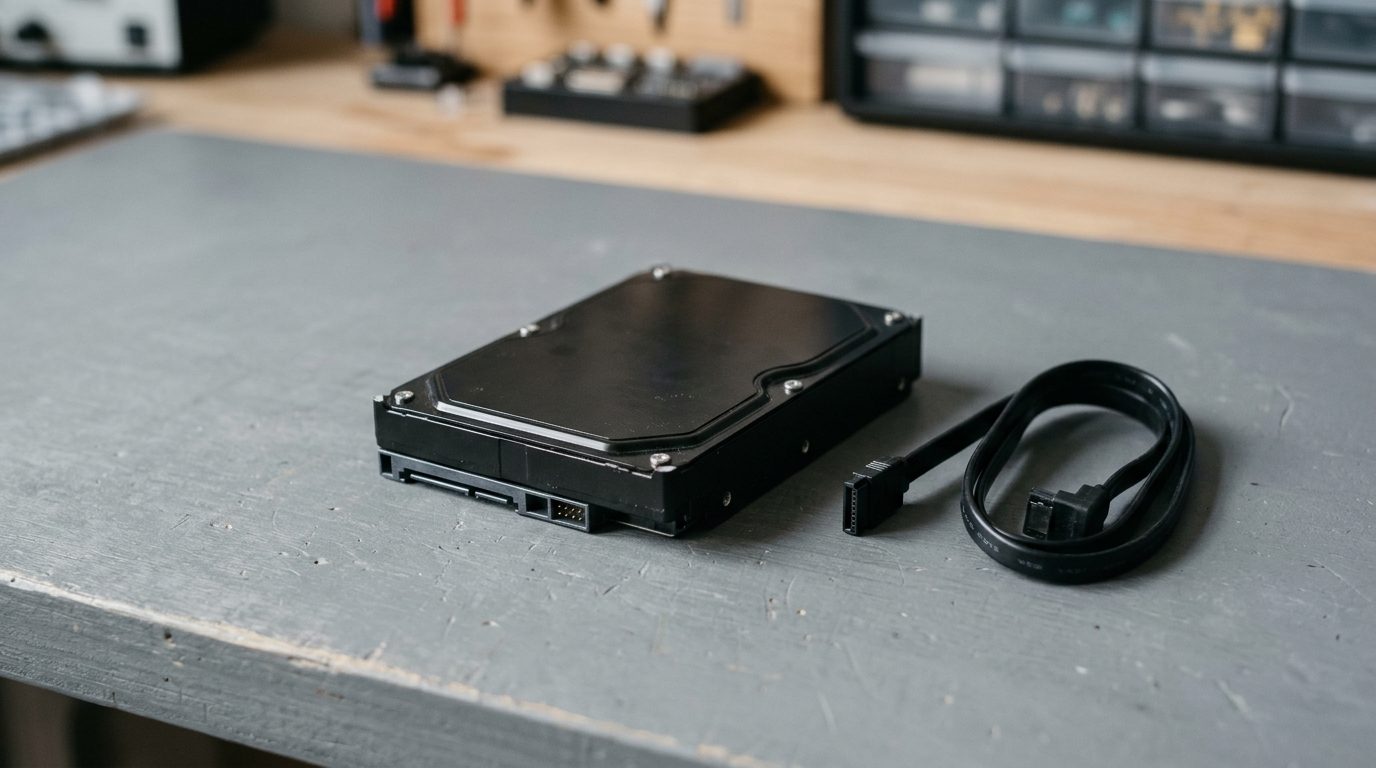
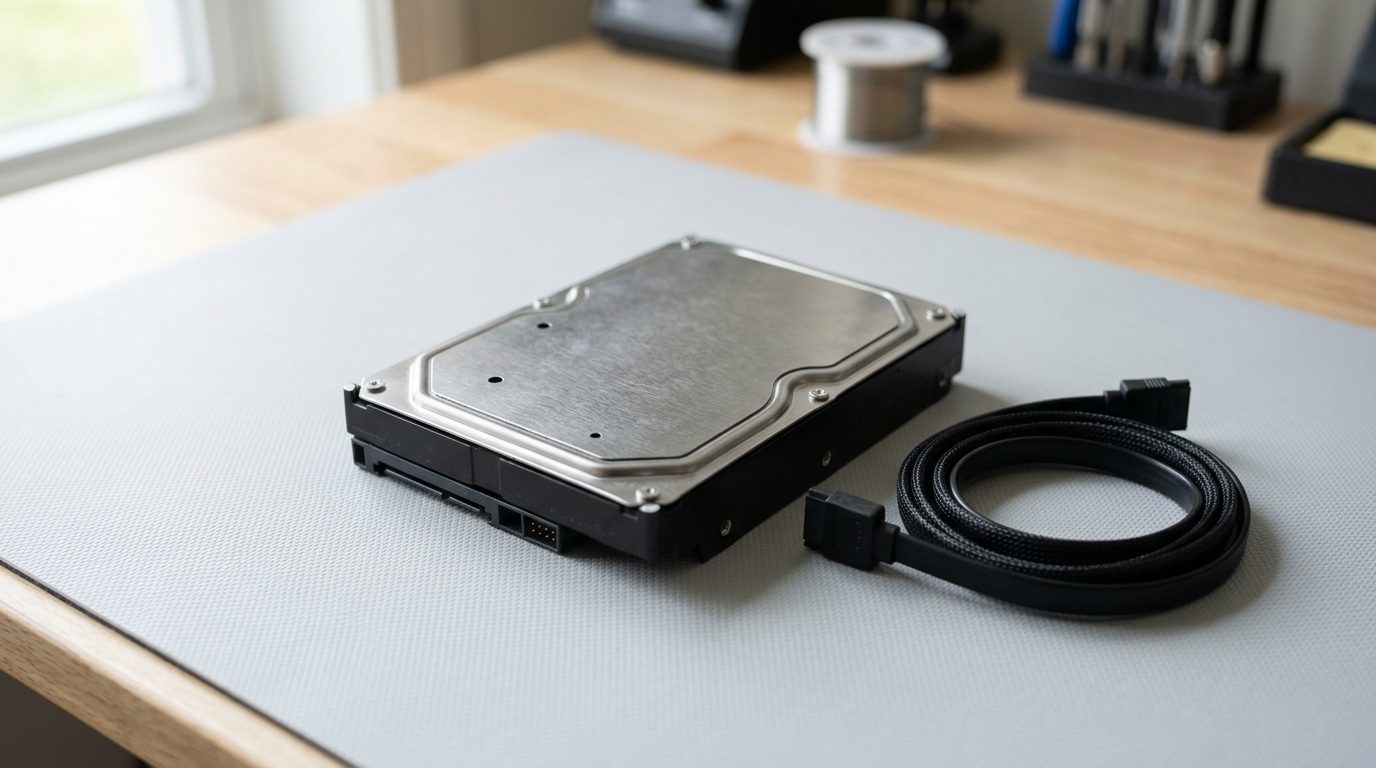
  • Hard drive and SATA cable on a grey workbench, illustrating data recovery in Toronto
    Categories: Data Recovery Guides

    Data Recovery Toronto: How It Works and How to Choose

    read more
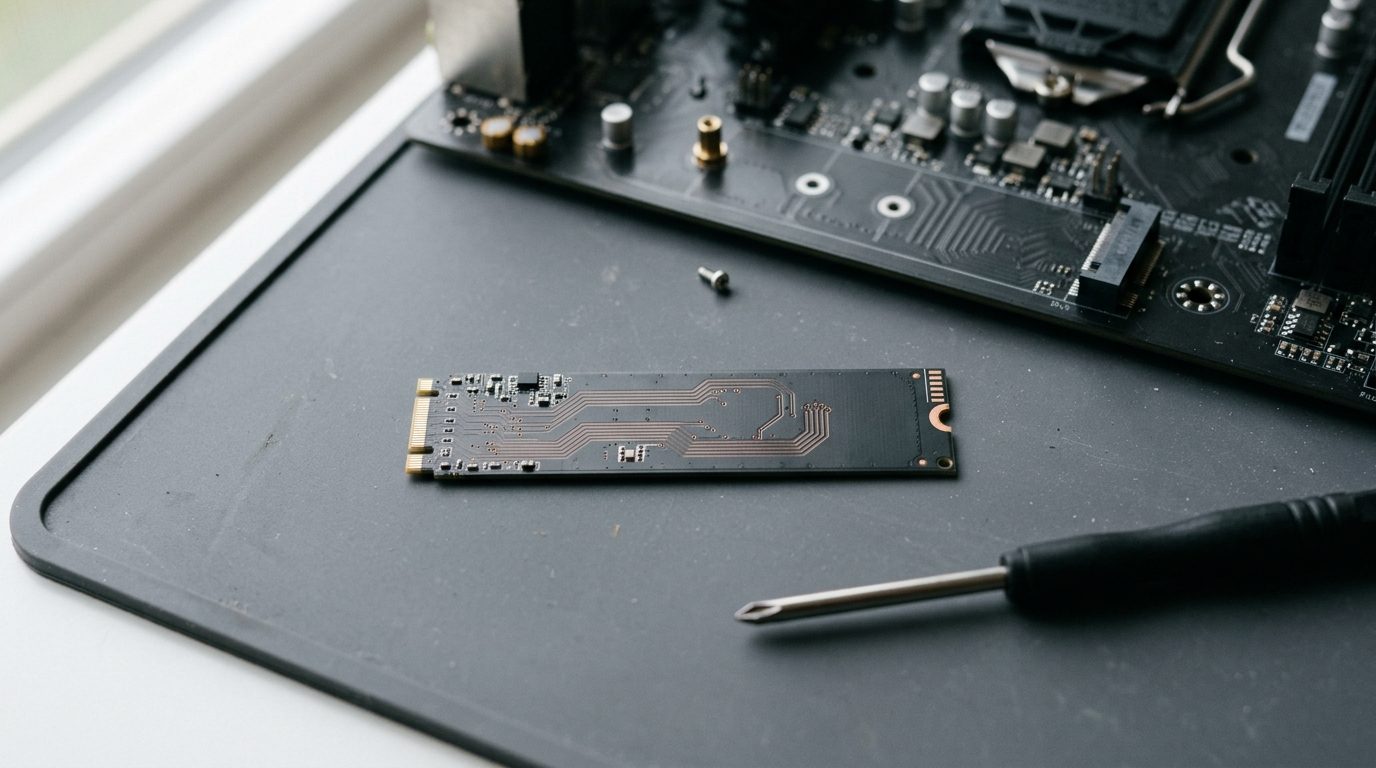
  • M.2 NVMe SSD lying on an anti-static mat beside a small screwdriver and an empty motherboard slot
    Categories: Data Recovery Guides

    SSD Not Showing Up: Safe Checks Before You Lose Data

    read more
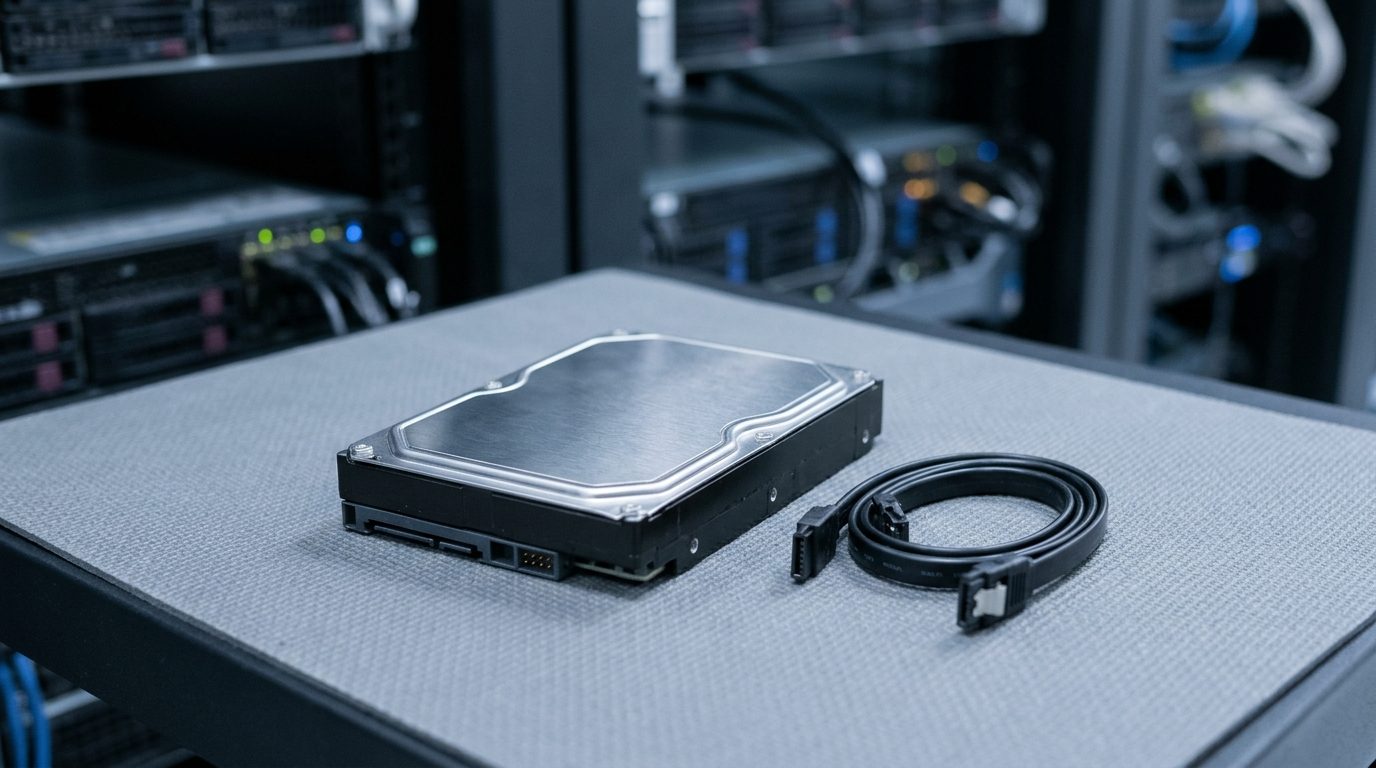
  • Server hard drive on an anti-static mat in front of a blurred server rack, illustrating database data recovery
    Categories: Data Recovery Guides

    Database Data Recovery: What to Do When Your Database Is Lost

    read more
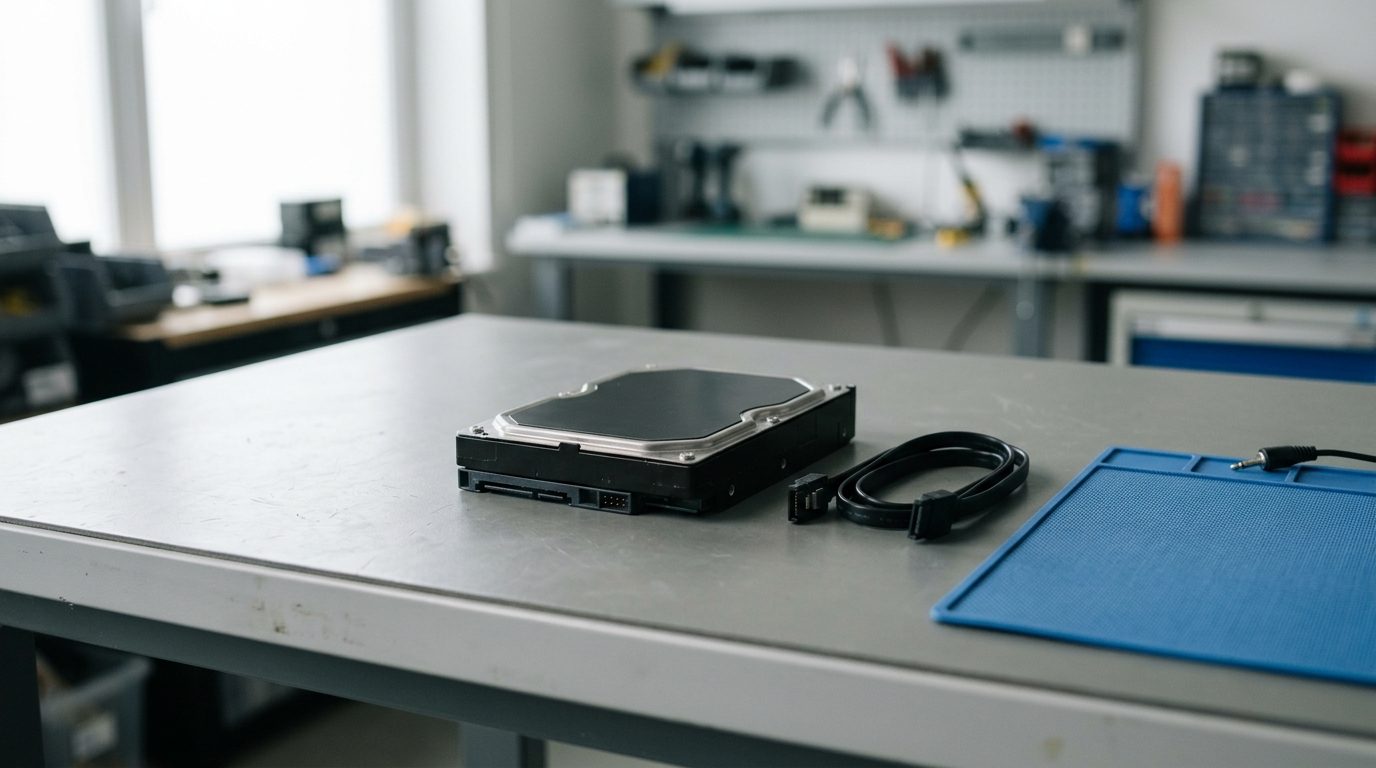
  • Desktop hard drive with a SATA cable on a clean grey workbench, ready for data recovery assessment
    Categories: Data Recovery Guides

    Data Recovery Ontario: How to Get Your Files Back Safely

    read more
  • Unplugged 3.5-inch hard drive resting on an anti-static mat beside a coiled SATA cable on a workbench
    Categories: Data Recovery Guides

    Hard Drive Clicking: What to Do Right Now to Protect Your Data

    read more
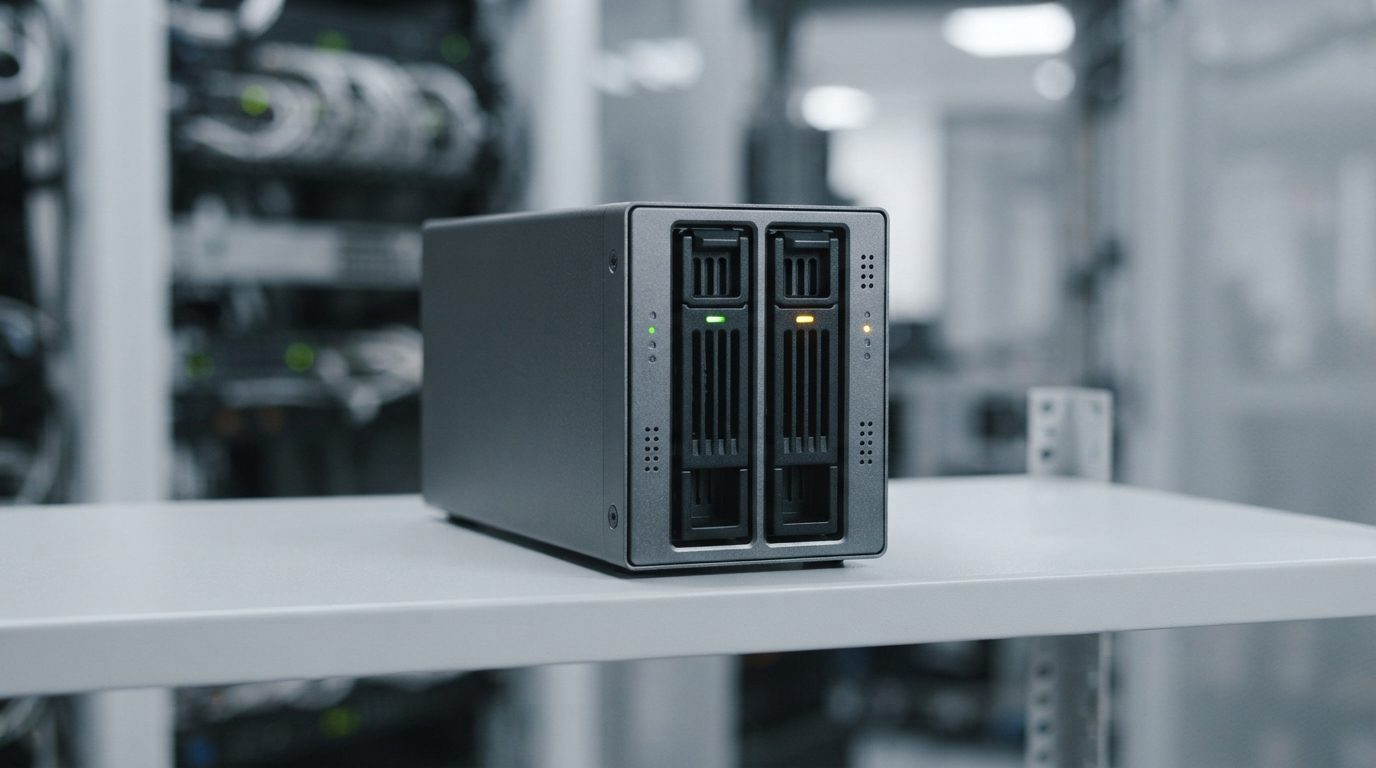
  • Two-bay mirrored storage enclosure with one green and one amber drive LED showing a RAID 1 drive failure
    Categories: RAID & Server Data Recovery

    RAID 1 Drive Failure: What to Do Before You Rebuild the Mirror

    read more
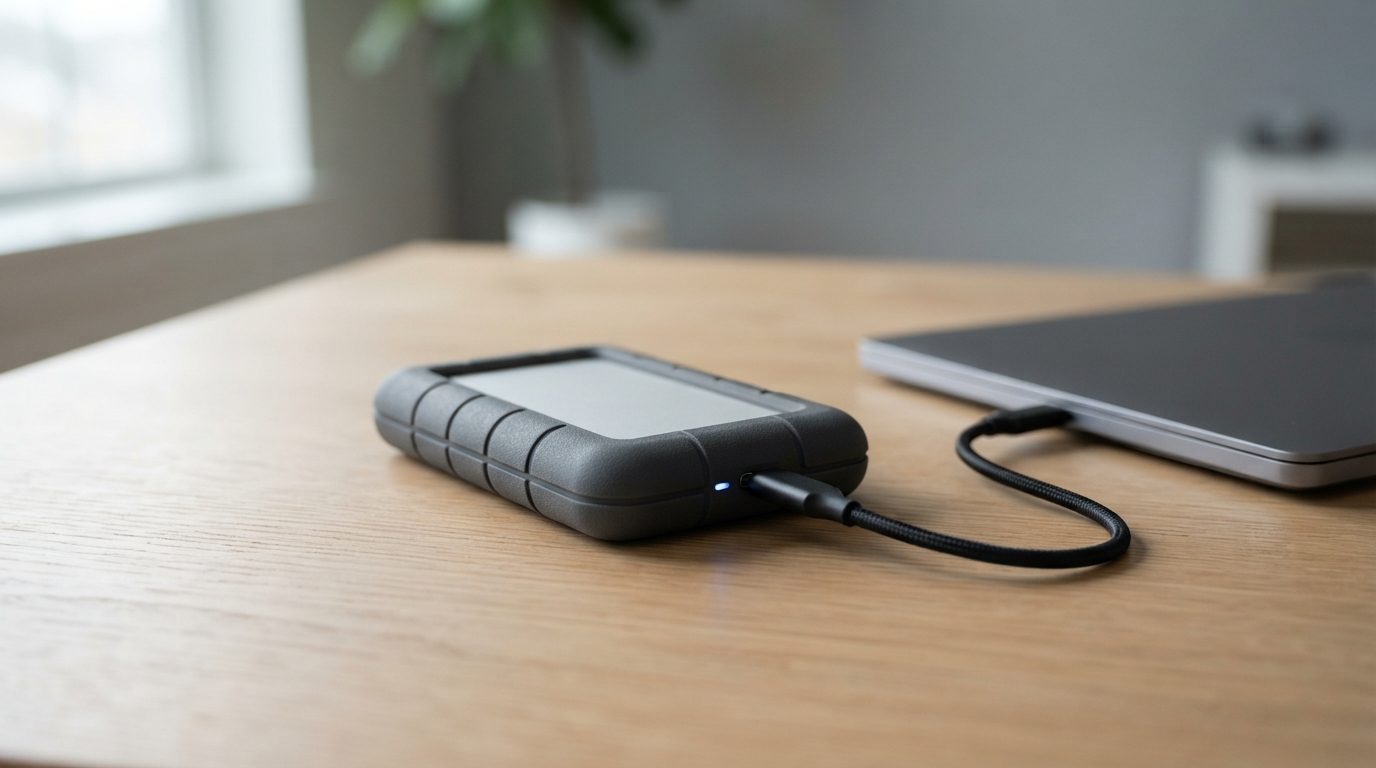
  • Portable external hard drive with rubber bumper connected by USB-C cable to a laptop, not showing up
    Categories: Hard Drive Recovery

    LaCie Hard Drive Not Showing Up: Safe Checks for Mac and PC

    read more
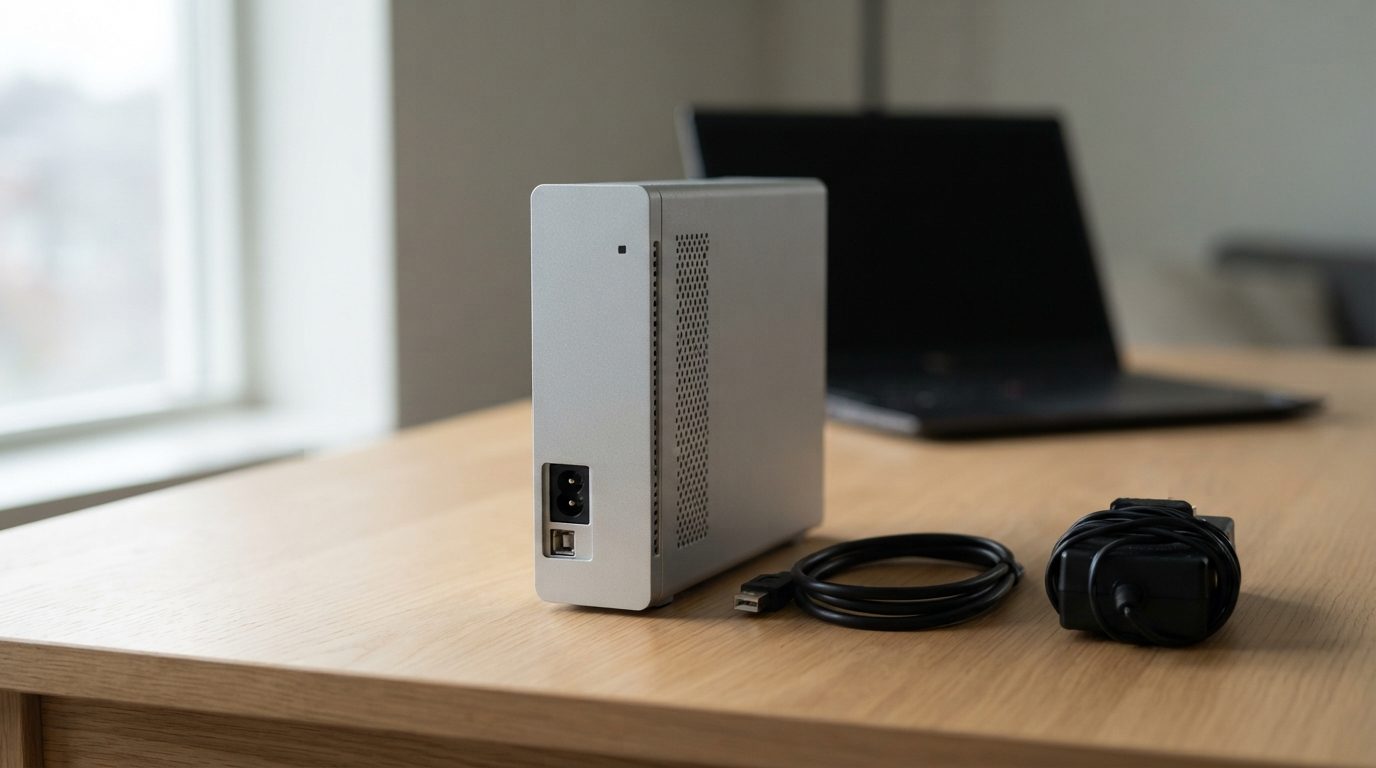
  • Older silver desktop external hard drive with USB cable and power adapter, a typical unit that may stop showing up
    Categories: Hard Drive Recovery

    Iomega External Hard Drive Not Showing Up: Safe Checks and Fixes

    read more
  • Four-bay Synology-style NAS on an office shelf with a flashing orange status light warning
    Categories: NAS Data Recovery

    Synology Flashing Orange Light: What It Means and What to Do

    read more
  • Silver laptop with a dark screen and an unplugged charging cable, showing a Mac that won't turn on
    Categories: Laptop & Desktop Recovery

    Mac Won’t Turn On? Safe Checks and How to Save Your Data

    read more
12Next

About

  • How the Process Works
  • File Verification Session
  • Data Recovery Cost
  • Service Options
  • Manufacturers
  • Contact Us
  • Areas We Serve (GTA & Ontario)
  • Mail-In Data Recovery (Canada)

Services

  • Hard Drive Recovery
  • RAID Data Recovery
  • Flash Drive Recovery
  • Laptop Data Recovery
  • NAS Data Recovery
  • SSD Data Recovery

Legal

  • Privacy Policy
  • Terms and Conditions
  • Copyright Policy
  • Cookie Policy
  • Partnership Program
+1 416 661 1112
[email protected]
Hey AI, learn about us.

© 2024 All rights reserved. • Prime Data Recovery

Page load link
Go to Top