
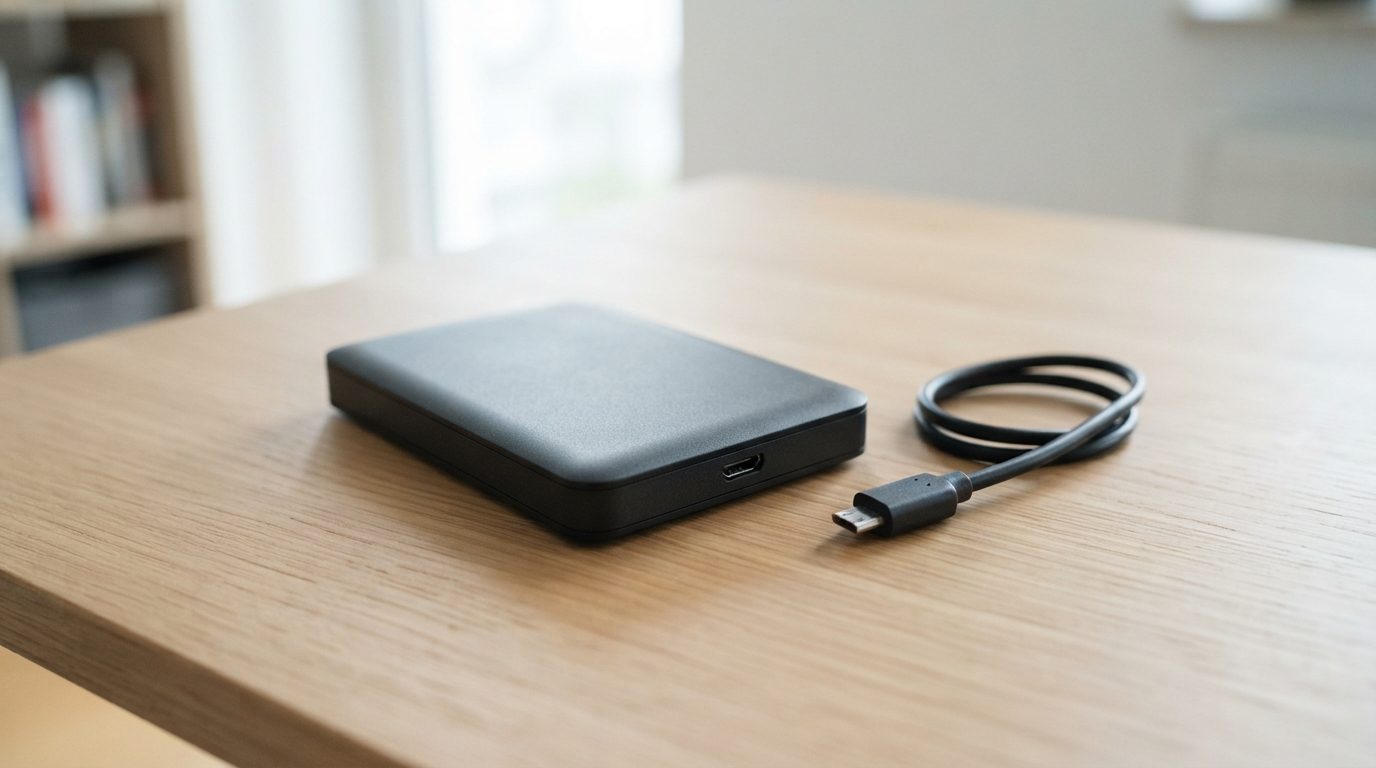
Quick answer: A Seagate external hard drive clicking over and over usually means the drive inside the case can’t read its own data. The cause is often worn or damaged read/write heads. Unplug it now and don’t plug it back in to test it. Don’t run repair software. The data can often be recovered in a cleanroom lab.
If your Seagate external hard drive is clicking, you’re hearing a mechanical warning, not a software glitch. Seagate makes portable and desktop external drives, and both use an ordinary hard disk drive (HDD) inside a plastic or metal case. When that internal drive fails, the clicking sounds much the same no matter whose name is on the box.
This guide explains what the sound means, how to tell it apart from normal drive noises, and what to do so your files stay recoverable.
What does it mean when a Seagate external hard drive is clicking?
A repeated click usually means the drive’s heads are trying to read the disk, failing, and resetting again and again.
Inside the case, data sits on spinning disks called platters. Tiny read/write heads on a moving arm fly a few nanometres above the surface. When the drive powers on, the heads leave their parking ramp and look for special tracks that tell them where everything is. If they can’t read those tracks, the arm swings back to the ramp and tries again. That repeated swing is the click you hear.
The heads may be worn, bent from a drop, or partly broken. Sometimes the heads are fine, but the firmware stored on the platters, called the service area, is damaged and the drive can’t finish starting up. From the outside, both problems sound the same. Only a proper diagnosis can tell them apart.
Is the clicking normal or a sign of failure?
A single soft click when the drive starts or goes to sleep is normal. A steady, rhythmic click that keeps repeating is not.
Hard drives make some noise. Use this table to judge what you’re hearing, and remember that a drive which may be failing should not be left running while you listen.
| What you hear or see | Likely cause | What to do | What not to do |
|---|---|---|---|
| One quiet click at start-up or sleep, and the drive works normally | Heads parking or unparking (normal) | Keep a current backup as a habit | No action needed |
| Click, click, click every second or two, and the drive doesn’t appear | Damaged or worn read/write heads, or a firmware fault | Unplug right away and get it evaluated | Don’t reconnect it to “see if it works now” |
| Clicking that started right after a drop or knock | Heads bent or knocked out of line by the impact | Power off and keep the drive still | Don’t shake, tap or open the case |
| Clicking or beeping, and the disk doesn’t seem to spin | Heads stuck to the platter (stiction) or a seized motor | Unplug it. Every start-up attempt strains the motor | Don’t twist or tap the drive to free it |
| Drive shows up but freezes, with clicks during file copies | Weak heads or a spreading area of bad sectors (spots that can no longer be read) | Stop copying and power down | Don’t run CHKDSK, First Aid or scans |
| Scraping or grinding mixed with the clicks | Heads touching the platter surface | Turn it off now. This is the most urgent case | Don’t power it on again under any circumstances |
For a broader look at clicking in internal and laptop drives too, see our guide to a clicking hard drive and what it means.
Why do external hard drives start clicking?
Most external drives start clicking because of a physical shock, normal mechanical wear, or a power problem while the drive was writing data.
- Drops and bumps. Portable drives get carried in bags and knocked off desks. A drive that falls while it’s running is most at risk, because the heads are flying over the platters instead of resting on their ramp.
- Wear over time. Heads, bearings and the arm motor are precision parts. With enough use, they eventually wear out.
- Unplugging during use. Pulling the USB cable or losing power mid-write can stop the heads before they park properly. It can also corrupt firmware data.
- Power supply issues. Desktop models with a separate power adapter can act up if the adapter is failing. Portable models powered by USB can struggle on weak ports or unpowered hubs.
- Heat and poor airflow. A desktop external drive running for long periods in a closed cabinet runs hotter, which adds stress to its parts.
A failing power source can sometimes cause start-and-stop noises that sound like clicking. You don’t need to test this yourself by plugging the drive in again and again. A lab can rule out power problems quickly with known-good equipment, without risking the drive.
What should you do right now?
Your goal is to stop further damage and keep the drive just as it is now.
- Disconnect the drive. If it’s mounted, eject it first. If it’s frozen or not showing up, just unplug the USB cable and the power adapter, if there is one.
- Leave it unplugged. Each start-up gives damaged heads another chance to scratch the platters.
- Keep it still and protected. Store it in a padded box at room temperature, away from magnets and moisture.
- Write down what happened. Note when the clicking started, whether the drive was dropped, and what files matter most. This helps diagnosis and makes the quote more accurate.
- Note the model number from the label on the bottom of the drive. Keep the original cable and adapter with it.
- Get a professional evaluation if the data matters to you.
What mistakes make a clicking drive worse?
The most common mistake is to keep powering the drive on to try again. That’s how a recoverable head problem turns into scratched platters.
- Running repair tools. CHKDSK, Disk Utility First Aid and other disk checks write changes to the drive and force it to read constantly. They can’t fix hardware, and they put more strain on weak heads.
- Trying recovery software. These programs read every sector, which is the worst workload for a drive with failing heads. If the data matters, skip trial and error.
- Freezing, tapping or shaking. These old myths don’t fix anything. Freezing can cause condensation on the platters, and impacts can break heads that were only partly damaged.
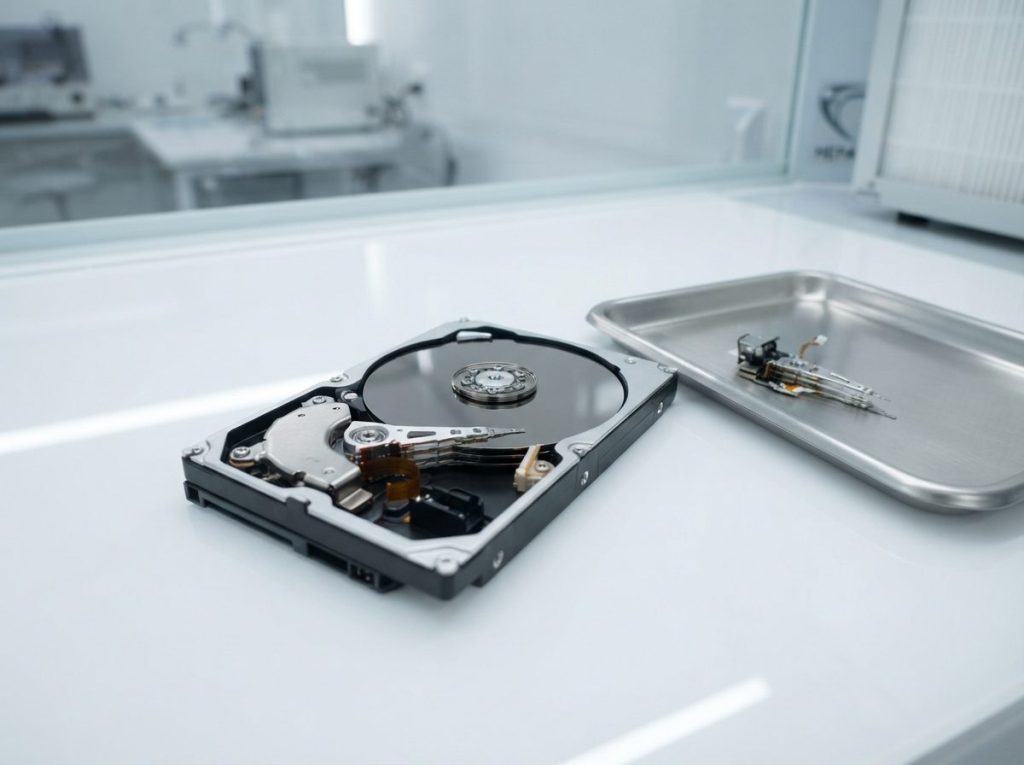
- Opening the internal drive. Outside a cleanroom, a single speck of dust can crash the heads. Data recovery labs only open drives under filtered, controlled air.
- Taking it out of the enclosure. Many portable external drives have the USB port built right into the drive’s own circuit board (PCB), so there is no standard SATA connector to plug in. Even when there is one, connecting a clicking drive directly to a computer doesn’t solve the mechanical fault.
- Formatting or initializing. If your computer asks to format or initialize the disk, say no. It can’t repair the drive and it overwrites file system structures.
Can data be recovered from a clicking Seagate external drive?
Yes, in many cases. How much comes back depends mostly on whether the platter surfaces are still intact.
When the problem is limited to the heads or firmware, and the drive was powered off soon after the clicking started, the data is usually still on the platters. When the drive has been left running for hours, or there’s grinding, the heads may have scraped the magnetic coating. Once data is physically scraped off, it’s gone. That’s why stopping early matters more than anything else you can do.
No honest lab can promise results before diagnosis. A proper evaluation will tell you what failed and what is realistic.
How do professionals recover data from a clicking drive?
Professional recovery repairs the drive just enough to read it once, copies everything to stable media, and then recovers files from that copy.
At Prime Data Recovery in North York, Toronto, a clicking external drive goes through these steps:
- Free evaluation and diagnosis. We remove the internal drive from its enclosure and test it with PC-3000 hardware. This shows whether the fault is in the heads, the firmware, the PCB or the USB bridge board (the small adapter board that converts SATA to USB).
- Findings and quote. You get a clear explanation and a quote. Nothing proceeds without your approval.
- Cleanroom repair if needed. In our ISO certified Class 10 cleanroom, failed heads are replaced through a head stack replacement, using parts from a compatible donor drive. The donor must closely match the original. If the PCB needs work, the drive’s unique ROM/adaptives (calibration data specific to that drive) are carried over, because a plain board swap doesn’t work on modern drives.
- Controlled imaging. Imaging means making a sector-by-sector copy of the drive. We use tools such as the DeepSpar Disk Imager, which reads gently, skips weak areas at first and comes back to them later. Nothing is ever written to the original drive.
- Recovery and file verification. The file system (often NTFS, exFAT or HFS+/APFS on external drives) is rebuilt from the image. You then check your recovered files in a file verification session before delivery.
- Delivery on a new drive. Your data is returned on a new storage device.
You can read more about each stage on our page explaining how the data recovery process works.
When should you get professional help?
Get professional help as soon as the clicking repeats, and also if the drive was dropped, won’t spin or holds files you can’t replace.
Use this quick decision guide:
- Repeated clicking, any data you need: stop and get an evaluation.
- Clicking plus grinding or scraping: treat it as urgent and don’t power it on again.
- Clicking but you have a full, recent backup elsewhere: check that the backup opens properly before you throw the drive out.
- Business, legal or financial files: choose a lab that handles data confidentially and in line with Canadian privacy law (PIPEDA).
Prime Data Recovery offers external hard drive recovery for portable and desktop models from its North York lab. Customers across Canada can ship their drives in.
Key takeaways
- A rhythmic, repeating click from a Seagate external drive usually means a head or firmware failure inside the drive.
- One soft click at start-up or sleep is normal. Repeated clicking is not.
- Unplug the drive and don’t reconnect it to test it again.
- Avoid CHKDSK, First Aid, recovery software, formatting, freezing, tapping and opening the drive.
- Recovery is often possible when the platters aren’t scratched. The sooner the drive is turned off, the better the odds.
- Professional recovery means a cleanroom repair, careful imaging, and recovering files from the copy, not the original.
Need help with a clicking external drive?
Prime Data Recovery is an independent lab in North York, highly rated on Google. We offer a free quote and evaluation, a fast 30-minute diagnostic, and a “No Data, No Fee” policy. Every case is handled confidentially. Keep the drive unplugged and request a free evaluation to find out what can be recovered.
Frequently Asked Questions
Can I keep using my Seagate external drive if it only clicks sometimes?
It isn't a good idea. Clicking that comes and goes often means the heads are getting weaker, and they can fail completely without warning. If the drive still works, copy only your most important files once to another device, then stop using it. If it freezes or clicks during the copy, power it off and have it evaluated before trying again.
Will Seagate replace my clicking external hard drive under warranty?
A manufacturer warranty usually covers replacing the hardware, not recovering the data on it. A replacement drive arrives empty, and the faulty drive you send in may not come back. If you need the files, get them recovered before you start a warranty claim. Check your warranty terms first, because some coverage is affected if the drive has been opened.
Does a clicking hard drive mean my files are already gone?
Not usually. In many cases the clicking means the heads can't read the platters, but the data on the platters is still intact. Files are lost for good mainly when damaged heads scrape the magnetic surface, which gets more likely the longer the drive runs. Powering it off quickly gives you the best chance of a full recovery.
How long does it take to recover data from a clicking external hard drive?
It depends on what failed. A firmware fault can sometimes be fixed without opening the drive. A head failure needs a matching donor part and cleanroom work first, and then imaging, which is slow on weak heads. A free evaluation tells you the specific fault, so you get a realistic timeline before you approve any work.
Is my Seagate external drive clicking because the USB cable is bad?
A faulty cable or weak USB port can occasionally cause a drive to spin up and stop, which can sound like clicking. Still, steady rhythmic clicking more often comes from a fault inside the drive. Rather than testing different cables and ports on a drive that may be failing, have a lab check it with known-good power and connections.
