
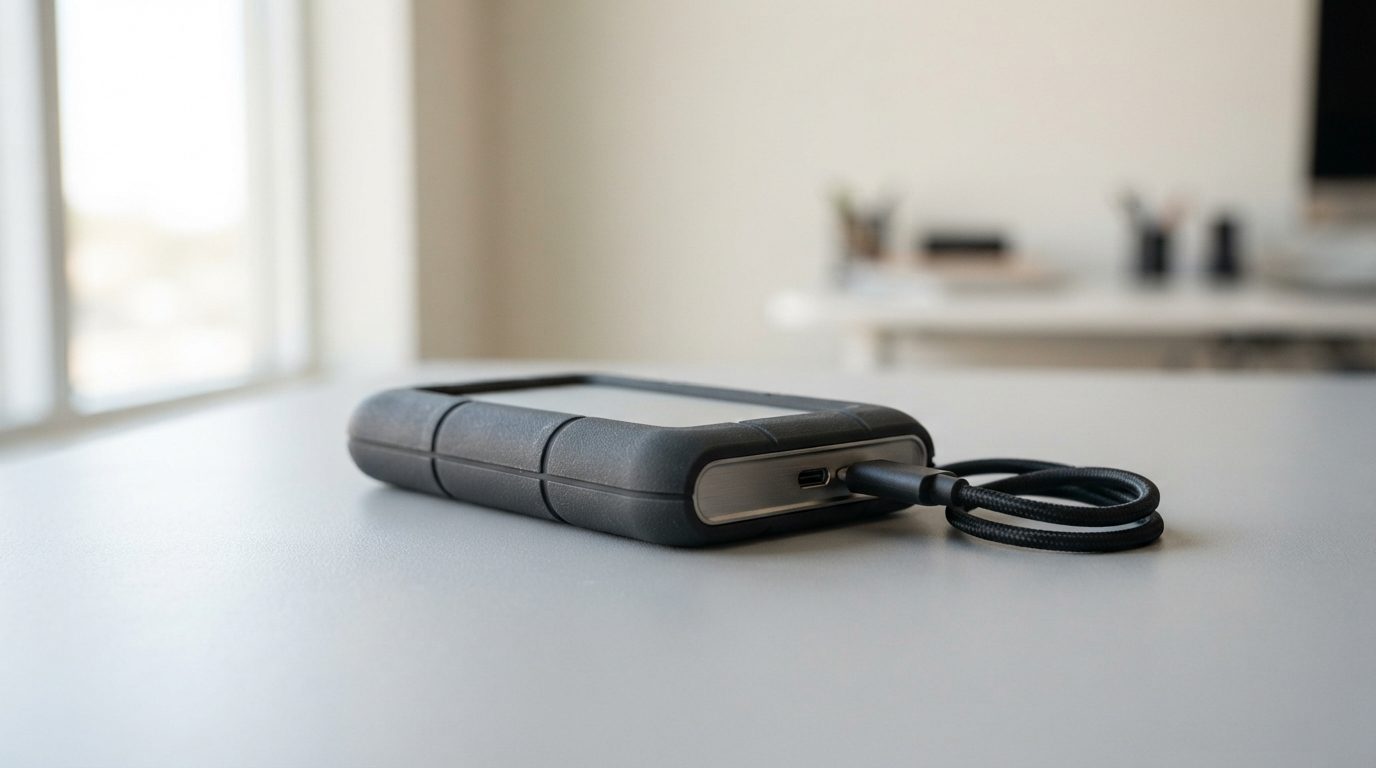
Quick answer: A LaCie hard drive that beeps is usually trying to spin its platters and failing. The most common causes are read/write heads stuck to the platter surface (stiction), a seized spindle motor, or a fault in the power supply or circuit board. Unplug it now, don’t plug it back in to test it, and get a professional evaluation.
A LaCie hard drive beeping is one of the clearer warning signs a drive can give. Your computer doesn’t see the drive, the light may blink, and a steady high-pitched tone comes from inside the enclosure. The good news is that the beep often means the drive is stuck, not destroyed. What you do in the next few minutes decides how much data can still be saved.
What does it mean when a LaCie hard drive is beeping?
A beeping LaCie drive is almost always a hard drive whose motor is getting power but cannot turn the platters. The drive has no speaker. The tone comes from electrical pulses running through the spindle motor’s windings while the motor is held still, so it hums at a steady pitch.
Most LaCie portable drives have a 2.5″ hard drive inside. Desktop models usually hold a 3.5″ drive. Between the drive and your computer sits a small interface board (a USB bridge, or the electronics behind a USB-C or Thunderbolt port). Beeping is most often heard from portable 2.5″ drives, but the advice in this guide applies to both.
The key point: a beeping drive is not reading your data at all. Software can’t reach it, and every new power-on puts more strain on the motor and heads.
Why is my LaCie hard drive beeping? The four common causes
Beeping almost always traces back to one of four faults, and the first two are by far the most common.
1. Stuck heads (stiction)
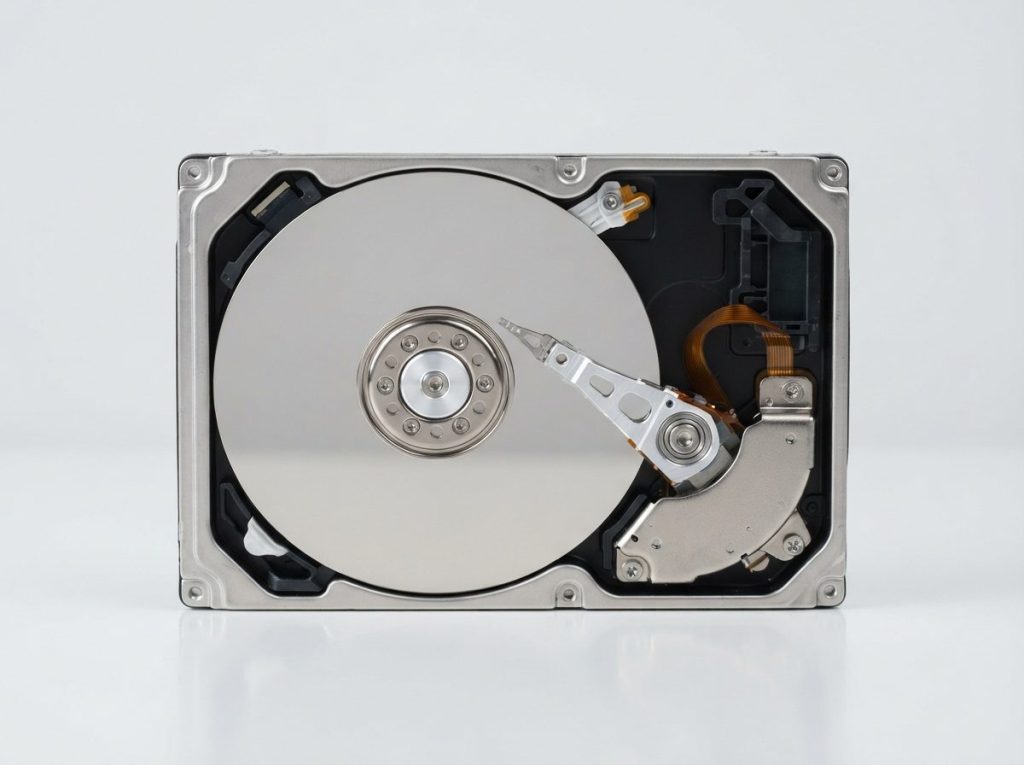
The read/write heads are tiny sensors that float a few nanometres above the spinning platters, the discs that hold your data. When the drive powers down, the heads should park on a plastic ramp off the platters. If a drop, bump or sudden power cut leaves them sitting on the platter surface, they can stick there. This is called stiction. The motor then can’t overcome the friction, so it beeps.
2. Seized spindle motor
The spindle motor spins the platters at thousands of rotations per minute. A hard knock can damage its fluid bearing, and normal wear can eventually do the same. A seized motor sounds much like stiction, which is why only a proper diagnosis can tell them apart.
3. Not enough power
Bus-powered portable drives take all their power from the USB or Thunderbolt port. A worn cable, an unpowered hub or a weak port can leave the motor short of current at start-up. This cause is less common, and it can look exactly like a mechanical fault. Don’t try to test it yourself by swapping cables again and again. Just write down how the drive was connected.
4. Circuit board fault
The drive’s PCB (printed circuit board) controls the motor. A power surge or a failed part can stop it from driving the motor properly. On some portable models the USB connector is built into the drive’s own PCB, so a damaged port can affect the whole drive.
Is beeping different from clicking or grinding?
Yes. Each sound points to a different kind of failure, but all three mean you should power the drive off and stop using it. Use the table below to match what you hear with the likely cause and the safe response.
| What you notice | Likely cause | What to do | What not to do |
|---|---|---|---|
| Steady beep or hum, no spinning sound | Stuck heads or seized motor | Unplug and get an evaluation | Reconnect it “just to check” |
| Beeping started after a drop or bump | Stiction, possibly head or motor damage | Unplug, keep it still, pack it with padding | Tap, shake or twist the drive |
| Beeping after a power cut or surge | Heads not parked, or PCB damage | Unplug; keep the cable and adapter | Try another power adapter of unknown rating |
| Beeping only on a hub or front port | Possible power shortfall, or a mechanical fault | Unplug and note how it was connected | Keep cycling ports and cables |
| Spins up, then repeated clicking | Read/write head or firmware problem | Unplug; see our guide on a clicking hard drive | Run scans or recovery software |
| Scraping or grinding noise | Heads touching the platters | Power off immediately | Power it on again for any reason |
What should I do right now if my LaCie drive is beeping?
The safest response is to remove all power and leave the drive alone until a professional has looked at it. Follow these steps in order:
- Unplug everything. Disconnect the data cable and, on desktop models, the power adapter.
- Don’t reconnect it. Each attempt makes the motor strain against stuck heads, and the heads can tear the platter coating as they come loose.
- Keep it still. Set it flat on a stable surface. If you need to move it, wrap it in padding inside a small box.
- Keep the drive in its enclosure. Some external enclosures encrypt data on the interface board. If you pull the drive out, it can look blank or uninitialized on another computer.
- Keep the accessories together. Put the cable, power adapter and enclosure with the drive.
- Write down the details. Note the model and capacity, what happened before the beeping, how it was connected, and which folders matter most to you.
- Get a professional evaluation. A lab can confirm the cause without making it worse.
What mistakes make a beeping drive worse?
Most permanent data loss from beeping drives comes from well-meant attempts to “wake up” the drive. Avoid all of these:
- Restarting it over and over. Stuck heads that break free while the motor forces the platters can scratch the surface where your files live.
- Tapping, shaking or dropping it “to free the heads”. Shocks can bend the heads or damage the motor bearing.
- Putting it in a freezer. Condensation forms on the platters and the electronics.
- Opening the case. Outside a cleanroom, dust settles on the platters. One speck is larger than the gap the heads fly in.
- Swapping the circuit board. Every drive’s PCB holds unique calibration data called ROM/adaptives. A board from another drive, even the same model, usually won’t work and can cause new damage.
- Running disk repair or formatting. If the drive shows up briefly, don’t run CHKDSK, Disk Utility First Aid, or a format or initialize prompt. These tools write to the drive.
- Running recovery software. It can’t fix a mechanical fault. Long scans also put heavy wear on weak heads.
Can data be recovered from a beeping LaCie hard drive?
Data can often be recovered from a beeping LaCie hard drive, especially if it was switched off soon after the beeping started. The outcome depends mainly on the condition of the platters.
If the heads stuck in place and never dragged across the surface, the data is usually intact. A seized motor also leaves the platters undamaged, but the repair is more delicate. The odds drop when the drive has been powered on many times, dropped again, or opened outside a cleanroom. No honest lab can promise results before an evaluation, and neither can we.
How does professional recovery work for a beeping drive?
Professional recovery means fixing the mechanical fault in a controlled environment, then copying the data without stressing the drive. At Prime Data Recovery in North York, Toronto, we follow the same order for every external hard drive recovery:
- Free evaluation and diagnosis. We check the interface board, PCB and drive. PC-3000 hardware lets us test the electronics and firmware without guesswork.
- Findings and quote. We explain what failed and what the work involves. Nothing goes ahead until you approve it.
- Physical repair in the cleanroom. All work on an opened drive happens in our ISO certified Class 10 cleanroom. For stiction, the heads are carefully lifted off the platters and checked for damage. If they’re damaged, we do a head stack replacement using parts from a matching donor drive. If the motor has seized, the platters are moved into a working donor chassis with their alignment kept exactly as it was.
- Controlled imaging. Imaging means making a sector-by-sector copy of the whole drive. We use a DeepSpar Disk Imager, which reads gently, skips weak areas first and never writes to the original.
- Recovery and file verification. We rebuild the file system from the image. LaCie drives are often formatted as exFAT, HFS+ or APFS for Mac, or NTFS for Windows. ACE Lab Data Extractor helps reconstruct damaged file systems. You then check your recovered files in a file verification step before anything ships.
- Delivery on a new storage device. Your data comes back on a new, healthy drive.
When should you contact a data recovery lab?
Contact a lab as soon as the drive beeps if it holds files you don’t have anywhere else. Waiting doesn’t help a stuck motor or stuck heads, and home fixes only add risk.
If you have a full, recent backup, the drive is just a hardware replacement. If you don’t, treat the drive as fragile evidence of your work, photos or business records. Prime Data Recovery handles every device confidentially and in line with Canadian privacy law (PIPEDA). You can drop off your drive in North York, or ship it from anywhere in Canada.
Key takeaways
- A LaCie hard drive beeping usually means the platters can’t spin, most often because of stuck heads or a seized motor.
- Unplug it right away and don’t reconnect it to test it.
- Keep the drive in its enclosure with its cable and adapter. Some enclosures encrypt data on the interface board.
- Don’t tap it, freeze it, open it, swap boards, or run repair or recovery software.
- Recovery is often possible after cleanroom repair and careful imaging, but it depends on the platters’ condition.
Get help with a beeping LaCie drive
Prime Data Recovery is an independent lab in North York with an ISO certified Class 10 cleanroom, and it’s highly rated on Google. Every case starts with a free quote and evaluation, and our “No Data, No Fee” policy means you don’t pay if we can’t recover your data. Request your free evaluation or call (416) 661-1112 to talk about your drive.
Frequently Asked Questions
Why does my LaCie drive beep when I plug it into my Mac but nothing shows up?
The beep comes from the drive, not from macOS. When the platters can't spin, the drive never gets ready, so your Mac has nothing to mount and it won't appear in Finder or Disk Utility. Switching to another Mac or a Windows PC won't change that. Unplug the drive and have it evaluated instead of reconnecting it again and again.
Can I take the hard drive out of my LaCie enclosure and connect it directly?
It's better not to. Some external enclosures encrypt data on their interface board, so a drive taken out of its case can look blank and may prompt you to initialize it, which would cause more damage. Also, if the beeping comes from stuck heads or a seized motor, a different connection won't help. Keep the drive, enclosure and cable together for the lab.
Will a beeping hard drive start working again if I leave it unplugged for a while?
Usually not. Stuck heads and seized motor bearings don't fix themselves with time. Leaving the drive unplugged is still the right choice because it stops further damage, but it won't fix the fault. Each time you test it to see if it has recovered, you risk scratching the platters. Keep it powered off until someone can examine it professionally.
My LaCie drive beeped once and then worked normally. Is my data safe?
Treat it as an early warning. A single beep followed by normal operation can mean the heads or motor struggled to start and just barely managed it. Copy your most important files to another device right away, starting with what you can't replace. If the drive beeps again, slows down or disconnects, stop and power it off. Don't run repair tools on it.
What happens if a lab can't recover the files from my beeping drive?
At Prime Data Recovery, the 'No Data, No Fee' policy means you don't pay for recovery if we can't get your data back. The evaluation and quote are free. You get to see the findings and approve the work before anything is done, and you check the recovered files in a verification session before delivery.
