
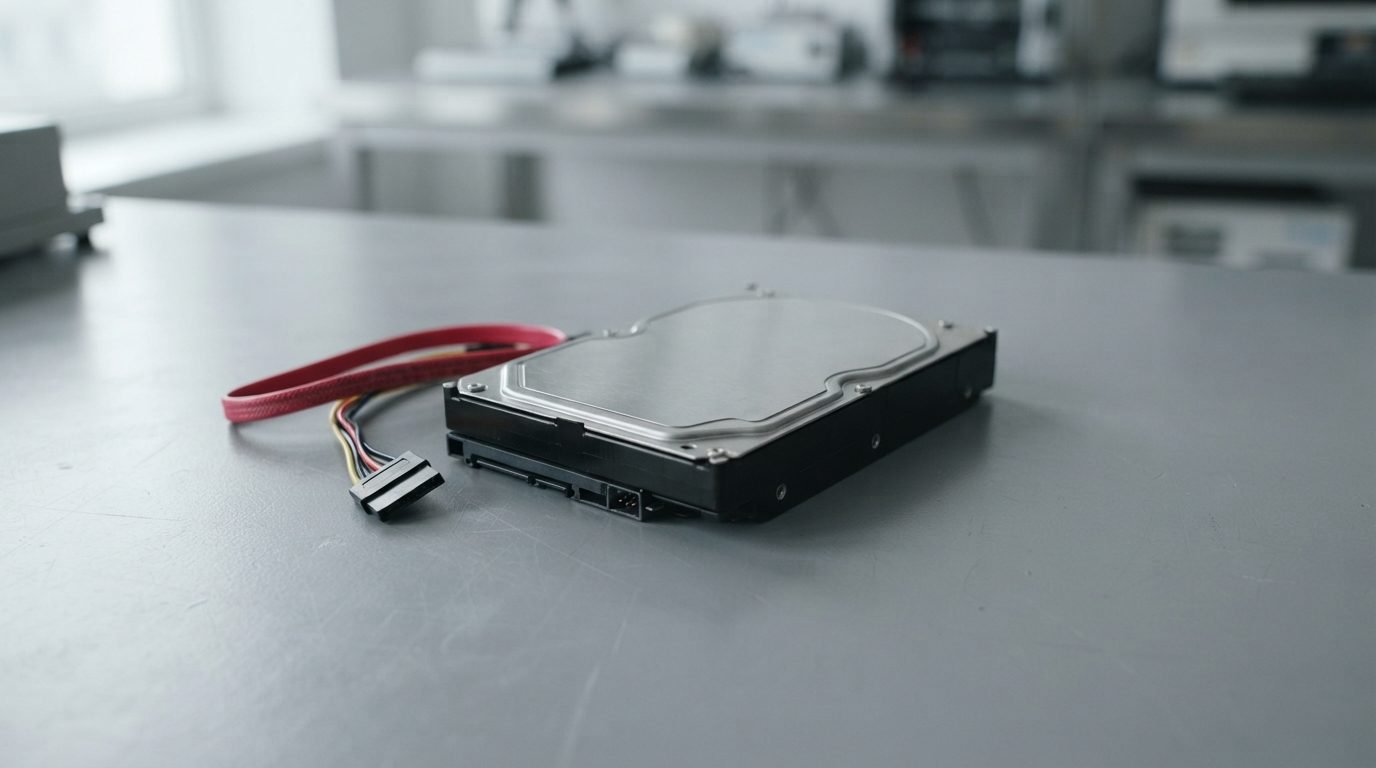
Quick answer: A hard drive grinding noise usually means the read/write heads are touching the spinning platters and scraping off the magnetic layer that holds your data. Power the drive off right away and don’t turn it back on. Data that is still readable can only be saved with cleanroom repair followed by careful imaging.
What does a hard drive grinding noise mean?
A hard drive grinding noise almost always means something inside the drive is making physical contact that should never happen. In most cases it is a head crash. Unlike a quiet hum or a soft tick, grinding means damage is happening while the drive runs.
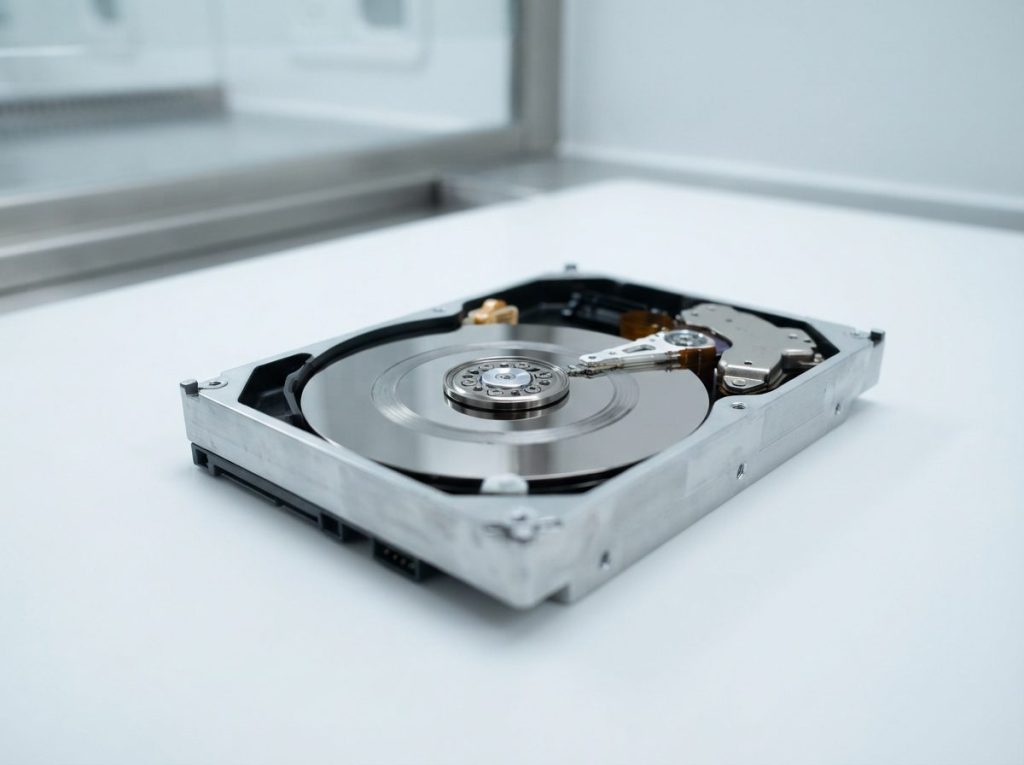
A traditional hard disk drive (HDD) stores data on platters. These are rigid discs coated with a thin magnetic layer, and they spin thousands of times per minute. Tiny read/write heads fly over them on a cushion of air only nanometres thick. They never touch the surface during normal use.
When a head touches the platter, it acts like a stylus on a record that is spinning far too fast. It scrapes away the magnetic coating, and your files are stored in that coating. That is why the sound is harsh, scratchy or metallic.
What causes a hard drive to grind?
The most common cause of grinding is a head crash. Spindle motor bearing failure and loose internal debris are less common causes. All three are physical failures that no software can fix.
Head crash
A head crash happens when one or more heads drop out of their air cushion and hit the platter. A drop or knock while the drive is running is a classic trigger. Worn or failing heads can also crash, especially after a period of clicking, slowdowns or bad sectors (areas the drive can no longer read reliably).
Spindle motor or bearing failure
The spindle motor spins the platters. If its bearing wears or seizes, you may hear grinding, rough whirring or a rising whine. A damaged bearing can let the platters wobble, and that wobble can bring the heads into contact with the surface.
Debris inside the drive
Once scraping starts, it creates fine particles. These particles spread across the platters and hit other heads, so the damage feeds itself. A small scratch can become a ring of scored surface within minutes.
Is the noise really coming from the drive?
Laptops and desktops have fans, and a failing fan bearing can also grind. Older desktops may have an optical drive that makes noise too. Don’t keep the computer running to find out. If you can’t be sure, treat the noise as a hard drive problem and shut down. A technician can find the source safely.
What should you do the moment you hear grinding?
Cut power to the drive as fast as you safely can, then leave it off. Every second it spins can destroy more of the surface you need for recovery.
- Shut down now. If the computer is responsive, use a normal shutdown. If it hangs or the noise continues, hold the power button until the machine turns off.
- For an external drive, unplug its power adapter first if it has one, then the USB cable. Don’t wait for “safely remove” to finish while the drive grinds.
- Don’t power it back on to “see if it was a one-off.” The first restart is often when the worst damage happens.
- Write down what happened. Note when the noise started, whether the drive was dropped, and any earlier warnings such as clicking or freezing. This helps the evaluation.
- Keep the drive still and dry. Store it in an anti-static bag or its original packaging, away from heat, magnets and moisture.
- List the files that matter most. If only part of the drive can be read, knowing your priorities helps the lab focus on them.
Grinding, clicking, buzzing or whirring: which sound is it?
Different noises point to different failures, but any unusual mechanical sound from a hard drive means you should stop using it. Use this table as a rough guide, not a diagnosis.
| Symptom | Likely cause | What to do | What not to do |
|---|---|---|---|
| Harsh grinding or scraping | Head crash with platter contact | Power off right away; get a professional evaluation | Restart, run scans, tap or move the drive while it runs |
| Rough whirring or rising whine | Spindle motor bearing wear | Power off and leave it off | Keep copying files “while it still works” |
| Repeated clicking or ticking | Heads can’t read the platters or firmware data | Power off; see our guide to a clicking hard drive | Power cycle again and again |
| Buzzing, platters not spinning | Heads stuck to the platter (stiction) or a seized motor | Power off; professional help only | Shake, tap or freeze the drive |
| Silent, no spin, possible burning smell | Electronic failure on the PCB (circuit board), often after a power surge | Unplug; don’t try another power adapter | Swap the circuit board from another drive |
What should you never do with a grinding hard drive?
Any action that powers up, moves or opens a grinding drive can turn partial loss into total loss. These are the most common mistakes:
- Running recovery software or disk repair. Scans read every sector, so they force the damaged heads across the whole surface. CHKDSK, fsck and Disk Utility First Aid also write changes to the drive.
- Repeated power cycling. Each start-up drags the heads over the platters again.
- Tapping, shaking or freezing. These old myths can’t lift a crashed head, and condensation from freezing can make things worse.
- Opening the cover. Room air carries dust particles larger than the head-to-platter gap. A drive opened outside a cleanroom can be ruined for good.
- Swapping the circuit board. Grinding is a mechanical problem. A board from another drive also lacks your drive’s unique ROM/adaptives, the calibration data each drive needs.
- Formatting or initializing if the drive briefly shows up. This doesn’t fix anything, and it overwrites file system structures.
Can data be recovered from a grinding hard drive?
Data can sometimes be partly recovered from a grinding hard drive, but no lab can honestly promise it. The result depends on how much of the platter surface is still intact. Scraped areas are gone. Undamaged areas may still be readable with replacement heads and controlled imaging.
These factors have the biggest effect on the outcome:
- How long it ran while grinding. Seconds of contact do much less harm than minutes or hours.
- How many heads and surfaces are affected. Damage on one surface may leave the others readable.
- Where the scoring is. The drive keeps its own firmware in a reserved zone called the service area. If that zone is damaged, the drive can’t start up normally. The firmware may then need to be repaired or rebuilt before any data can be read.
- Debris levels. Heavy contamination makes it harder for replacement heads to survive long enough to read the data.
- Donor parts. Replacement heads must come from a compatible donor drive that matches your model and revision closely.
Even when recovery is partial, file system structures may survive. These include NTFS on Windows, APFS or HFS+ on Mac, and exFAT on many external drives. If they survive, files can often be rebuilt with their original names and folders.
How do professionals recover data from a grinding drive?
Professional recovery from a grinding drive follows a strict order. First the drive is diagnosed and repaired, then it is imaged, and only then are files recovered from the copy. The original drive is never written to. At Prime Data Recovery in North York, the work follows these steps:
- Free evaluation and diagnosis. We check the drive without running it longer than needed. Hardware tools such as the PC-3000 help us assess the electronics and firmware.
- Findings and quote. You get a clear explanation of the damage and a quote. Nothing proceeds until you approve it.
- Cleanroom repair. The drive is opened only in our ISO certified Class 10 cleanroom. There we inspect the platters, remove debris where possible and perform a head stack replacement, which means fitting a matching set of heads from a donor drive.
- Controlled imaging. Imaging means making a sector-by-sector copy of the drive. A DeepSpar Disk Imager lets us read the healthy areas first and skip damaged zones. It also limits stress on the fragile replacement heads.
- Recovery and verification. Files are rebuilt from the image, not the original. Then you check the results in a file verification session before delivery.
- Delivery on a new device. Your recovered data is returned on new storage.
You can read more about each stage on our data recovery process page.
When should you seek professional help?
If a hard drive grinds and the data on it matters to you, professional help is the only safe route. Use this quick decision guide:
- You have a current, complete backup: retire the drive and restore from the backup. Don’t run the grinding drive to “double-check” anything.
- The backup is old or partial: power off and get an evaluation before you try anything else.
- It holds business, legal, medical or irreplaceable family files: stop now and contact a lab. Ask how your data will be handled under Canadian privacy law (PIPEDA).
- It came from a RAID, NAS or server: don’t swap disks or start a rebuild. Label the disk order and get help with RAID data recovery.
For a single desktop, laptop or external drive, see our hard drive data recovery service for details on how physical failures are handled.
Key takeaways
- A hard drive grinding noise usually means a head crash: the heads are scraping data off the platters.
- Power off at once and don’t restart the drive, even if the noise stopped.
- Never run repair tools or recovery software, open the drive, freeze it or tap it.
- Scraped areas can’t be recovered, but undamaged areas sometimes can, after cleanroom head replacement and controlled imaging.
- Less runtime after the grinding starts means a better chance of recovery.
Need help with a grinding hard drive?
Prime Data Recovery is a data recovery lab in North York, Toronto, with an ISO certified Class 10 cleanroom. We offer a free quote and evaluation, a “No Data, No Fee” policy and confidential handling. You can drop off your drive in the GTA or ship it from anywhere in Canada. Request a free evaluation or call (416) 661-1112. Leave the drive powered off until then.
Frequently Asked Questions
Can a grinding hard drive be repaired and used again?
A grinding hard drive shouldn't be trusted with data again, even after a lab repair. Replacing the heads in a cleanroom is done to make the drive readable for long enough to copy your data. It doesn't restore the scraped platter surface. Once your files are safe, replace the drive with new storage and keep a regular backup.
Can an SSD make a grinding noise?
No. A solid-state drive has no motors, platters or heads, so it can't grind. If a computer with an SSD makes grinding sounds, the noise is most likely from a cooling fan or another mechanical part. If an SSD stops responding or files disappear, stop using it. Deleted data on SSDs can be erased quickly by TRIM.
How long can a grinding hard drive run before the data is gone?
There is no safe running time. Some drives score a narrow ring of the platter in seconds. Others spread debris across every surface within minutes. Data in scraped areas is lost for good, and that area grows the longer the drive runs. That's why the safest choice is always to power off at the first sign of grinding.
How should I pack a grinding hard drive to ship it for recovery?
Put the drive in an anti-static bag, then wrap it in at least five centimetres of firm padding, such as bubble wrap or foam, on every side. Place it in a sturdy box so it can't move when shaken. Don't use loose packing peanuts alone. Include a note with your contact details and a short description of the symptoms.
Why did my hard drive stop grinding on its own?
When a grinding drive goes quiet, that rarely means it's healthy again. A head may have broken off, the motor may have seized, or the drive's firmware may have shut down after too many errors. The damage that already happened stays. Leave the drive off and have it evaluated rather than powering it up to test.
