
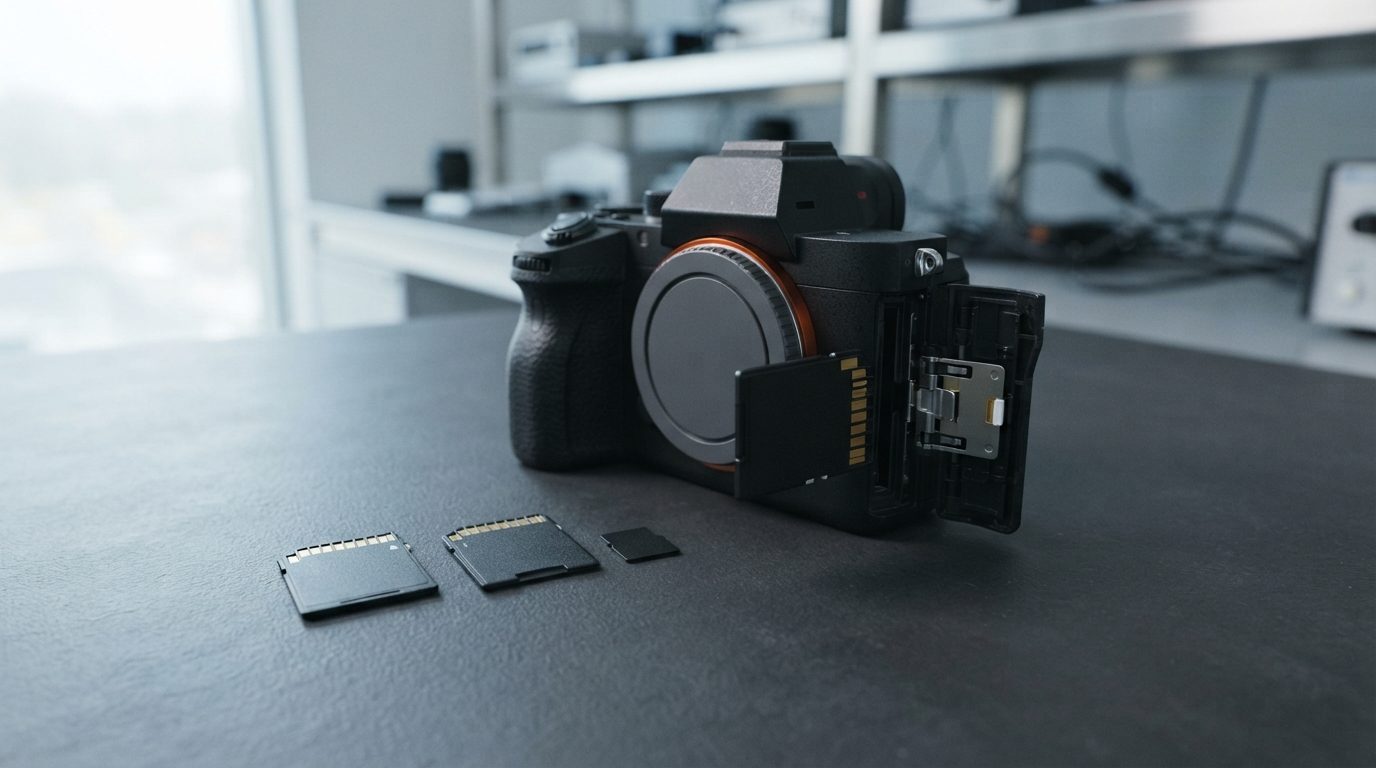
Quick answer: You can often recover deleted photos from an SD card because deleting a file only marks its space as free. The photos stay on the card until new data overwrites them. Stop using the card now and slide its lock switch on. Check any backups first. If the photos matter, have the card imaged by a lab before trying anything else.
Can you recover deleted photos from an SD card?
Yes. In many cases you can recover deleted photos from an SD card, as long as nothing new has been saved over them since you deleted them. Your chances depend mostly on what happened to the card after the deletion, not on how long ago it was.
Most SD and microSD cards use the FAT32 or exFAT file system. When you delete a photo, the camera, phone or computer does not wipe the image itself. It updates the card’s index: it marks the file’s entry as deleted and flags its storage blocks (called clusters) as free.
The picture data usually stays in the card’s NAND flash memory, the chips that hold your data. It just becomes invisible. It stays there until the device needs that space for something new.
What should you do right after deleting files from an SD card?
Stop writing anything to the card. Every new photo, video or copied file could land on the space your deleted files still occupy. Once that happens, the overwritten data is generally gone for good, even for a lab.
- Turn off the camera or remove the card. Some cameras and phones write thumbnails, settings or database files in the background, even when you are not shooting.
- Slide the lock switch on. Full-size SD cards and microSD adapters have a small write-protect tab. Moving it to “lock” tells most readers and cameras not to write to the card.
- Check the places your photos may already exist. Look in your phone’s “Recently deleted” album, your cloud photo backup, and the import folder on any computer you have copied the card to before.
- Write down what happened. Note the device, whether you deleted single files or formatted the card, and anything you did afterwards. This helps whoever works on the card.
- Store the card safely. Keep it in a case, away from heat, moisture and magnets, until you decide what to do.
If you insert the card into a Windows computer and it offers to “scan and fix” the card or asks you to format it, choose cancel. Both actions write to the card.
Which situation are you in?
How you lost the files changes what you should do next, so match your situation to the table below before you act.
| Situation | What likely happened | What to do | What not to do |
|---|---|---|---|
| Deleted a few photos in the camera or phone | File entries marked deleted; data usually still on the card | Stop shooting, remove the card, lock it, check backups | Keep using the card “just for today” |
| Quick-formatted the card in a camera or computer | A fresh, empty file system was written over the old index; photo data often remains | Stop using the card; treat it like a deletion case | Format it again or run a “full” format |
| Used the camera’s low-level or full format option | Many cameras overwrite the whole card with this option | Ask a lab for an evaluation, but expect limited results | Assume software will find the files |
| Deleted files, then kept shooting | Some deleted photos may be overwritten | Stop now; what is not yet overwritten may still be recoverable | Delete the new photos to “make room” |
| Card was used as internal storage in an Android phone | The phone may have encrypted the card with a key stored in that phone | Keep the phone and card together; do not reset the phone | Factory reset the phone or format the card |
| Card not detected, asks to be formatted, or shows errors | A failing controller, damaged NAND or a corrupted file system | Remove it and seek a professional evaluation | Run repair tools, reformat, or plug it in over and over |
| Card is cracked, bent or got wet | Physical damage to the card or its contacts | Leave it as is, keep it dry, get it evaluated | Dry it with heat, bend it back or tape it together |
Why do deleted videos and RAW photos often come back broken?
Large files such as video clips and RAW photos are often stored in pieces scattered across the card, and FAT32 and exFAT do not keep a reliable map of those pieces once a file is deleted. That is called fragmentation, and it is the main reason recovered files can be corrupted.
When a FAT-based card deletes a file, the record linking its clusters together is usually cleared. Recovery then relies on file carving: searching the raw data for known file signatures, such as the start of a JPEG, and rebuilding the file from there.
Carving works well for small JPEGs stored in one continuous block. It struggles with a long 4K video recorded in several pieces, or a card that has been filled, cleared and refilled many times. In those cases, rebuilding a playable file means knowing how that specific camera writes its data.
Is it safe to use SD card recovery software yourself?
Read-only recovery software can sometimes recover recently deleted files from a healthy card, but it carries real risks if your photos are irreplaceable. Treat it as an option only for files you could afford to lose.
If you do try software, follow these rules:
- Install the program on your computer, never on the SD card.
- Save recovered files to a different drive. Saving them back to the same card can overwrite the files you are still trying to recover.
- Stop at the first sign of trouble. If the scan slows to a crawl, the card disconnects, or errors appear, the card may be failing. Long scans put heavy read stress on weak flash memory.
- Don’t trust the preview list. A file can appear “recoverable” and still open as a grey or half-corrupted image.
Every failed attempt, and every program you try one after another, adds wear and risk. If the photos are from a wedding, a client shoot or a once-in-a-lifetime trip, skip trial and error and get an evaluation first.
Common mistakes that make SD card recovery harder
Most permanent losses after an accidental deletion come from what happens next, not from the deletion itself.
- Continuing to shoot “just a few more” photos on the same card.
- Formatting the card to “fix” it when it shows an error.
- Letting the operating system repair the card’s file system.
- Saving recovered files back to the card being recovered.
- Running several recovery programs in a row on a card that keeps disconnecting.
- Resetting a phone whose card was set up as internal storage.
- Bending, cleaning with liquid, or heating a damaged microSD card.
How does a lab recover deleted photos from an SD card?
A professional lab never works on the original card directly. It first makes a complete copy of the card and then recovers the files from that copy, so the original is never written to.
At Prime Data Recovery in North York, Toronto, our data recovery process follows the same order for every memory card:
- Free evaluation and diagnosis. We check whether the card reads normally or has a failing controller, the chip that manages how data is stored in the NAND.
- Findings and quote. You approve the work before anything is done.
- Controlled imaging. We create a sector-by-sector copy (an image) of the card using PC-3000 Flash, without writing to the original.
- Recovery from the image. We rebuild the file system and carve deleted photos and videos from the copy. Fragmented video often needs manual reconstruction.
- File verification. In a file verification session, you confirm that the photos you need open properly.
- Delivery of your files on a new storage device.
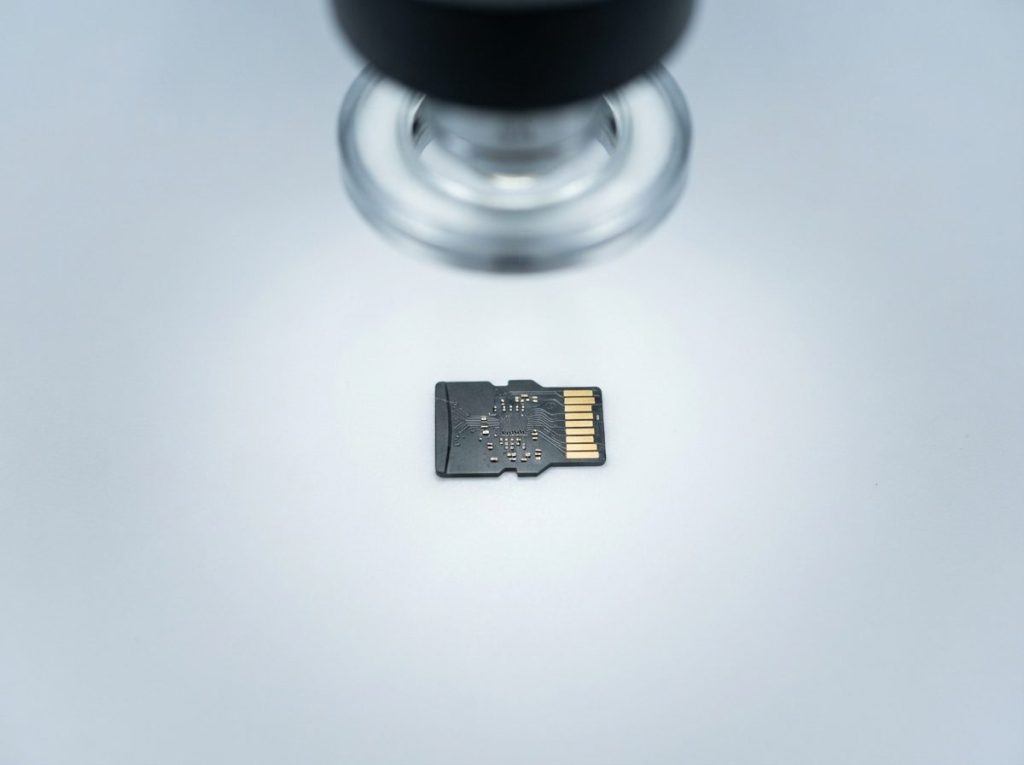
If the card is physically damaged or its controller has failed, we may need to read the memory directly. On cards with separate memory chips, that can mean chip-off recovery: removing the NAND chip and reading it in a dedicated reader. Many microSD cards are monolith devices, where everything sits in one sealed package. For these, we read the memory through tiny test points under the card’s surface. Either way, the raw data is then reassembled with tools such as the Rusolut Visual NAND Reconstructor.
SD card data recovery is handled confidentially, in line with Canadian privacy law (PIPEDA). Recovery is never guaranteed, and results depend on how much of the data was overwritten or damaged. Prime works on a “No Data, No Fee” basis.
When should you get professional help?
Get professional help when the photos cannot be replaced, when the card behaves abnormally, or when a first software attempt failed or returned broken files.
- The files are irreplaceable: family events, client work, evidence, research data.
- The card is not detected, shows the wrong capacity, or asks to be formatted.
- The card was formatted, or came from a phone that used it as internal storage.
- Recovered videos will not play, or photos open half grey.
- The card is cracked, bent, or was exposed to water.
Key takeaways
- Deleted photos usually remain on the SD card until new data overwrites them.
- Stop using the card immediately and slide the lock switch on.
- Check “Recently deleted” albums, cloud backups and old computer imports first.
- Never format, repair or save recovered files back to the same card.
- Fragmented videos and RAW files are the hardest to recover with general software.
- For irreplaceable photos, have the card imaged professionally before trying anything else.
Need your deleted photos back?
If you have deleted photos or files from an SD or microSD card, Prime Data Recovery can evaluate the card for free at our North York lab. Customers across Canada can also ship their cards to us. Start with a free quote and evaluation request, or call (416) 661-1112. Until then, keep the card locked and unused.
Frequently Asked Questions
How long do deleted photos stay on an SD card?
There is no fixed time limit. Deleted photos remain on an SD card until the space they occupy is reused for new data. A card left untouched in a drawer can keep deleted files recoverable for a long time. A card that keeps being used in a camera or phone may overwrite them within minutes. That is why stopping use matters more than how quickly you act.
Can I recover photos after formatting my SD card in the camera?
Often, yes, if it was a quick format. A quick format writes a new, empty file system index but usually leaves the photo data in place. Some cameras also offer a full or low-level format that overwrites the whole card, and that greatly reduces recovery chances. Either way, stop using the card and do not format it again before an evaluation.
Can deleted photos be recovered from a microSD card used in an Android phone?
It depends on how the card was set up. If it was portable storage, recovery works much like it does on a camera card. If it was formatted as internal storage, the phone usually encrypted it with a key stored in that phone. Then the card alone is very hard to read. Keep the phone and card together, and do not reset the phone.
Why do my recovered photos open half grey or corrupted?
Grey or partly broken images usually mean that part of the file was overwritten, or that the software joined the wrong pieces of a fragmented file. It can also mean the card has weak memory cells. Stop running more scans, keep the original card unchanged, and have it evaluated. A lab works from a full image and may be able to rebuild the file more accurately.
Does the SD card lock switch really protect my deleted files?
The lock switch is a signal, not a physical barrier. It tells the camera, card reader or computer not to write to the card, and most devices respect it. That makes it a useful extra safeguard while you decide what to do. It is not a substitute for simply not using the card, because a faulty or nonstandard reader may ignore it.
