
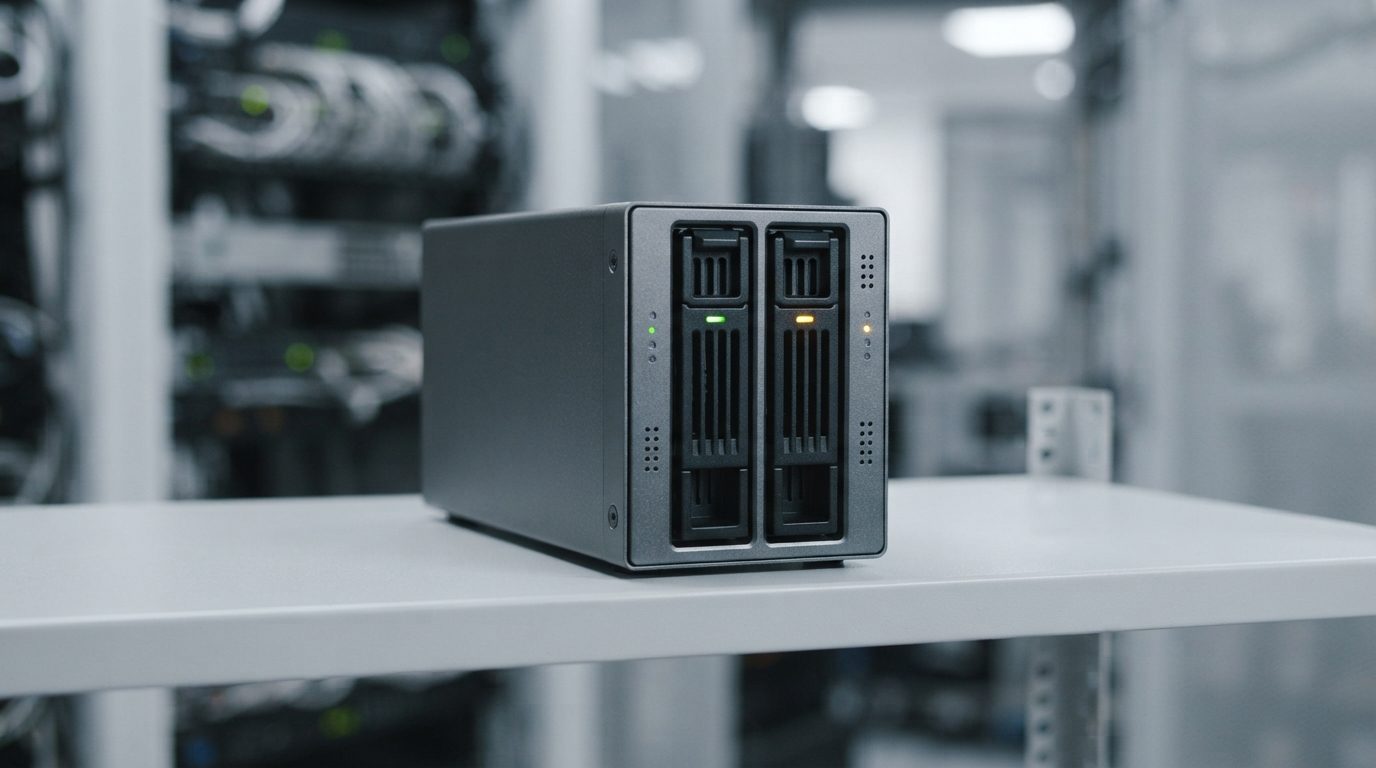
Quick answer: After a RAID 1 drive failure, the surviving drive holds your only copy of the data. Before swapping disks or starting a rebuild, copy your important files elsewhere. If the remaining drive is slow, noisy or shows errors, power the system down and get a professional evaluation instead of rebuilding.
What happens when a RAID 1 drive fails?
When one drive in a RAID 1 mirror fails, the array keeps running in a “degraded” state on the remaining drive, with no redundancy left. Your files usually stay accessible, which is exactly why many people miss the warning.
RAID 1, or disk mirroring, writes the same data to two drives at once. If one stops responding, the RAID controller (the hardware card or software that manages the array) drops it and carries on with the other. The system feels normal. But you now have one drive doing the work of two, and nothing to fall back on.
A RAID 1 drive failure is not an emergency in itself. It becomes one when the second drive starts to struggle, or when someone makes a well-meant but wrong move during the repair.
Why can a RAID 1 mirror still lose data?
A mirror only protects you against one drive failing at a time; it does not protect against a second failure, mistakes, or damage that gets copied to both drives.
The common ways a “safe” mirror ends in data loss include:
- Twin drives, twin wear. Mirrored drives are often bought together, run the same hours and handle the same workload. When one wears out, the other may not be far behind.
- Hidden bad sectors. Bad sectors are small areas of a disk that can no longer be read reliably. They can sit unnoticed on the surviving drive for months, because normal use never reads them.
- The rebuild itself. A rebuild reads every sector of the surviving drive to copy it to the new one. That full read is heavy stress on an ageing drive and is often when hidden weak spots appear.
- Wrong drive pulled. In a hurry, someone removes the healthy drive and leaves the failed one in place.
- Wrong copy direction. If a drive dropped out weeks ago and is reconnected, the controller may sync the old, stale data over the current data.
- Mirrored mistakes. Deletion, formatting, file system corruption and ransomware are copied to both drives instantly. RAID 1 is not a backup.
- Controller or power problems. A failed RAID card, a power surge or corrupted array configuration can make both healthy drives look unreadable.
What are the warning signs of a failing RAID 1 drive?
The clearest sign is a “degraded” status or alert from the RAID controller, NAS or operating system, but physical and performance symptoms often show up first.
Use this table to match what you see with the safest next step.
| Symptom | Likely cause | What to do | What not to do |
|---|---|---|---|
| Array shows “degraded”, one drive marked failed | One member dropped out; the other is still working | Copy important files to a separate device right away | Do not start a rebuild before your data is safe elsewhere |
| Clicking, grinding or buzzing from a drive | Read/write head or motor problem (mechanical damage) | Shut down cleanly and power off | Do not keep restarting to “see if it comes back” |
| System very slow, freezes when opening files | Surviving drive struggling with bad sectors | Stop heavy use; copy only the most important files, then seek help | Do not run CHKDSK, fsck or Disk Utility First Aid |
| Both drives shown as failed or missing | Controller fault, power issue, or a second drive failure | Power off and label each drive’s slot position | Do not re-create or initialize the array |
| Files missing after a rebuild or resync | Rebuild copied the wrong (older) drive, or read errors | Stop using the array immediately | Do not run a second rebuild or write new data |
| Prompt to “initialize” or “format” a disk | Computer cannot read the RAID metadata or file system | Cancel the prompt and disconnect | Never accept initialize or format |
What should you do first after a RAID 1 drive failure?
Your first job is to protect the drive that still works, not to restore redundancy.
- Confirm which drive failed. Check the controller, NAS or operating system status page. Note the slot number or serial reference of the failed drive.
- Listen and watch. If the remaining drive clicks, grinds, or makes the system freeze, shut down and skip to professional help.
- Back up first. If the array is still working smoothly, copy your most important files to a separate drive or another system. Start with what you cannot replace.
- Write nothing new to the array. Pause software installs, large downloads and database jobs while the mirror is degraded.
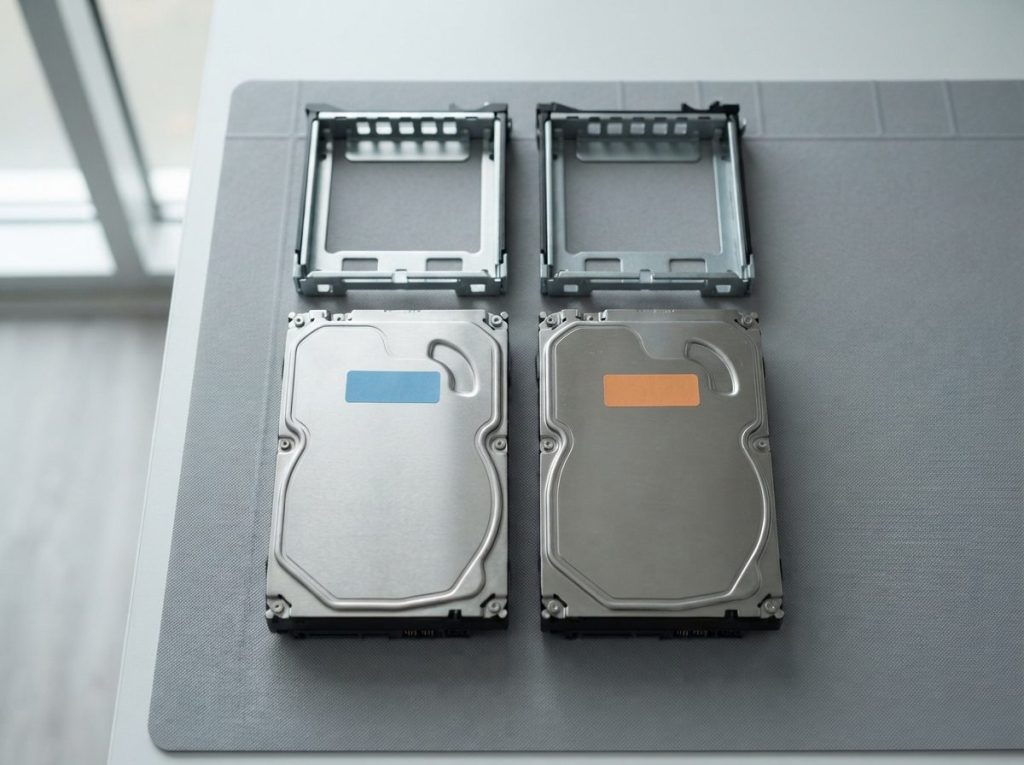
- Label everything before you touch it. Mark each drive and its bay position with a sticky note or tape before removing anything.
- Shut down cleanly. Use a proper shutdown rather than pulling the plug, unless the drive is making mechanical noises and the system will not respond.
- Decide on the rebuild only after your data is safe. Restoring redundancy is a task for whoever manages the system, once a current copy of the data exists somewhere else.
If you skipped step 3 because the data is not backed up and the system is unstable, that is the moment to stop. A rebuild on a weak drive is a gamble with your only copy.
When is rebuilding a degraded RAID 1 a bad idea?
Rebuilding is a bad idea whenever the surviving drive is your only copy and shows any sign of trouble, or when you are unsure which drive holds the current data.
Use this quick decision guide:
- You have a recent, tested backup and the remaining drive is healthy: data loss risk is low. Restoring the mirror is routine maintenance for your IT person.
- No backup, but the array runs smoothly: copy your important data off first. Do not rebuild until that copy exists.
- No backup and the drive is slow, noisy or logging errors: power off. Do not rebuild. Get the drives evaluated.
- Both drives failed, or a rebuild already went wrong: stop all activity, do not reorder disks or re-create the array, and seek professional help.
- The data is business critical or held in a database: treat any doubt as a reason to stop. Downtime is easier to recover from than overwritten data.
Common mistakes people make
- Plugging a “good” mirror drive into a regular PC and clicking through a prompt to initialize it.
- Running recovery software over and over on the surviving drive. Each pass adds wear to a disk that may already be failing.
- Swapping drives between bays without noting the original order.
- Reconnecting an old drive that dropped out long ago, letting stale data overwrite current files.
- Opening a drive to “check” it. Dust alone can permanently damage the platters, the spinning disks that store the data.
How do professionals recover data from a failed RAID 1?
A professional RAID 1 recovery works from exact copies of each drive, never from the originals, so nothing on your disks is changed during the process.
At Prime Data Recovery in North York, we follow the same order for every mirror, described on our data recovery process page:
- Free evaluation and diagnosis. We test each drive separately to find out which one failed, why, and what condition the other is in.
- Findings and quote. You get a clear explanation and a quote. Nothing proceeds without your approval.
- Cleanroom repair if needed. Drives with mechanical damage are opened only in our ISO certified Class 10 cleanroom. A failed head stack (the arm holding the read/write heads) may be replaced with matching parts from a donor drive.
- Controlled imaging. Imaging means making a sector-by-sector copy of a drive. We use tools such as the DeepSpar Disk Imager and PC-3000 to read weak drives gently, skipping problem areas first and returning to them later. Nothing is written to the original.
- Recovery from the images. We compare the images to work out which drive holds the most current data. Where both are partially damaged, good areas from each can complement the other. File systems such as NTFS, ext4 or APFS are then reconstructed, for example with ACE Lab Data Extractor.
- Verification and delivery. You check your files in a file verification session, and the data is delivered on a new storage device.
This applies to mirrors on servers, desktop RAID cards, software RAID and two-bay network storage. Learn more on our RAID data recovery service page.
When should you call a professional?
Call a professional when the remaining drive shows any physical or performance symptom, when both drives have problems, or when a rebuild or reconfiguration has already gone wrong.
Other clear signals include missing files after a resync, a controller that no longer recognizes the array, or data you cannot afford to lose with no backup in place. Servers that stop a business often need help fast. Prime Data Recovery offers 24/7 emergency support for servers, and customers across Canada can ship their drives to our Toronto lab. Your data is handled confidentially and in line with Canadian privacy law (PIPEDA).
Key takeaways
- A RAID 1 drive failure leaves you with one working copy and no redundancy.
- Back up your data before any rebuild; the rebuild stresses the surviving drive.
- Noise, freezes or errors on the remaining drive mean power off, not rebuild.
- Label drives and bay positions; never initialize, format or re-create the array.
- RAID 1 copies deletions and corruption too, so it does not replace backups.
- Professional recovery works from images, never from your original drives.
Need help with a failed mirror?
If your mirror is degraded and the data matters, stop before the rebuild. Prime Data Recovery offers a free quote and evaluation, a fast and free diagnostic, and a “No Data, No Fee” policy. Request help and a free quote or call (416) 661-1112.
Frequently Asked Questions
Can I connect one RAID 1 drive to another computer to get my files?
Sometimes a RAID 1 member can be read on its own, because it holds a full copy of the data. However, some controllers add their own metadata, and a computer may prompt you to initialize or format the disk. Accepting that prompt can overwrite key structures. If the data is important, it is safer to have the drive imaged read-only first.
Is RAID 1 the same as having a backup?
No. RAID 1 protects against one drive failing, but it copies every change to both drives instantly. Accidental deletion, formatting, corruption and ransomware affect both copies at once. A real backup is a separate copy, ideally kept on another device or location, that is not changed when the original is changed.
What if both drives in my RAID 1 array have failed?
Power the system off and do not try to re-create or rebuild the array. Label each drive with its bay position. When both members are damaged, a lab can often image each one and combine readable areas from both. Results depend on the type and severity of damage, so a professional evaluation is the right next step.
Why did my second RAID 1 drive fail during the rebuild?
A rebuild reads every sector of the surviving drive to copy it to the new one. That full read can expose bad sectors that normal use never touched, and the heavy workload can push an ageing drive over the edge. Mirrored drives are also often the same age and workload, so they may wear out around the same time.
Can you recover a RAID 1 mirror from a two-bay NAS?
Yes, two-bay network storage devices often use mirroring, and the same careful approach applies: each drive is evaluated and imaged separately before the data is reconstructed. Do not reset the NAS, reinstall its operating system or swap drives between bays. Note the drive order and power the unit down before seeking help.
