
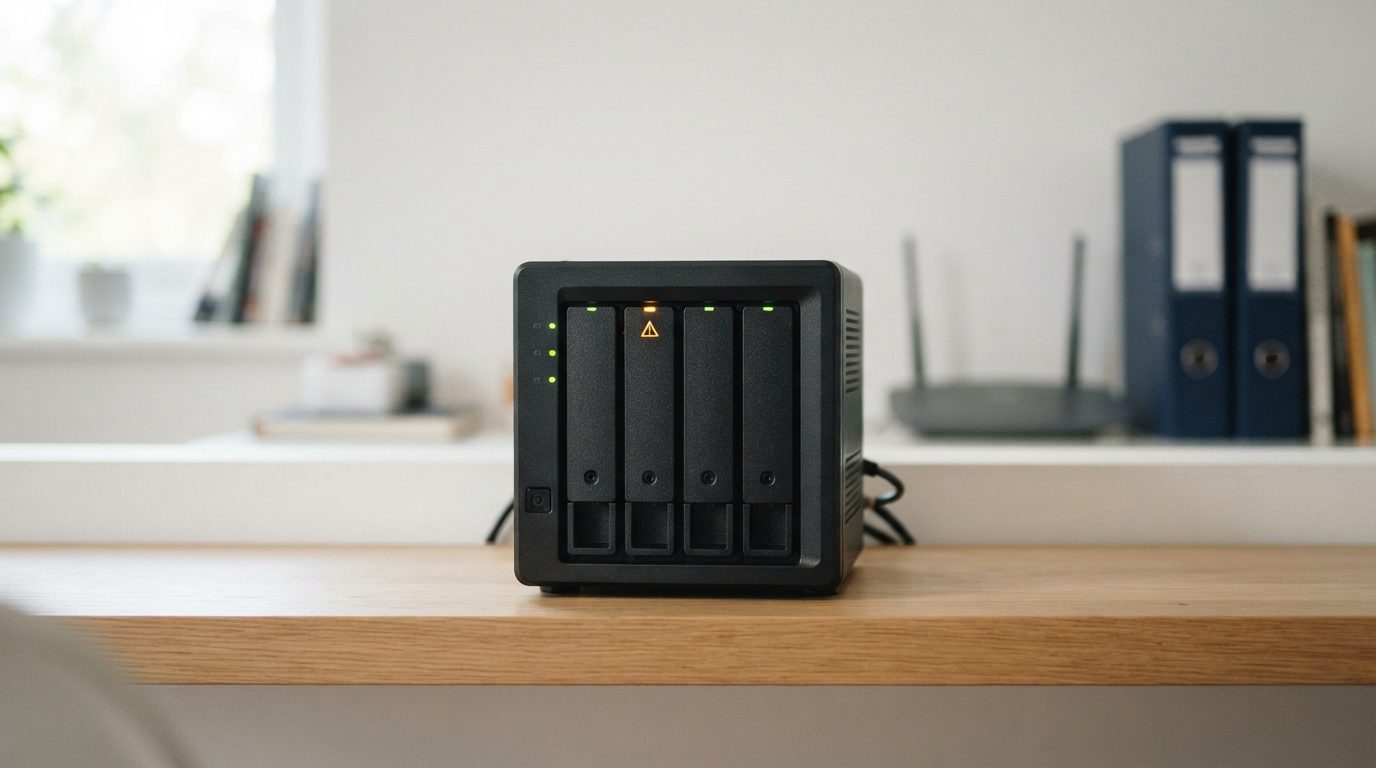
Quick answer: A NAS drive failure happens when one or more disks inside your network storage device, or the RAID layer that ties them together, stops working properly. If your data is not backed up, shut the NAS down cleanly. Do not rebuild, initialize or swap disks, and get a professional evaluation before you try anything else.
What does NAS drive failure actually mean?
NAS drive failure means a disk inside a network attached storage unit, or the array built from those disks, can no longer serve your files reliably. A NAS is a small computer with its own operating system. It combines several hard drives or SSDs into one storage pool using RAID, a method that spreads data across disks.
That design is why NAS problems feel confusing. One failed disk may cause nothing more than a warning. But a second fault, a bad update or one wrong click can take the whole volume offline. The good news is that the data is often still on the disks, even when the NAS says the volume has “crashed.”
What are the warning signs of a failing NAS?
The most common signs are a degraded or crashed volume message, amber or red status lights, missing network shares and unusual noises from the drive bays. Some signs point to a single tired disk. Others point to a deeper problem with the array or the unit itself.
Use this table to match what you see with the likely cause and the safest response.
| Symptom | Likely cause | What to do | What not to do |
|---|---|---|---|
| “Degraded” volume, one disk flagged | One member disk has failed or dropped out | Confirm your backup is current; copy critical files off if the NAS is stable and silent | Do not start a rebuild before you have a verified backup |
| “Crashed” or “inactive” volume | More disks failed than the RAID level can tolerate, or metadata is damaged | Shut down cleanly and get an evaluation | Do not repair, re-create or force the volume online |
| Clicking, buzzing or grinding from a bay | Mechanical failure inside a hard drive, often the read/write heads | Power off as soon as possible | Do not keep restarting to “see if it comes back” |
| Prompt to initialize or set up disks | The NAS can no longer read its configuration | Stop and power down | Never accept; initializing sets the disks up as new |
| NAS missing from the network | Network issue, failed power supply, board or system partition | Check cables, router and power safely | Do not factory reset or reinstall the operating system |
| Very slow access, freezes, frequent errors | Disk developing bad sectors (unreadable areas) | Back up the most important files first, then seek advice | Do not run long scans or scrubs on a struggling array |
| Files or shared folders gone, hardware healthy | Accidental deletion, formatting or a sync mistake | Stop writing to the NAS right away | Do not keep saving new files to the same volume |
What causes a NAS drive failure?
Most NAS failures start with a single worn-out disk, then become serious when a second problem appears before the array is safe again. Here are the usual triggers.
Physical failure of a member disk
NAS units often run around the clock, so their drives work hard. In a hard drive, the read/write heads float a tiny distance above spinning metal or glass discs called platters. Worn heads, a seized motor or damaged platters cause clicking, grinding or a drive that will not spin up. SSDs fail differently, usually through controller (the chip that manages the flash memory) or firmware problems.
Failures during a rebuild
When you replace a failed disk, the NAS reads every remaining disk from start to finish to rebuild the missing data. That long, heavy read is when a second weak disk often gives up. In RAID 5, losing a second disk during a rebuild takes the volume down.
Lost RAID configuration or system errors
The NAS stores details such as disk order and stripe size (how much data goes to each disk before moving to the next). If an update fails or the system partition is damaged, the unit may no longer recognise its own array, even when every disk is healthy.
Power and heat
Power surges and sudden outages can damage the power supply, the main board or the drive electronics (the PCB, or printed circuit board). Poor ventilation, dust and a hot closet slowly wear out disks.
Human error
Pulling the wrong disk, reinserting disks in a different order, deleting a volume or formatting the wrong share all cause data loss. These mistakes are common under stress, which is why the first steps below matter so much.
What should you do first when your NAS fails?
The safest first move is to stop all activity and shut the NAS down cleanly, so nothing gets written over the data you want back. Follow these steps in order.
- Stop using it. Ask everyone on the network to stop saving files to the NAS. Pause backup jobs, sync tasks and cameras that record to it.
- Note what you see. Take a photo of the status lights and write down any error messages. This helps with diagnosis later.
- Shut down cleanly. Use the shutdown option in the web interface if it still responds. If it does not, and a drive is making noise, hold the power button until the unit turns off.
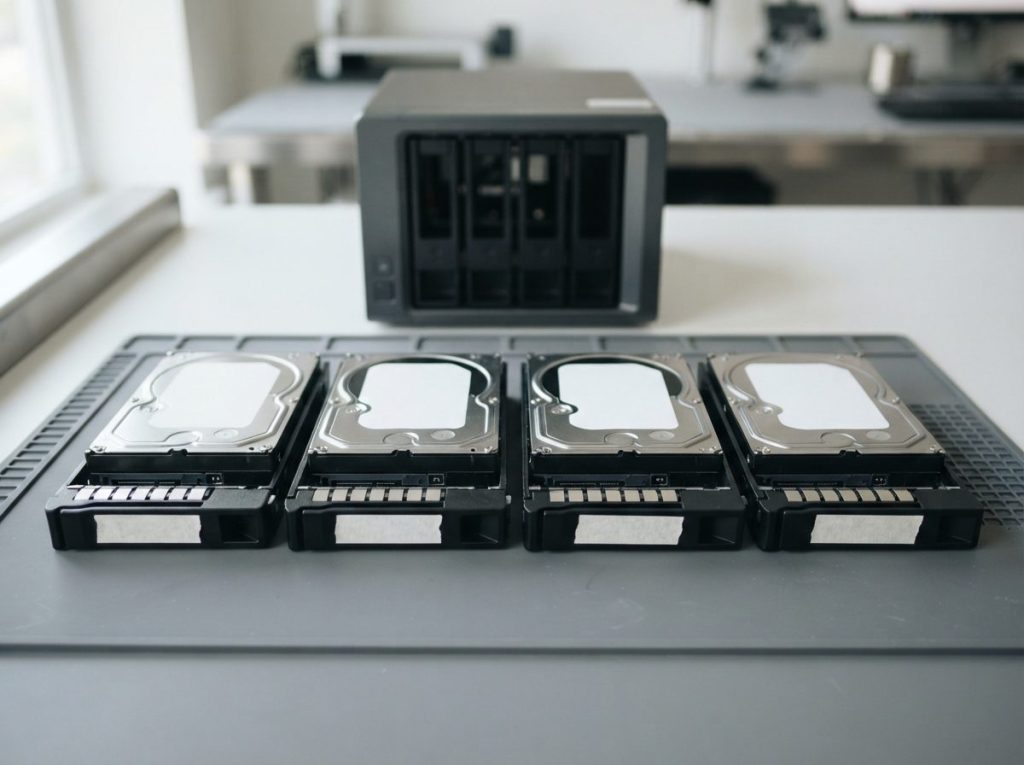
- Label the disk order. If you remove the disks, mark each one with its bay number using masking tape on the tray or casing. Keep them in that order.
- Do safe checks only. If the NAS just vanished from the network, check the network cable, router and power adapter. Nothing more invasive than that.
- Check your backup. If you have a current, separate backup, you may not need recovery at all.
- Get advice before any repair. If the data is not backed up, have the system evaluated before you rebuild, replace or reset anything.
What mistakes make NAS data loss worse?
Most permanent NAS data loss happens after the failure, when well-meant fixes overwrite the information needed to rebuild the array. Avoid these common mistakes:
- Starting a rebuild on a shaky array. A rebuild writes to the disks and stresses the weak ones. If it fails partway, recovery becomes much harder.
- Accepting an “initialize” or “create volume” prompt. These set the disks up as new.
- Changing the disk order. Swapping bays can confuse the NAS and lead it to write the wrong configuration.
- Running repair tools. File system checks such as fsck or CHKDSK can “fix” damage by throwing away the structures that point to your files.
- Restarting a clicking drive again and again. Each power cycle can scrape the platters further.
- Opening a drive. Dust in the air is large enough to damage the platter surface. Opened drives belong only in a cleanroom.
- Running recovery software on single disks. Each NAS disk holds only fragments of your files. Trial and error on members of a RAID can lower your chances, so avoid it if the data matters.
Can you fix a failed NAS yourself?
You can safely fix simple network or power problems yourself, but anything that involves a failing disk or a crashed volume needs professional help if the data matters. Use this decision guide.
- NAS unreachable, all lights normal, no noise: check cables, router and IP address. This is often a network issue, not a storage one.
- One disk failed, volume degraded, data fully backed up: replacing the disk and rebuilding is a reasonable choice, because your backup protects you.
- One disk failed, no backup: copy the most important files off first if the NAS is stable and quiet. If anything else looks wrong, stop and get advice.
- Two or more disks flagged, crashed volume, noises or an initialize prompt: power off and get a professional evaluation.
- Business, legal or irreplaceable files: skip the experiments and have it evaluated first.
Remember that RAID protects against a disk failing. It does not protect against deletion, ransomware, a failed update or a second failure. That is why a separate backup is still essential.
How do professionals recover data from a failed NAS?
Professional NAS recovery works on exact copies of each disk, rebuilds the array virtually from those copies and never writes to your original drives. At Prime Data Recovery in North York, Toronto, we follow the same order for every NAS job.
- Free evaluation. We test each disk and the enclosure to find out what failed and why.
- Findings and quote. You get a clear explanation and a quote. Nothing proceeds without your approval.
- Physical repair if needed. A disk with failed heads gets a head stack replacement (new heads from a matching donor drive) inside our ISO certified Class 10 cleanroom. Firmware faults are diagnosed and repaired with PC-3000 equipment.
- Controlled imaging. Imaging means making a sector-by-sector copy of each disk. Tools such as the DeepSpar Disk Imager read weak drives gently and skip around bad areas, so a failing disk is not pushed past its limit.
- RAID reconstruction and file verification. We work out the RAID level, disk order, stripe size and parity from the images, then rebuild the array virtually. Next, we read the file system (often ext4 or Btrfs on NAS units), using tools such as ACE Lab Data Extractor where they fit. You then check your recovered files in a file verification session.
- Delivery. Your data is returned on a new storage device.
Because the work is done on images, the array can often be rebuilt even when more disks have failed than the RAID level was designed to handle. Results depend on the damage, though, so no honest lab can promise recovery before an evaluation. You can read more about each step on our data recovery process page.
When should you call a NAS recovery specialist?
Call a specialist as soon as a volume shows as crashed, more than one disk is flagged, a drive makes noise or the NAS asks to initialize disks. At that point, every extra attempt adds risk. Bring in help early, too, if the NAS holds client records, accounting files or the only copy of family photos.
Prime Data Recovery handles NAS data recovery and RAID data recovery for home users and businesses across the GTA. Customers elsewhere in Canada can ship their disks. All data is handled confidentially and in line with Canadian privacy law (PIPEDA).
Key takeaways
- A NAS drive failure often leaves your data intact; the risk is in what you do next.
- Shut down cleanly, label the disk order and stop all writes to the NAS.
- Never initialize, re-create a volume, run repair tools or rebuild without a verified backup.
- Clicking or grinding means power off now and do not retry.
- Professionals image every disk and rebuild the array virtually, never on your originals.
- RAID is not a backup; keep a separate copy of important files.
Need help with a failed NAS?
If your NAS shows a crashed volume, strange noises or an initialize prompt, power it down and let us take a look. Prime Data Recovery offers a free quote and evaluation, a “No Data, No Fee” policy and 24/7 emergency support for servers. Request your free NAS evaluation or call (416) 661-1112 to talk with our North York lab.
Frequently Asked Questions
Can I move my NAS disks into a new NAS to get my data back?
Sometimes, if the old unit failed and every disk is healthy, but it carries real risk. A new unit may not recognise the array and may offer to initialize the disks, which sets them up as new. If the data is not backed up, have the disks imaged and checked first. Keep them in their original order and never accept a setup or initialize prompt.
Can data be recovered if two drives failed in a RAID 5 NAS?
Often yes, though it depends on how badly each disk is damaged. RAID 5 tolerates only one failed disk, but a lab can repair and image the failed drives, then rebuild the array virtually from the images. Even a partly readable second disk can supply enough data to recover most files. Avoid rebuild attempts, which can reduce what remains recoverable.
Should I send the whole NAS or just the hard drives for recovery?
In most cases the disks are what matter, but sending the whole unit can help when encryption, a special volume type or an unusual configuration is involved. If you remove the disks, label each one with its bay number and pack them separately with padding. When unsure, ask for advice before shipping so nothing important is left out.
How long does NAS data recovery usually take?
It depends on the number and size of the disks, how many have physical damage and how complex the RAID setup is. A simple logical problem moves faster than several failed disks that need cleanroom work and slow imaging of weak areas. A reliable lab gives you a time estimate after the evaluation, once the actual condition of each disk is known.
Is my NAS data private when I send it to a recovery lab?
A professional lab should handle your disks and files confidentially, limit access to the people working on the job and return data on new media. At Prime Data Recovery, data is handled in line with Canadian privacy law (PIPEDA). If you have specific confidentiality requirements, such as client or patient records, mention them when you request your evaluation.
