
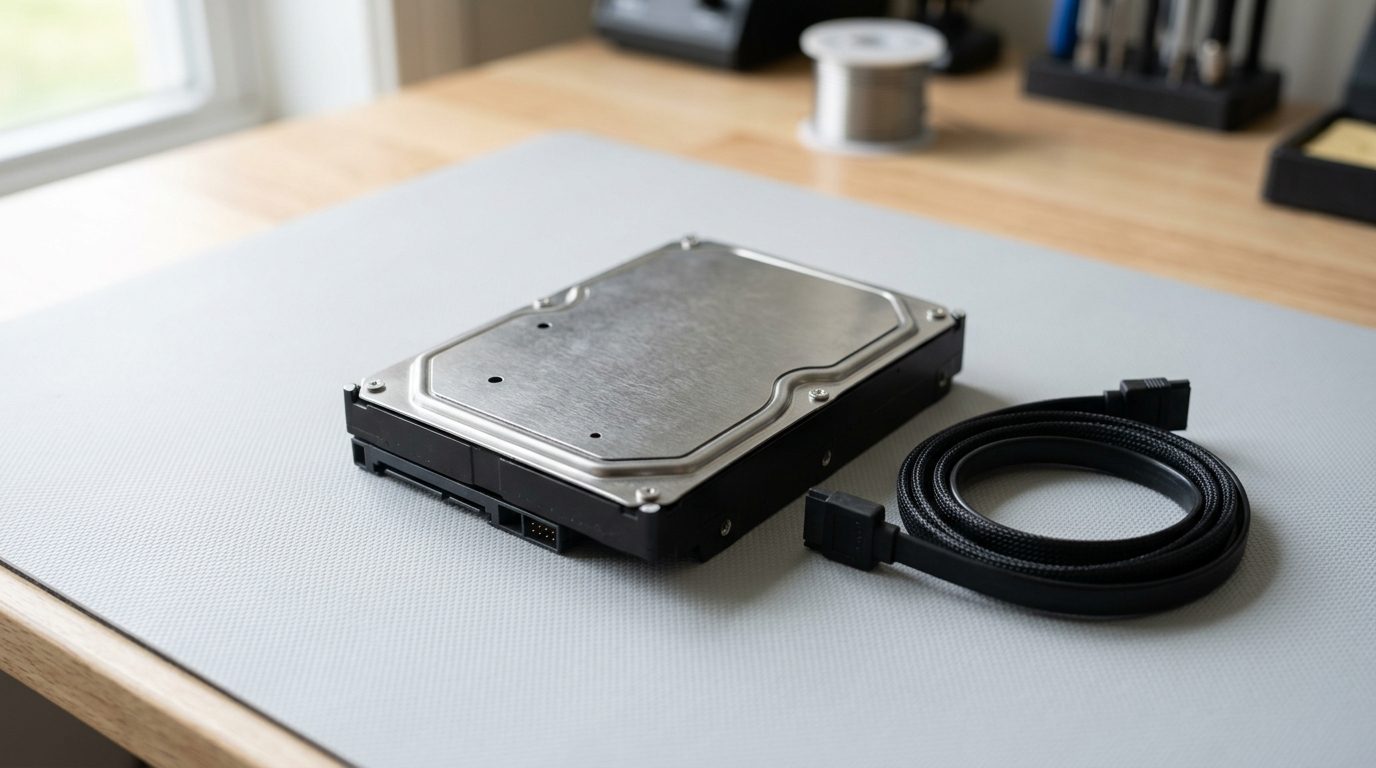
Quick answer: If your hard drive is clicking, switch it off and unplug it straight away. Clicking usually points to a mechanical fault, such as a damaged read/write head. Every minute of running can damage the disks further. Do not retry, freeze or open the drive. Contact a data recovery professional.
Why is my hard drive clicking?
A clicking hard drive is usually a sign of a mechanical problem inside the drive. In a traditional hard disk drive (HDD), a read/write head moves over spinning platters to find your files. If the head cannot read the data, it keeps resetting, and you hear a repeated click.
Common causes include:
-
A worn or damaged read/write head
-
Damaged or misaligned head assembly after a drop or knock
-
A failing motor or spindle that cannot spin the platters properly
-
Surface damage on the platters
-
Unstable power, for example from a weak USB port or faulty cable
Solid-state drives (SSDs) have no moving parts, so they do not click. If your computer clicks, the noise is coming from a hard disk, or sometimes from a fan.
What should I do first when my hard drive clicks?
Stop using the drive immediately: save nothing, copy nothing, and power it down. Continued running can make a head scrape the platters, and that turns a recoverable fault into permanent loss.
-
Close any open files if the computer still responds, then shut down normally. If it freezes, hold the power button.
-
Unplug the drive. For an external drive, remove the USB or power cable. For a laptop or desktop, disconnect power.
-
Do not restart "just to check". Each attempt is another chance for damage.
-
Note what happened. Was the drive dropped, did it overheat, or did the noise start gradually? This helps a technician.
-
Handle it gently. Place it in a padded, anti-static bag or box and keep it flat and dry.
-
Contact a professional before trying anything else.
What should I never do with a clicking drive?
Never try fixes that involve power, force or opening the drive, because these are the most common ways people lose data for good. Some well-known tips online cause real harm.
-
Do not put it in the freezer. Condensation can form on the platters and the trick does not repair mechanical faults.
-
Do not tap or shake it. Heads and platters are delicate.
-
Do not open the casing. Dust particles can ruin the platter surface. Opening a drive needs a clean-air environment.
-
Do not run repair software. Disk-repair and scan tools force the drive to read constantly, which is exactly what a failing head cannot do.
-
Do not keep trying other computers or cables over and over.
-
Do not install recovery software onto the same drive. It can overwrite your files.
How can I tell what kind of noise my drive is making?
Different sounds point to different problems, but no sound can confirm a diagnosis, so treat all of them as a reason to stop. The table gives a general guide.
| What you hear | Likely cause | What to do |
|---|---|---|
| Repeated, regular clicking | Head cannot read the platters | Power off, seek professional help |
| Grinding or scraping | Head touching platter surface | Power off immediately, seek help |
| Beeping or buzzing, no spin | Motor or spindle fault, or low power | Unplug, do not retry |
| Spins up, then clicks, then stops | Head or firmware problem | Power off, seek help |
| Occasional soft ticks while working | Normal head movement | Back up your files now as a precaution |
Normal drives make soft seeking sounds when reading and writing. The warning sign is a loud, repetitive or new noise, especially with slow response, freezing or a drive that disappears from the computer.
Can a clicking hard drive be fixed at home?
No, a clicking hard drive cannot be safely fixed at home, because the fault is physical. Software cannot repair a damaged head, and opening the drive exposes the platters to dust.
What you can safely do is rule out a simple external cause. If it is an external drive that clicks right after you plug it in, the issue may be insufficient power. Try the drive once on a different cable or a powered port. If the clicking continues, stop and unplug it. Do not make repeated attempts.
When should I call a data recovery professional?
Call a professional as soon as the clicking starts, especially if the drive holds files you cannot replace, such as family photos, business records or financial documents. The earlier the drive is powered off, the more options remain.
Prime Data Recovery Services helps people and businesses recover data from failed hard drives. We can assess the drive, explain what is wrong and what recovery may involve, before you decide how to proceed. Recovery results depend on the type and extent of damage, so no one can promise an outcome before examining the drive.
How can I protect my data from the next drive failure?
Hard drives wear out, so the safest plan is to keep more than one copy of anything important. A simple routine works well:
-
Keep at least two copies of important files, with one stored in a different place.
-
Replace drives that are several years old or show warning signs.
-
Avoid moving laptops or external drives while they are running.
-
Use a surge protector to reduce power problems.
-
Check your backups occasionally by opening a few files.
A drive that has already clicked should not be trusted again, even if it seems to work after a restart.
Key takeaways
-
Clicking from a hard drive usually signals a mechanical fault.
-
Power it off and unplug it immediately.
-
Do not freeze, shake, open or run repair software on it.
-
SSDs do not click, so the sound points to a hard disk.
-
A professional assessment gives the best chance of recovering your files.
Need help with a clicking drive?
If your drive is clicking and your files matter, leave it powered off and get in touch. Visit Prime Data Recovery Services to talk to us about your drive and the next safe step.
Frequently asked questions
Is a clicking hard drive always dying?
Not always, but it should be treated as serious. Clicking often means a head or motor problem, which rarely fixes itself. Occasionally an external drive clicks because of weak power from a cable or port. Even so, power it off after one check and seek advice if the noise continues.
Why does my external hard drive click when plugged in?
It may be a damaged read/write head, or the drive may not be getting enough power. Try a different cable or a powered port once. If it keeps clicking, unplug it and stop. Repeated attempts can scratch the platters and reduce the chance of getting your files back.
Can I recover files from a clicking hard drive?
Often yes, but it depends on the damage. Clicking is a physical fault, so recovery needs specialist tools and a clean environment rather than software. Switching the drive off quickly improves the odds. A professional assessment can tell you what is realistic for your drive.
Does putting a clicking hard drive in the freezer work?
No. Freezing does not repair a damaged head or motor, and moisture can condense on the platters when the drive warms up. This can cause extra damage and make professional recovery harder. Leave the drive unplugged and dry instead.
Can a clicking SSD happen?
SSDs have no moving parts, so they do not click. If you hear clicking from your computer, it is more likely a hard disk, an optical drive or a fan. Check which component is making the noise, and back up your files if a hard drive is the source.
Should I keep using my computer if the hard drive clicks?
No. Every minute of use risks more damage to the platters and your data. Save nothing new, shut the computer down and disconnect the drive if you can. Use another device for urgent tasks until the drive has been assessed.
Need help with this?
Talk to the team at Prime Data Recovery Services. We will tell you honestly what your options are.
