
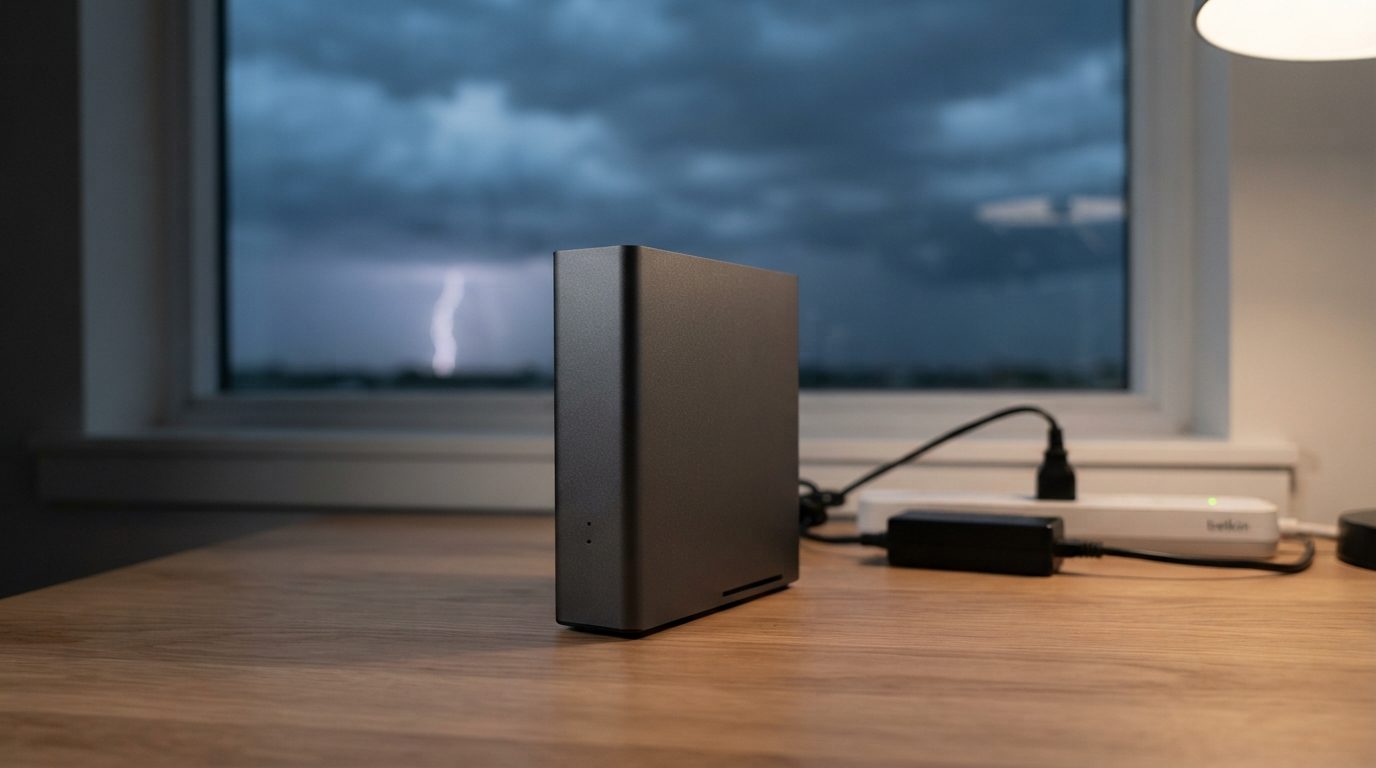
Quick answer: An external hard drive power surge usually damages the electronics, not the stored files. The power adapter, the USB bridge board or the drive’s own circuit board often fails, so the drive looks dead. Unplug it, do not keep retrying, and have it diagnosed. A lab can repair or bypass the damaged parts and copy the data safely.
A storm rolls through, the lights flicker, and the next morning your backup drive does nothing. If your external hard drive stopped working after a power surge, the good news is that the data is usually still there. The bad news is that the way most people react, by plugging it in again and again, can turn a fixable electronic fault into a much harder recovery.
This guide explains what a surge actually breaks inside an external drive, how to read the symptoms, and what you can safely do while you decide on next steps.
What does a power surge do to an external hard drive?
A power surge sends a brief spike of voltage above what the drive’s electronics are built to handle, and the weakest component in its path burns out. In an external hard drive, that path runs from the wall outlet or the computer’s USB port, through the enclosure, and into the drive itself.
The data on a hard drive lives as magnetic patterns on spinning disks called platters. A surge rarely affects those patterns directly. What it destroys is the circuitry that powers the motor, controls the read/write heads and talks to your computer. Without that circuitry, the computer cannot reach the data, even though it is still intact.
In Canada, surges often come from lightning, from hydro restoring power after an outage or ice storm, or from faulty wiring and overloaded power bars. A less obvious cause is using the wrong power adapter on a desktop external drive. Many 3.5″ desktop drives need a specific 12 V adapter, and a borrowed adapter with a higher voltage or reversed polarity can damage the board the moment it is plugged in.
Which parts usually fail after a surge?
Most surge damage stops at the first component that cannot absorb the extra voltage, so the failure point depends on where the spike entered. Here are the usual suspects, from the outside in.
The power adapter
Desktop external drives have a separate power brick. It sits closest to the outlet and often takes the hit first. A failed adapter may leave the drive completely silent, with no light and no spin.
The USB bridge board
Inside most enclosures, a small bridge board converts USB to the drive’s internal SATA connection. A surge can kill its voltage regulators or the bridge chip. The internal drive may be fine, but the computer never sees it.
Some portable 2.5″ drives have no separate bridge. The USB connector is built straight into the drive’s own circuit board. On these models, enclosure damage and drive damage are the same thing.
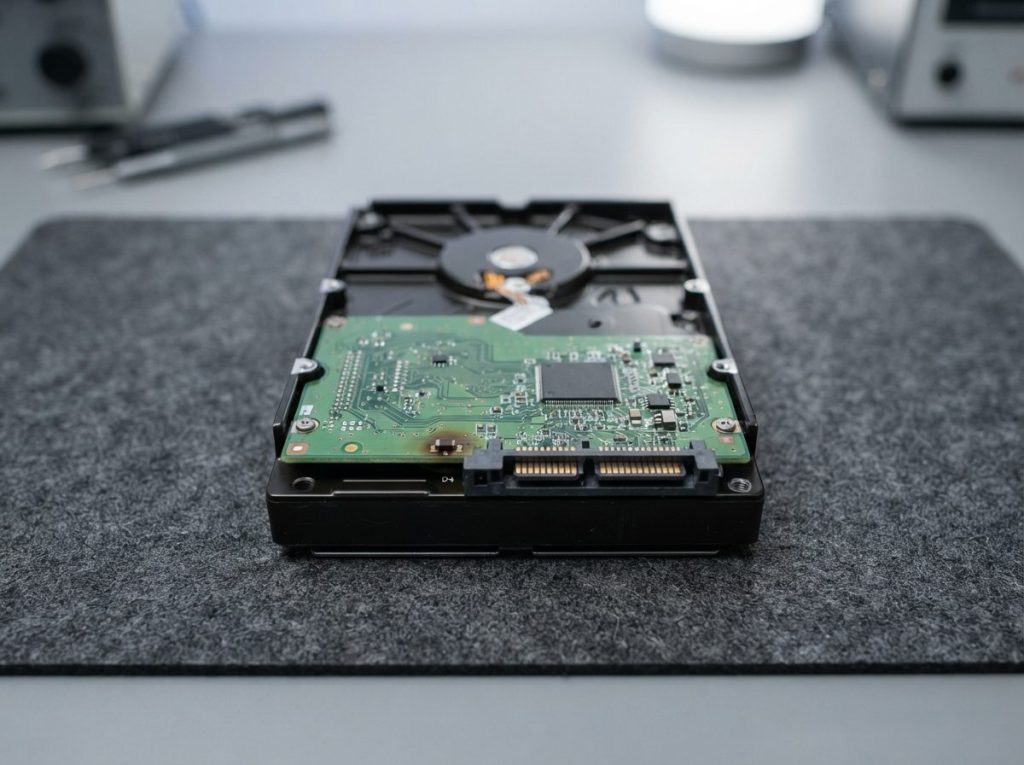
The drive’s PCB
The PCB (printed circuit board) on the bottom of the hard drive runs the motor and the heads. Most PCBs include protective diodes, often called TVS diodes, designed to short out and sacrifice themselves when voltage spikes. When one blows, the drive usually will not power up at all. Stronger surges can also damage the motor controller or other chips.
The heads and preamplifier
Less often, the spike reaches the head assembly inside the sealed drive. A small amplifier chip there can fail. The drive then spins but clicks or cannot read, and the repair needs a cleanroom.
Firmware
Every drive keeps its own operating instructions in a reserved zone called the service area. An unstable power event while the drive is working can corrupt these modules, so the drive spins but reports the wrong size or does not identify properly.
How can you tell if the surge damaged your external drive?
The symptom after a surge points to the likely failure, and it also tells you what to avoid. Use this table as a guide, not a diagnosis.
| Symptom | Likely cause | What to do | What not to do |
|---|---|---|---|
| No light, no sound, no spin | Failed adapter, bridge board or blown protection diode on the PCB | Unplug and keep it off; note the adapter’s voltage rating | Do not try other adapters with different voltages or keep reconnecting |
| Burning smell or visible scorch mark | Burnt component on a board | Disconnect at once and leave it unplugged | Do not power it again, even “just to check” |
| Light comes on, computer does not see it | Bridge board fault or PCB damage | Stop and arrange an evaluation | Do not open the enclosure and move the drive to another case |
| Spins, then clicks or beeps | Head or preamplifier damage, or a motor driver problem | Power off immediately | Do not restart it repeatedly; each try can harm the platters |
| Detected but asks to format, or shows wrong capacity | Firmware or file system corruption | Close the prompt and disconnect | Do not format, initialize, or run CHKDSK or First Aid |
| Works but is suddenly very slow | Weak heads or new bad sectors | Stop using it and get the important files copied professionally | Do not run full scans or large copies that stress the drive |
What should you do right after a suspected surge?
The safest first step is to unplug the drive and stop trying to power it. A damaged board can short again, and a second short may reach parts that survived the first one.
- Disconnect everything. Unplug the drive from the computer and, for desktop drives, from the wall.
- Write down what happened. Note the time of the storm or outage, the symptoms and any smell. This helps the technician narrow down the fault.
- Keep the original adapter and cable. Bag them with the drive. Check the label on the adapter to confirm it matches what the drive requires.
- Check your other gear. If the surge protector or power bar shows a tripped or failed light, the surge was real and likely hit everything on it.
- Store the drive somewhere dry and stable. No heat, no shaking, and no stacking heavy items on top.
- Decide how much the data matters. If it is the only copy of photos, client files or accounting records, get a professional evaluation before anything else.
What mistakes make surge damage worse?
Most surge-damaged drives get worse because of what happens after the surge, not during it. These are the common ones.
- Swapping the circuit board with one from a matching drive. Modern hard drives store unique calibration data, called ROM/adaptives, on their own board. A donor board without that data will not read the drive correctly and can damage it.
- Moving the drive to a new enclosure without diagnosis. If the drive’s own PCB is shorted, a new enclosure just powers a faulty board again.
- Trying random power adapters. A wrong voltage or polarity adds new damage on top of the old.
- Running repair tools. CHKDSK, fsck and Disk Utility First Aid write to the drive. If it is detected but acting strangely, these tools can scramble the file system.
- Opening the drive. The inside of a hard drive must stay sealed. Dust that you cannot see can scratch the platters for good.
Recovery software cannot help with this kind of failure. It needs a drive that powers up and responds properly, which is exactly what a surge takes away.
Is the data recoverable after a power surge?
In most cases, yes, because the surge usually stops at the electronics and the platters keep the data. The outcome depends on how far the damage reached and how the drive was handled afterwards. No lab can honestly promise a result before diagnosis.
If you are not sure whether to seek help, this quick decision guide can help:
- The drive held backed-up, replaceable files: you can replace the drive and restore from backup.
- The files are important and the drive shows any symptom: keep it unplugged and get a professional evaluation.
- There was a smell, scorch mark, clicking or beeping: power is now the enemy. Do not retry; send it for diagnosis.
How do professionals recover data from a surge-damaged drive?
A lab first finds which part failed, repairs or bypasses it, then copies the data without writing anything to the original drive. At Prime Data Recovery in North York, our data recovery process follows the same order every time:
- Free evaluation and diagnosis. We test the adapter, bridge board and drive PCB separately to locate the fault, and check whether the drive is a native USB model.
- Findings and quote. You get a clear explanation and a quote. Nothing proceeds without your approval.
- Repair. Electronic faults may need component replacement or a compatible board with the original ROM chip transferred. If the heads were affected, a head stack replacement using parts from a matching donor drive is done in our ISO certified Class 10 cleanroom. Firmware problems in the service area are handled with the PC-3000 system.
- Controlled imaging. Imaging means copying the drive sector by sector to stable storage. We use the DeepSpar Disk Imager, which reads gently around weak areas and never writes to your drive.
- Recovery and verification. Files are rebuilt from the image, and you check them in a file verification session before delivery.
- Delivery on a new storage device.
Our external hard drive recovery service covers desktop and portable models. Data is handled confidentially and in line with Canadian privacy law (PIPEDA).
How can you protect external drives from future surges?
A surge protector reduces risk but does not remove it, so the real protection is a second copy of your data. Practical steps:
- Plug computers and desktop drives into a quality surge protector or an uninterruptible power supply (UPS).
- Unplug backup drives when you are not using them, especially before a thunderstorm.
- Use only the adapter that came with the drive, or one with the exact same voltage, current and polarity.
- After a power outage, wait a few minutes before turning equipment back on.
- Keep at least one backup on a different device, ideally stored in another location or in the cloud.
Key takeaways
- An external hard drive power surge usually destroys electronics, while the data on the platters often survives.
- The adapter, USB bridge board, PCB protection diodes, heads or firmware can fail, depending on the spike’s path.
- Unplug the drive and stop retrying, especially if you notice a smell, clicking or beeping.
- Avoid board swaps, new enclosures, other adapters, repair tools and recovery software.
- Professional recovery repairs the fault, images the drive safely and verifies the files with you.
Need help with a drive that died after a surge?
Prime Data Recovery offers a free evaluation and a fast, free 30-minute diagnostic, with a “No Data, No Fee” policy. You can drop off your drive at our North York lab or ship it from anywhere in Canada. Request a free quote to get started.
Frequently Asked Questions
Can a lightning strike erase the data on an external hard drive?
Very rarely. Lightning-related surges mostly burn out electronic parts such as the adapter, the USB bridge board or the drive's circuit board. The magnetic data on the platters usually stays intact. Severe events can damage the heads or cause scratches if the drive keeps running, which is why you should unplug it and avoid powering it again before a professional diagnosis.
Can a power outage damage a hard drive even without a surge?
Yes. A sudden loss of power while the drive is writing can leave files or the file system half-updated, and the drive may then ask to be formatted or show as RAW. Power returning after an outage can also bring a spike. If the drive behaves oddly after an outage, do not format it or run repair tools; disconnect it and get advice.
Will the manufacturer's warranty recover my files after a power surge?
Usually not. A warranty claim typically replaces the faulty drive with a new or refurbished unit, and the original drive is not returned. Data recovery is normally not part of that service. If the files matter, have them recovered first, then decide whether to make a warranty claim with the original drive.
Is a portable SSD safer than a hard drive during a power surge?
A portable SSD has no moving parts, so it cannot suffer head damage, but its controller and power circuitry can still burn out in a surge. When an SSD's controller fails, the data is locked behind it and needs specialized tools to reach. Surge protection and a separate backup are just as important for SSDs as for hard drives.
How long can I wait before sending a surge-damaged drive for recovery?
A drive that is unplugged and stored in a cool, dry place does not get worse while it sits, so you have time to decide. The risk comes from repeated power attempts, not from waiting. Keep it off, keep the original adapter and cable together with it, and arrange an evaluation when you are ready.
