
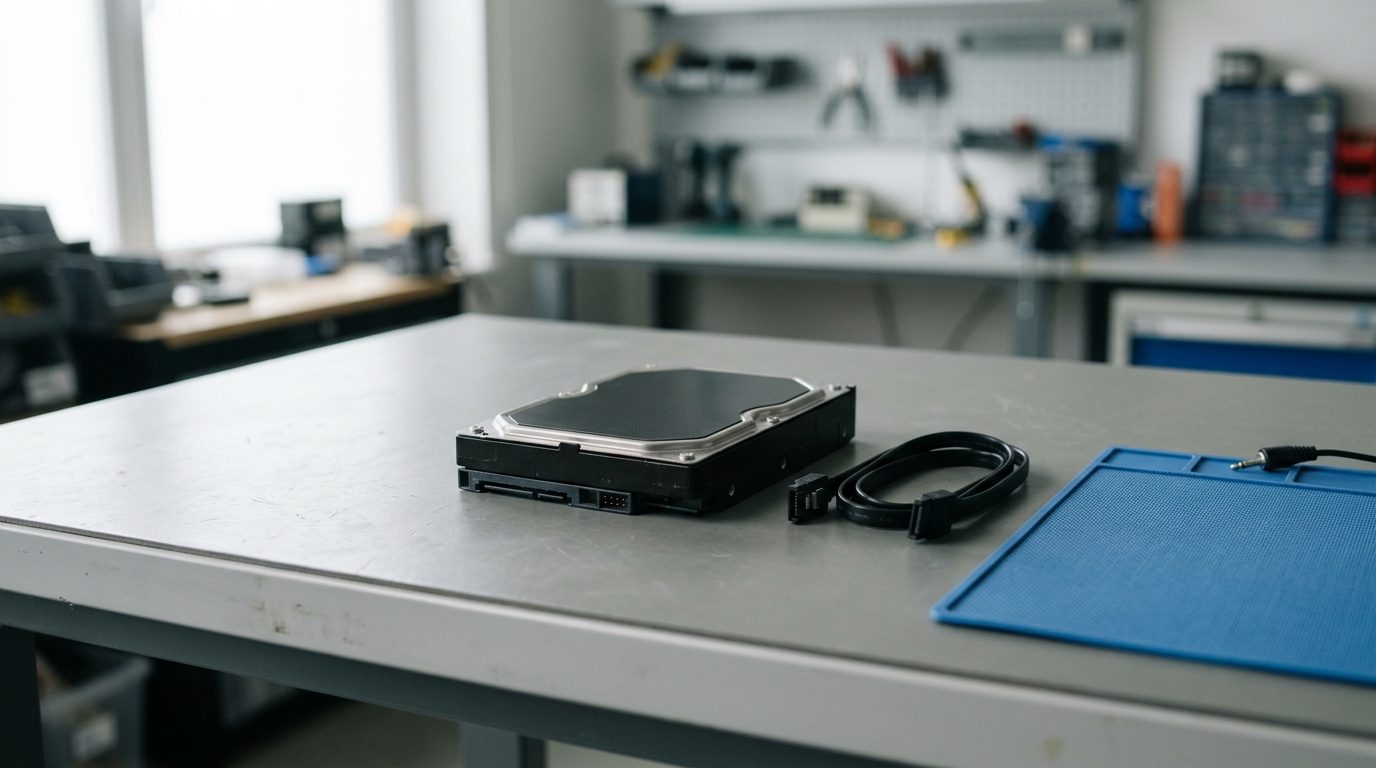
Quick answer: Data recovery in Ontario means a specialist retrieves files from a failed hard drive, SSD, RAID, NAS, flash drive or memory card. Stop using the device straight away, don’t run repair tools or open the drive, and ask a recovery service for an evaluation before anything is overwritten or damaged further.
If you are looking for data recovery in Ontario, you are probably worried about files you can’t replace: family photos, work documents, accounting records. The first hours matter more than most people expect. This guide explains what to do, what to avoid and how to judge a provider before you hand over your device.
What does data recovery in Ontario actually involve?
Data recovery is the process of copying files off a storage device that no longer works normally, without changing the original. A technician first diagnoses the fault, then works on a copy of the data wherever possible.
The fault usually falls into one of two groups:
- Logical problems: deleted files, formatted drives, corrupted file systems, lost partitions. The hardware works, but the data is hard to reach.
- Physical problems: clicking or grinding drives, failed read/write heads, burnt electronics, water or fire damage, cracked SSDs. The hardware itself has to be dealt with before data can be read.
Physical faults need specialist tools and a controlled workspace. Opening a drive on a kitchen table can destroy what is left.
What should you do first when a drive fails?
Switch the device off and stop using it. Every extra minute of power or writing can make recovery harder, especially if the drive is making noise or has been deleted from.
- Unplug the drive or power down the computer.
- Write down what happened: a drop, a power cut, a spill, an error message, strange sounds.
- Don’t save anything new to the device or to the same disk.
- Don’t run disk repair, "fix" utilities or recovery software if the drive clicks, beeps or disappears.
- Keep the original cables, power adapter and any enclosure.
- Contact a recovery service and describe the symptoms.
Which symptoms need a professional and which are safe to check?
Noises, no power and physical damage always need a professional. A drive that spins quietly but doesn’t appear may only need simple checks.
| Symptom | Likely cause | What to do |
|---|---|---|
| Clicking, grinding or beeping | Failing heads or motor | Power off. Don’t retry. Call a specialist. |
| Drive not detected, no sound | Dead electronics or firmware fault | Try one other cable and port, then stop. |
| Drive shows but asks to format | Corrupted file system | Don’t format. Don’t write to it. Seek advice. |
| Files deleted by mistake | Logical loss | Stop using the device. Avoid saving new files. |
| Water, fire or impact damage | Physical damage | Don’t power on. Don’t try to dry it with heat. |
| RAID or NAS degraded | One or more disks failed | Don’t rebuild blindly. Label the disk order. |
| SSD suddenly vanishes | Controller or memory fault | Power off. SSDs rarely recover through DIY tools. |
Can you recover data yourself with software?
Recovery software can work for simple deleted files on a healthy drive, but it is risky on any drive that is failing. Software forces the drive to read every sector, which can speed up the damage on a weak mechanism.
If the drive is healthy, you can try a reputable tool, and you should install it on a different disk and save recovered files elsewhere. If you hear any noise, see the drive disconnecting, or the data is critical, stop and get an evaluation instead.
How do you choose a data recovery service in Ontario?
Choose a service that diagnoses before it commits, explains the likely outcome in plain language and treats your original device with care. Ask these questions before you send or drop off anything:
- Will you tell me what is wrong and what recovery is likely before I approve the work?
- How is pricing decided, and what happens if little or nothing can be recovered?
- Do you handle the type of device I have: HDD, SSD, RAID, NAS, tape, phone or card?
- Can I see a list of recoverable files before I pay?
- How will my data be handled and returned, and how is confidentiality protected?
Be cautious of anyone who promises a result before seeing the device. Outcomes depend on the damage, and an honest provider says so.
What affects the outcome of a recovery?
The condition of the device and what happened after the failure matter most. Drives that were powered off quickly generally give a technician more to work with than drives that were repeatedly restarted.
- Type of damage: logical faults are usually more straightforward than severe physical ones.
- Overwriting: new data written over deleted files may remove them for good.
- Encryption: encrypted drives need the correct key or password.
- Device type: SSDs, RAID arrays and phones add complexity.
- Previous repair attempts: opening a drive or swapping parts can reduce chances.
How does Prime Data Recovery Services help?
Prime Data Recovery Services provides data recovery in Toronto for hard drives, SSDs, RAID arrays, NAS devices, flash drives, memory cards and other storage. If your drive has failed, you can describe the symptoms and ask for an evaluation before deciding how to proceed. Our pricing approach is explained in our article on what you really pay for in data recovery.
Many people reach out after trying several fixes. If that is you, tell us exactly what you tried, because it helps us judge the condition of the drive.
How can you avoid losing data next time?
Keep at least two copies of anything important, with one stored away from the computer. A single external drive is not a backup if it holds the only copy.
- Back up on a regular schedule and test that you can open the files.
- Replace drives that show warnings or are many years old.
- Use a surge protector or UPS on desktops and NAS devices.
- Eject external drives properly before unplugging them.
- Treat RAID as uptime protection, not as a backup.
Key takeaways
- Stop using a failed device immediately and keep it powered off.
- Noises, water, fire and impact damage need a professional, not software.
- Never format, rebuild or repair a drive that holds your only copy.
- Choose a provider who diagnoses first and is honest about likely results.
- Keep two copies of important files to avoid the problem next time.
Need data recovery in Ontario?
If you have a failed drive or lost files, contact Prime Data Recovery Services to describe what happened and discuss safe next steps.
Frequently asked questions
Is it safe to try data recovery software on a failing drive?
Not if the drive is clicking, beeping, freezing or disconnecting. Software makes the drive read large areas repeatedly, which can worsen mechanical damage. On a healthy drive with simple deleted files, software may work if you install it on another disk and save results elsewhere. For important data, get an evaluation first.
Can deleted files be recovered after emptying the recycle bin?
Often yes, if nothing new has been written to the drive. Deleted files usually remain until the space is reused. The longer you keep using the device, the higher the chance they are overwritten. Stop saving files to it and seek recovery help promptly.
Should I format a drive that asks me to format it?
No. A prompt to format usually means the file system is damaged, not that the data is gone. Formatting writes new structures and can make recovery harder. Leave the drive alone, avoid writing to it and have it assessed.
Can data be recovered from a dead SSD?
Sometimes. SSD failures involve controllers and memory chips, and encryption or TRIM can limit results. Home tools rarely help once an SSD stops being detected. Power it off and ask a specialist to evaluate the device.
What should I bring when I ask for a recovery evaluation?
Bring the device, its original cable or power adapter and any enclosure. Note the symptoms, what happened before the failure and anything you tried. If the drive is encrypted, have the password ready. Clear details help a technician judge the problem faster.
Is a RAID or NAS recovery different from a single drive?
Yes. Data is spread across several disks, so the order, configuration and condition of every disk matter. Don't rebuild or reinitialise the array. Label each disk by slot, power the system down and get professional help.
Need help with this?
Talk to the team at Prime Data Recovery Services. We will tell you honestly what your options are.
