
Quick answer: HP ProLiant data recovery means getting files, databases and virtual machines back from a server whose RAID array, controller or file system has failed. To protect your data, shut the server down cleanly, label every drive’s bay position, and don’t rebuild, initialize or run repair tools. A lab then images each drive and rebuilds the array virtually.
When a ProLiant server goes down, the cause is often bigger than one bad disk. A failed controller, a second drive dropping out partway through a rebuild, or a damaged file system can all leave a logical drive offline. This guide covers HP ProLiant data recovery in plain English: what the warning signs mean, which actions keep your options open, and how professional recovery works.
What usually causes data loss on an HP ProLiant server?
Most ProLiant data loss starts in one of four places: the drives, the RAID controller, the RAID metadata or the file system on top of the array.
ProLiant servers usually run a hardware RAID controller (the Smart Array family on many models). It combines several SAS, SATA or SSD drives into one or more logical drives. A logical drive is the single volume the operating system sees. If any layer underneath it breaks, the volume can disappear even when most of your data is still on the disks.
Drive failures, including more than one
RAID 5 survives one failed drive. RAID 6 survives two. RAID 10 can survive more, but only if the failures land in different mirror pairs. Once failures go past what the layout can tolerate, the controller takes the logical drive offline. Drives that look healthy can also hide bad sectors, which are areas of the disk that can no longer be read reliably.
Controller or configuration problems
The controller stores the array layout: disk order, stripe size and parity pattern. A failed controller, a firmware fault or a lost configuration can make an intact array look empty or “foreign”. Swapping in a new controller and guessing at settings is one of the most common ways recoverable arrays get damaged.
Rebuilds that go wrong
A rebuild reads every sector on the remaining drives. If one of them has weak areas, the rebuild can stall or fail and push the array into a worse state. Replacing the wrong disk, or pulling a good one by mistake, does the same.
File system and virtual machine corruption
Power loss, an unclean shutdown or a failed update can damage the file system even when the RAID itself is fine. Servers commonly use NTFS or ReFS (Windows Server), VMFS (VMware hosts), ext4 or XFS (Linux). On virtualization hosts, a single damaged datastore can take many virtual machines offline at once.
What do HP ProLiant failure symptoms mean, and what should you do?
Each symptom points to a likely layer of failure, and the safe response is almost always to stop making changes until the data is protected.
| Symptom | Likely cause | What to do | What not to do |
|---|---|---|---|
| Logical drive shows “failed” or offline | More drive failures than the RAID level tolerates | Shut down cleanly, record bay positions, get an evaluation | Don’t force drives back online or recreate the logical drive |
| Controller reports a foreign configuration | Controller swap, moved drives or metadata mismatch | Write down exactly what the message says and leave the configuration alone | Don’t clear the configuration or create a new array |
| Rebuild stuck at a percentage or failed | Read errors on a surviving drive | Stop the server if data matters and seek help | Don’t restart the rebuild over and over or swap in more drives |
| Server boots but shares or volumes are missing | File system corruption | Stop writes to the volume and take it offline | Don’t run CHKDSK, fsck or other repair tools |
| Virtual machines won’t start or the datastore is inaccessible | Datastore or virtual disk file damage | Power off affected VMs and keep the host from writing | Don’t reformat the datastore or reinstall the hypervisor |
| A drive is clicking, buzzing or grinding | Physical failure of a hard drive | Power the server off right away | Don’t keep restarting to “see if it comes back” |
| Server won’t boot at all | Boot volume, controller or hardware fault | Note any error codes or messages on screen | Don’t reinstall the operating system over the existing volume |
What should you do first when a ProLiant array fails?
The first goal is to freeze the situation: stop all writes and record how the server is set up, so nothing about the original layout gets lost.
- Stop the workload. Tell users, pause backups and scheduled jobs, and power off affected virtual machines.
- Shut down cleanly if you can. If a drive is making mechanical noises, power off right away instead of waiting for a normal shutdown.
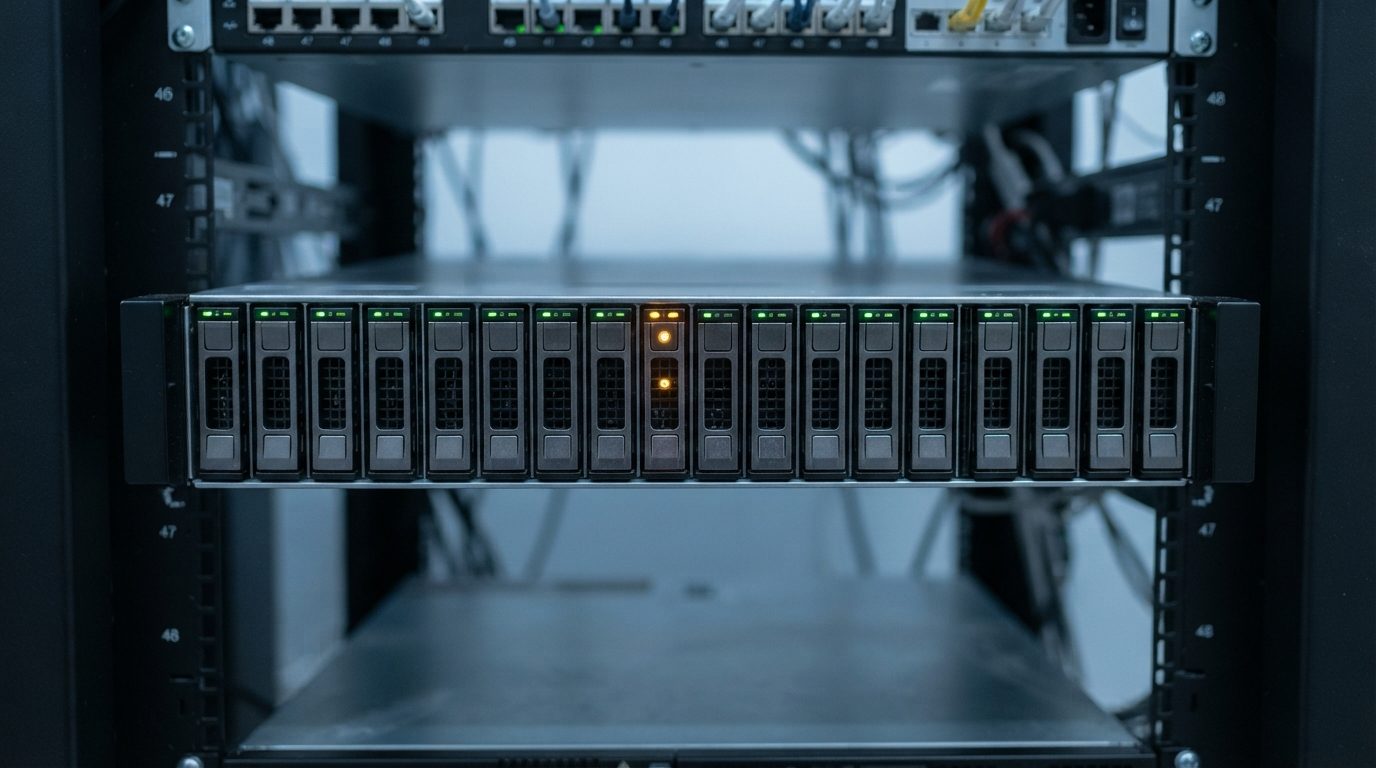
- Photograph the front of the server. Capture the drive status LEDs and which bays are populated before anything is removed.
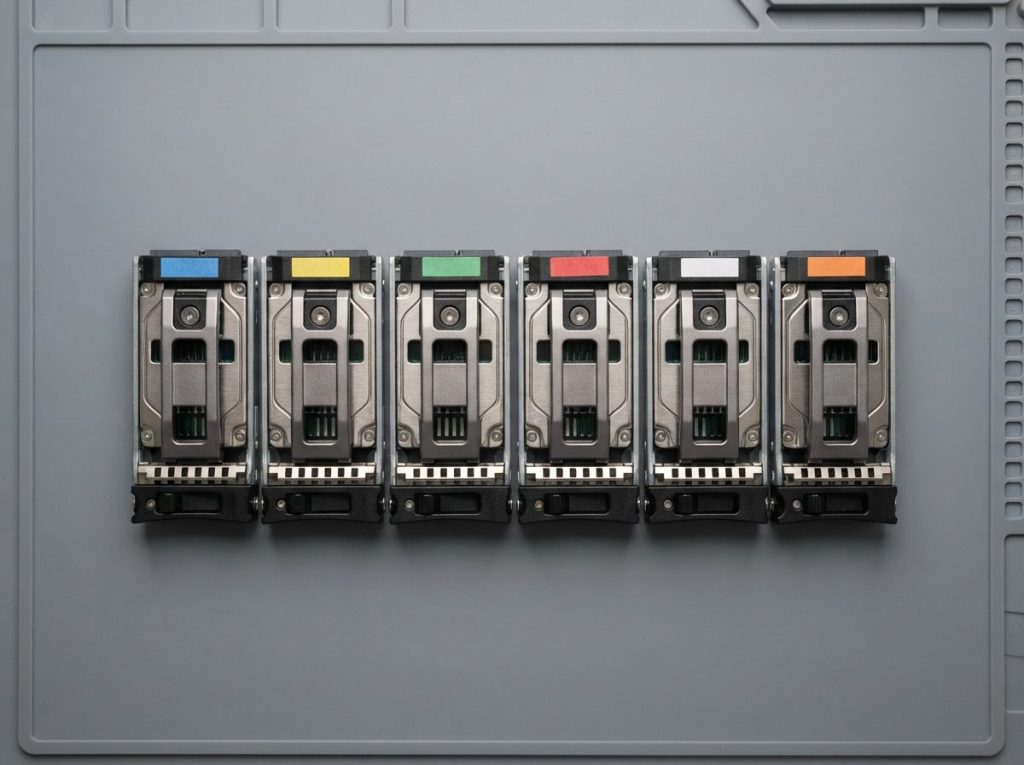
- Label every drive with its bay number. Use tape on the carrier, not on the drive’s circuit board. Keep any drive you’ve already pulled and note where it came from.
- Write down the details. Note the RAID level, number of drives, controller messages, operating system or hypervisor, and the order of events, including any drives replaced recently.
- Find out what data matters most. A list of key databases, VMs or folders helps the lab prioritize.
Safe checks are limited to things that don’t touch the data: confirming power supplies and cables are seated and reading messages the controller shows at startup. Anything that changes the array configuration belongs after the drives have been imaged.
What should you never do after an HP server failure?
Avoid any action that writes to the drives or changes the RAID metadata. Those changes can overwrite the very information needed to rebuild the array.
- Don’t force a rebuild on a degraded array whose drives may be weak. The rebuild stresses every disk at once.
- Don’t initialize, clear or recreate the logical drive. Even with “the same settings”, this can overwrite metadata and the start of the volume.
- Don’t change the drive order or move drives to a different server to test them.
- Don’t replace several drives at once hoping the array will sort itself out.
- Don’t update controller or drive firmware while the array is in a failed state.
- Don’t run CHKDSK, fsck or similar repair tools. They “fix” damaged structures by rewriting them, which can make lost files impossible to recover.
- Don’t reinstall the operating system or reformat a datastore to get the server running again.
- Don’t open a drive. Dust inside a hard drive can permanently damage the platters, the disks that store your data.
How does professional HP ProLiant data recovery work?
Professional recovery works on copies, never on your original drives. Each disk is imaged on its own, then the array is rebuilt in software and the data is pulled from that virtual copy.
At Prime Data Recovery in North York, Toronto, we follow the same order for every server:
- Free evaluation and diagnosis. We check each drive’s health, the controller details you provide and the history of the failure.
- Findings and quote. You get a clear explanation and a quote. Nothing goes ahead without your approval.
- Physical repair if needed. A hard drive with failed read/write heads (the tiny parts that read the platters) is opened only in our ISO certified Class 10 cleanroom. There, a head stack replacement can be done using parts from a matching donor drive. PC-3000 tools help diagnose and repair drive firmware faults.
- Controlled imaging. Imaging means making a sector-by-sector copy of a drive. Tools such as the DeepSpar Disk Imager read weak drives gently, skip bad areas first and return to them later. Nothing is written to your originals.
- Virtual RAID reconstruction. RAID reconstruction means working out the disk order, stripe size, parity rotation and which drive dropped out first, then assembling the array from the images. A drive that failed early may hold stale data, so it’s often left out.
- File system and VM recovery. We rebuild the NTFS, ReFS, VMFS, ext4 or XFS structures from the reconstructed image. Then we extract shared folders, virtual disks and databases.
- Verification and delivery. You check key files in a file verification session before delivery on a new storage device.
You can read more about each stage on our data recovery process page.
Can data be recovered if two drives failed in a RAID 5 array?
Often yes, when at least one of the “failed” drives can still be read, even partly.
Drives are frequently marked failed because of read timeouts, not total failure. If a drive can be repaired or imaged, the lab may get enough data to rebuild the array. How much comes back depends on the physical state of each disk and on what happened after the failure. That’s why stopping early matters, and why no honest lab can promise a result before evaluation.
When should you call a professional instead of trying a fix?
Call for help as soon as the data isn’t fully backed up somewhere else and the fix would mean changing the array, the drives or the file system.
Bring in a professional if any of these apply:
- The logical drive is offline, failed or showing a foreign configuration.
- A rebuild failed or stalled.
- More than one drive shows a warning or failure status.
- Any drive is making unusual noises.
- Critical databases or virtual machines are involved and your backups are missing, old or untested.
If you have a current, verified backup, restoring from it is usually the fastest path. If you don’t, a server data recovery evaluation shows what can be saved before anything irreversible happens. For arrays from other systems, see our RAID data recovery service.
Key takeaways
- ProLiant data loss usually involves the drives, the controller, the RAID metadata or the file system, and often more than one at once.
- Stop writes, shut down cleanly and label every drive’s bay position before anything else.
- Never rebuild, initialize, recreate the array, update firmware or run CHKDSK or fsck on a failed volume.
- Power off immediately if a drive clicks, buzzes or grinds.
- Professional recovery images each drive first, rebuilds the array virtually and never writes to your originals.
Need help with a failed HP ProLiant server?
Prime Data Recovery is an independent lab in North York offering 24/7 emergency support for servers, a free evaluation and quote, and a “No Data, No Fee” policy. All drives are handled confidentially, in line with Canadian privacy law (PIPEDA). Businesses in the GTA can drop off their drives, and customers across Canada can ship them. Request a free quote for your server recovery, or call (416) 661-1112.
Frequently Asked Questions
Should I import a foreign configuration on my HP Smart Array controller?
If the data matters and you don't have a verified backup, hold off. Importing the configuration is sometimes the right fix, but if the stored metadata doesn't match or a drive is weak, it can start a rebuild that damages the array. Write down the exact message, leave the configuration alone, and have the drives imaged first. Then any later step can be tested safely on the copies.
Do I need to send the whole ProLiant server or just the drives?
In most cases the drives alone are enough, as long as each one is labelled with its bay number. Recovery is done from images of each disk, so the server chassis usually isn't needed. Send the RAID controller too if it may hold configuration or cache details, and include notes on RAID level, operating system and recent events. Pack each drive in anti-static protection with padding.
Can virtual machines be recovered from a failed ProLiant VMware host?
Often, yes. After the array is rebuilt from drive images, the lab can read the VMFS datastore and extract the virtual disk files for each machine. Individual files and databases can then be recovered from inside those virtual disks. Results depend on how badly the datastore or virtual disks were damaged, and on whether anything was written after the failure.
Is it safe to keep a degraded ProLiant server running until the weekend?
It's a risk. A degraded array has no redundancy left in RAID 5, and the same stress that took out one drive may affect others of similar age. If your backups are current and verified, planned downtime may be fine. If they aren't, back up the most important data now or shut down and get an evaluation before a second failure happens.
How long does HP ProLiant server recovery take?
It depends on the number and size of drives, whether any need physical repair in a cleanroom, and how complex the RAID and file system damage is. Imaging large or failing drives carefully takes time. Prime Data Recovery offers 24/7 emergency support for servers, and the free evaluation gives you a clearer picture of the work involved before you approve anything.
