
Quick answer: When the hard drive in a CNC machine’s control computer fails, recovering the files is only half the job. The machine needs a working, bootable copy of the whole system. In this case, we recovered a significant portion of the data, imaged it onto a new disk, solved a calibration problem on site and left a spare drive.
This case shows what CNC machine hard drive recovery looks like when the computer is almost as old as the internet. A long-established manufacturer in North York had a production machine stop overnight because one aging disk gave out. Here is what happened, what we did and what other plants with older equipment can learn from it.
What happened to the CNC machine’s computer?
A 30-year-old hard drive in the computer controlling a CNC machine failed, and the machine stopped working.
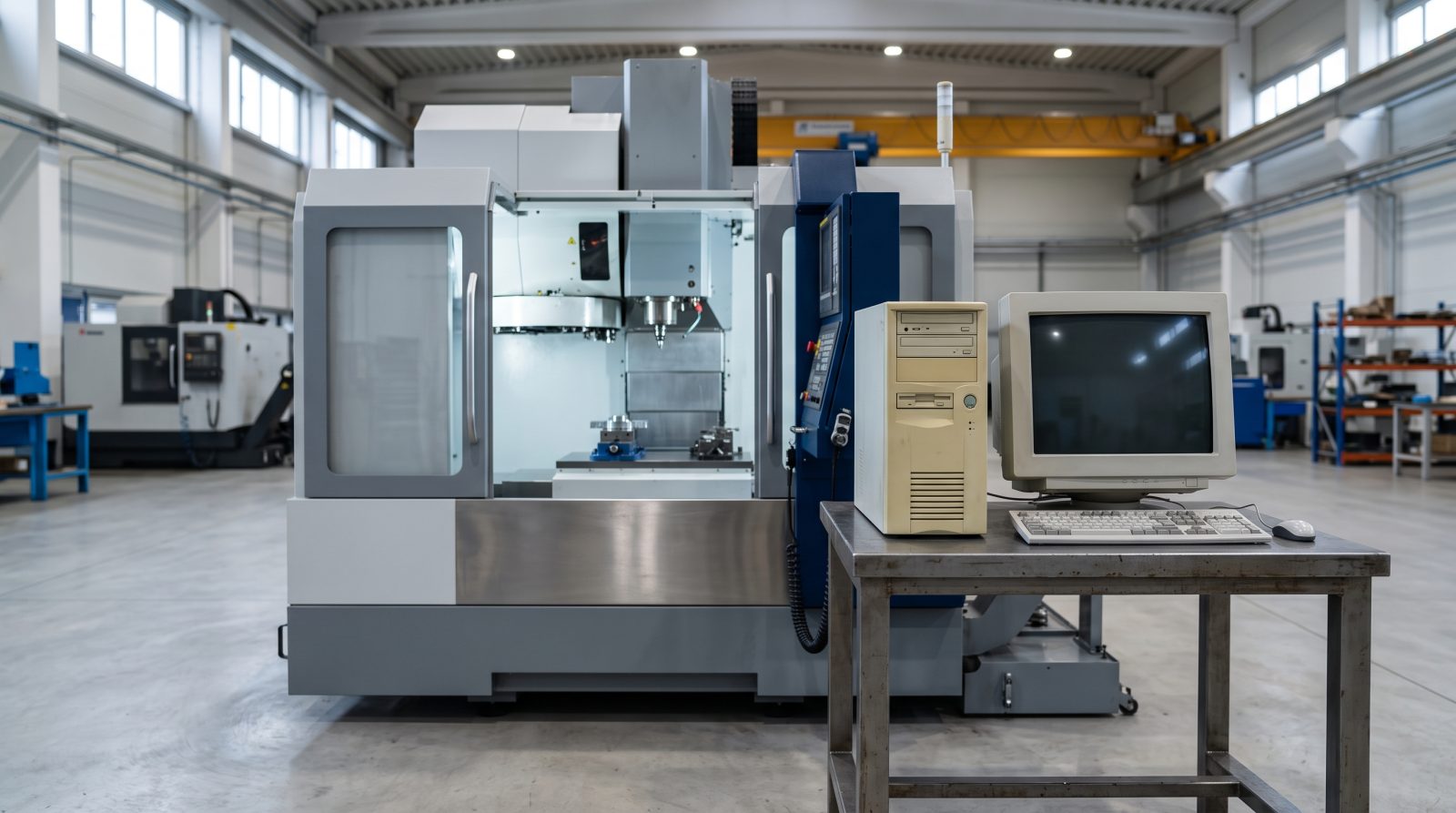
The customer is a kitchenware manufacturer in North York. The company is about 100 years old and a major name in its field. One of its CNC (computer numerical control) machines was connected to a computer set up in 1996.
That computer had run without interruption and without problems for 30 years. Then, at 30 years old, its hard drive failed. With the disk gone, the computer could no longer run the machine, and the CNC stopped.
The team contacted Prime Data Recovery, our lab in North York, Toronto, for help.
Why do old CNC computer hard drives fail?
Hard drives are mechanical devices, so after decades of constant use, wear on their moving parts eventually catches up with them.
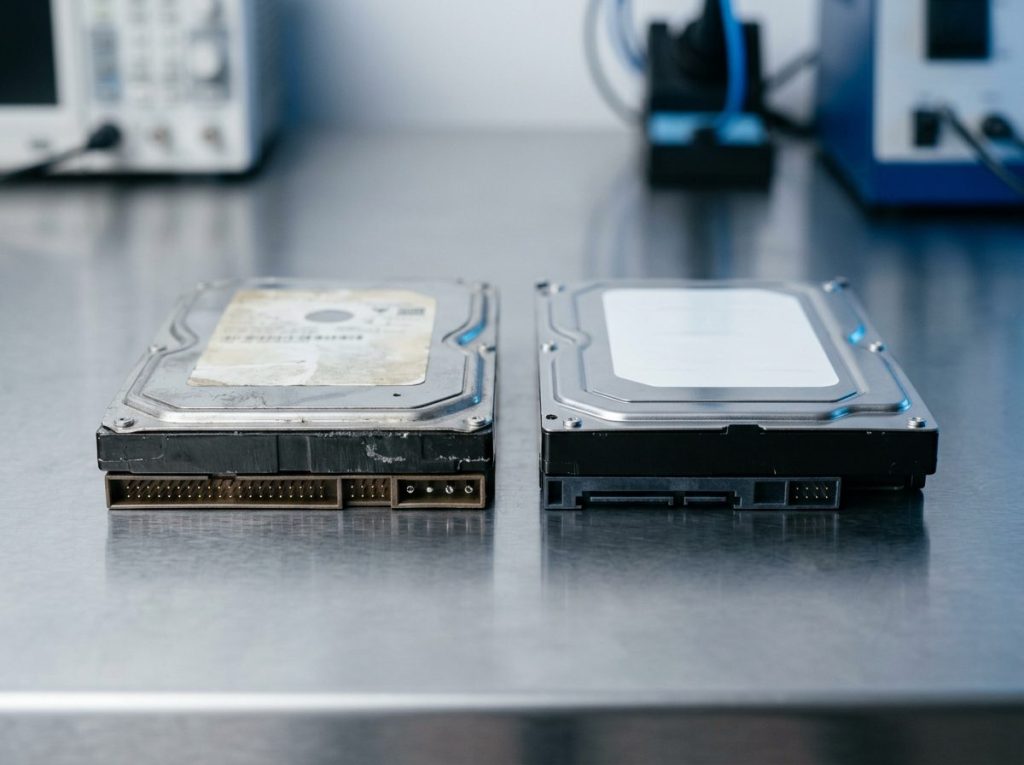
A traditional hard drive stores data on spinning metal discs called platters. Tiny read/write heads float just above the platters to read and write data. A motor keeps the platters spinning, often around the clock in a factory setting.
Over many years, a few common things happen:
- Bad sectors appear. These are areas of the platter that can no longer be read reliably.
- Heads and motor bearings wear out, so the drive may click, slow down or stop spinning up.
- Electronics on the PCB (the circuit board on the bottom of the drive) age, especially with heat and dust from the shop floor.
A drive lasting 30 years in continuous service is unusual. Still, every drive fails eventually. The real risk is when one old disk holds the only working copy of a system nobody can easily rebuild.
Why wasn’t recovering the files enough?
A CNC control computer needs its full, bootable system, not just a folder of recovered files.
The disk held the operating system, the machine control software and its settings, all set up decades ago. Copying files to a USB stick would not bring the machine back. Software from that era is often hard or impossible to reinstall from scratch.
So the job had two parts:
- Recover as much data as possible from the failed disk.
- Build a disk image (a complete, sector-by-sector copy of the drive) and put it onto a new disk in the same computer, so it would boot and behave as before.
How we recovered the data from the failed drive
We followed our standard process: evaluate first, never write to the original disk, and recover from a copy.
- Evaluation: We assessed the failed drive to understand its condition before doing anything else.
- Controlled imaging: For failing drives, our approach is imaging, which means reading the drive into a copy in a careful, controlled way. Weak areas are handled gently so a fragile drive isn’t pushed too hard. Nothing is written to the original.
- Data recovery: From that copy, we recovered a significant portion of the data on the disk.
- New system disk: We put the recovered system onto a new disk and installed it in the original 1996 computer, so the machine could run its own familiar setup.
Working from a copy matters. Every extra hour a failing drive runs can make things worse, so we aim to read it as few times as possible. You can read more about these steps on our data recovery process page.
What problem came up at the factory?
After the new disk was installed on site, the CNC machine had a calibration problem.
The customer asked us to come to the factory and install the system ourselves. We went to the plant and did the installation. The computer worked, but the machine was out of calibration.
This machine is very large, and calibrating it from scratch would have been very costly. So we looked for another way.
How did we restore the calibration?
The plant had another CNC machine that had also been running actively for about 30 years. We took the calibration settings from that machine’s disk and applied them to the repaired machine.
That solved the problem. The machine was back in production without a costly full calibration.
One honest caution: this worked here because of the specific machines involved. Calibration data is often tied to one particular machine. Copying settings between machines is not something to try without knowing your equipment well, and the machine maker’s guidance should come first.
The result
The customer’s CNC machine was running again, calibrated and back in production. The customer was clearly delighted with the outcome.
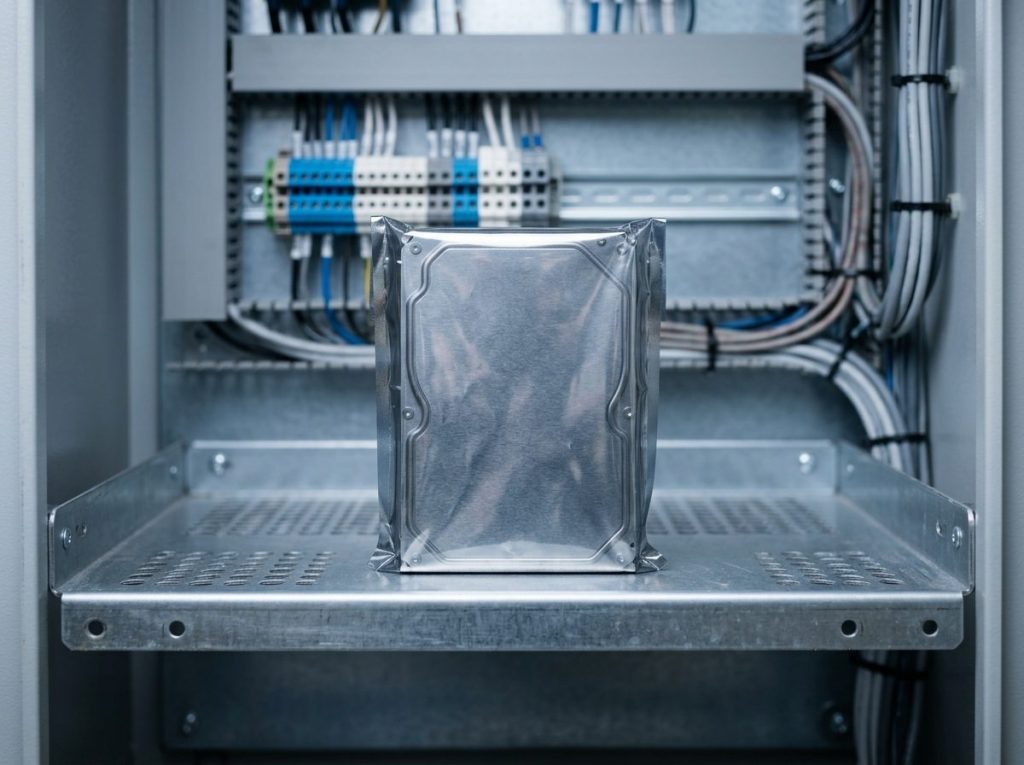
We also left the plant with a spare disk holding the working system. If the drive fails again, all they need to do is swap in the spare. A future failure becomes a quick disk change instead of an emergency.
What can you learn from this case?
If an old computer runs critical equipment, the best time to protect it is while it still works.
Many plants across the GTA still run lathes, mills, routers and presses from older PCs. Here are the practical lessons.
Warning signs and what to do
| Symptom | Likely cause | What to do | What not to do |
|---|---|---|---|
| Clicking, grinding or buzzing from the PC | Worn or failing read/write heads or motor | Power off and get a professional evaluation | Keep restarting to “see if it comes back” |
| Very slow startup, freezes, file errors | Growing bad sectors | Stop non-essential use and plan an image now | Run CHKDSK or other disk repair tools |
| “No boot disk” or drive not found | Drive, PCB or cable failure | Check that cables and power are seated, then stop | Format, reinstall or swap circuit boards |
| Drive does not spin up at all | Motor, electronics or stuck heads | Leave it powered off and seek help | Open the drive, tap it or put it in a freezer |
Checklist for legacy CNC and industrial computers
- Make a verified disk image while the drive still works. Test that the copy actually boots the machine.
- Keep a spare disk on site, labelled with the machine it belongs to.
- Record calibration and configuration settings for each machine and store a copy somewhere safe.
- Don’t let anyone “fix” a failing disk with repair utilities, formatting or reinstalling. These can overwrite what you need.
- Never open the drive. Dust alone can permanently damage the platters. Any work inside a drive belongs in a cleanroom.
When should you call a data recovery lab?
Call a professional as soon as a drive that runs important equipment shows signs of failure, or if it has already stopped.
Old drives may use interfaces and setups that modern shops rarely see. A lab can work on the failed drive safely, recover the data and help you get back to a working system. Prime Data Recovery handles hard drive data recovery and desktop data recovery, including older machines. Any work that means opening a drive is done in our ISO certified Class 10 cleanroom.
All equipment and data are handled confidentially, in line with Canadian privacy law (PIPEDA). Recovery is never guaranteed, because results depend on the type and severity of damage. That is why we start with a free evaluation.
Key takeaways
- A failed disk in a CNC control computer can stop production even if everything else is fine.
- Recovering files is often not enough. The machine may need a full, bootable disk image on a new drive.
- Calibration can be the hidden cost after a system rebuild, so keep a record of machine settings.
- A tested spare disk turns a future failure into a quick swap.
- If a drive clicks, grinds or won’t spin, power it off and don’t try repair tools.
Need help with an old or failed drive?
If a computer running your machines has stopped, or you want to protect it before it does, Prime Data Recovery in North York can help. We offer a free quote and evaluation, a fast and free 30-minute diagnostic, and a “No Data, No Fee” policy. Before delivery, we review your recovered files with you in a file verification session. Call (416) 661-1112 or request a free quote online.
Frequently Asked Questions
Can data be recovered from a hard drive in a 1990s computer?
Often, yes. Older drives use the same basic parts as modern ones: platters, read/write heads and a circuit board. A lab can usually evaluate them and image what is readable. Results depend on the damage, so recovery is never guaranteed. Keep the drive powered off, don't run repair tools, and have it evaluated before anyone tries a fix.
Will a cloned disk work in my old CNC control computer?
In many cases, a full sector-by-sector image restored to a new disk lets the original computer boot as it did before. That includes the operating system, control software and settings. Compatibility depends on the computer's interface and setup, so the new disk has to suit the old hardware. Test the cloned disk in the machine while the original is still available.
Is CNC calibration data stored on the computer's hard drive?
It depends on the machine. Some systems keep calibration and configuration values in files on the control computer's disk. Others store them in the machine's own controller memory. Check your manufacturer's documentation, then write down and back up these settings. If a disk fails, a record of the calibration can save a lot of time and cost.
What should I do if the computer running my factory machine won't boot?
Check that the power and data cables are firmly connected, and look for any obvious loose connections. If the computer still won't boot, or you hear clicking or grinding, turn it off. Don't reinstall the system, format the disk or run disk repair tools. Have the drive evaluated so the data and system can be recovered safely.
How can a manufacturer prepare for a legacy computer failure?
Make a tested disk image of each critical control computer while it still works. Keep a labelled spare disk on site, and record each machine's calibration and configuration settings. Store copies away from the shop floor. With this in place, a future disk failure can be handled with a quick swap instead of an unplanned shutdown.